
Project Smart home
I Let AI Control My House
I run 67 devices and 44 automations across three networks with Home Assistant and Claude Code. This is my setup, including what broke and what I’d buy again.
- Home Assistant Green
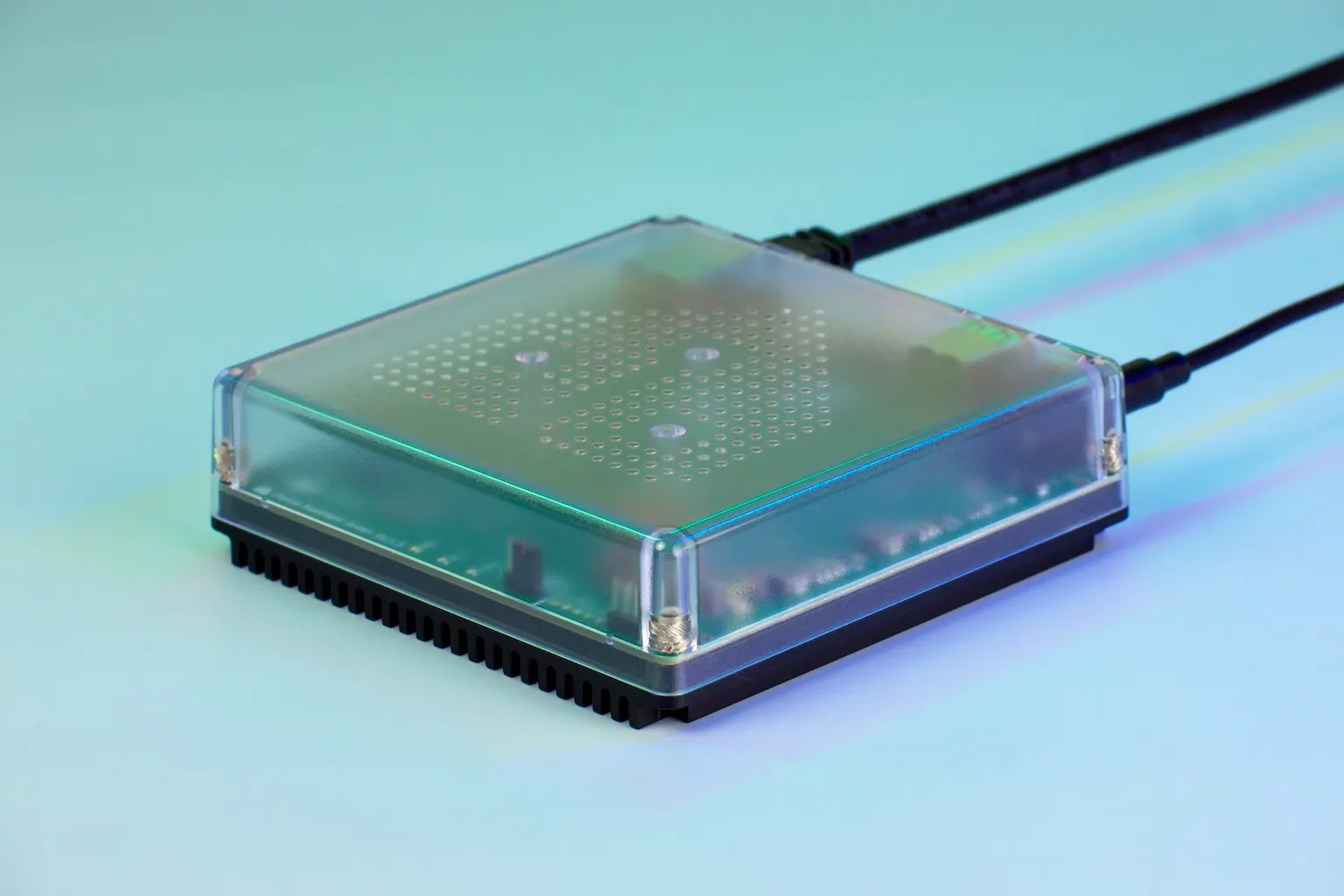
- SMLIGHT SLZB-MR4U
- Zigbee
- Matter over Thread
- Wi-Fi
- Claude Code
Overview
I run Home Assistant OS on a Home Assistant Green. I’ve had it running since May 2026. I’ve hooked Claude into it recently, and some of the stuff I’ve got working is honestly insane.
The setup integrates with 67 devices and has 44 automations, with 25 of those running in the past week for an average of about 1,000 runs a day. I’ve got everything from smart lights and plugs that track power use to automatic cat feeders and a robot vacuum. Tailscale gives me remote access, and there are add-ons for Matter and MQTT too.
67
devices
Controlled through Home Assistant.
44
automations
25 ran at least once in the past week.
1,000
runs a day
A daily average from the past week.
Dashboards & Mission Control
Home Dashboard
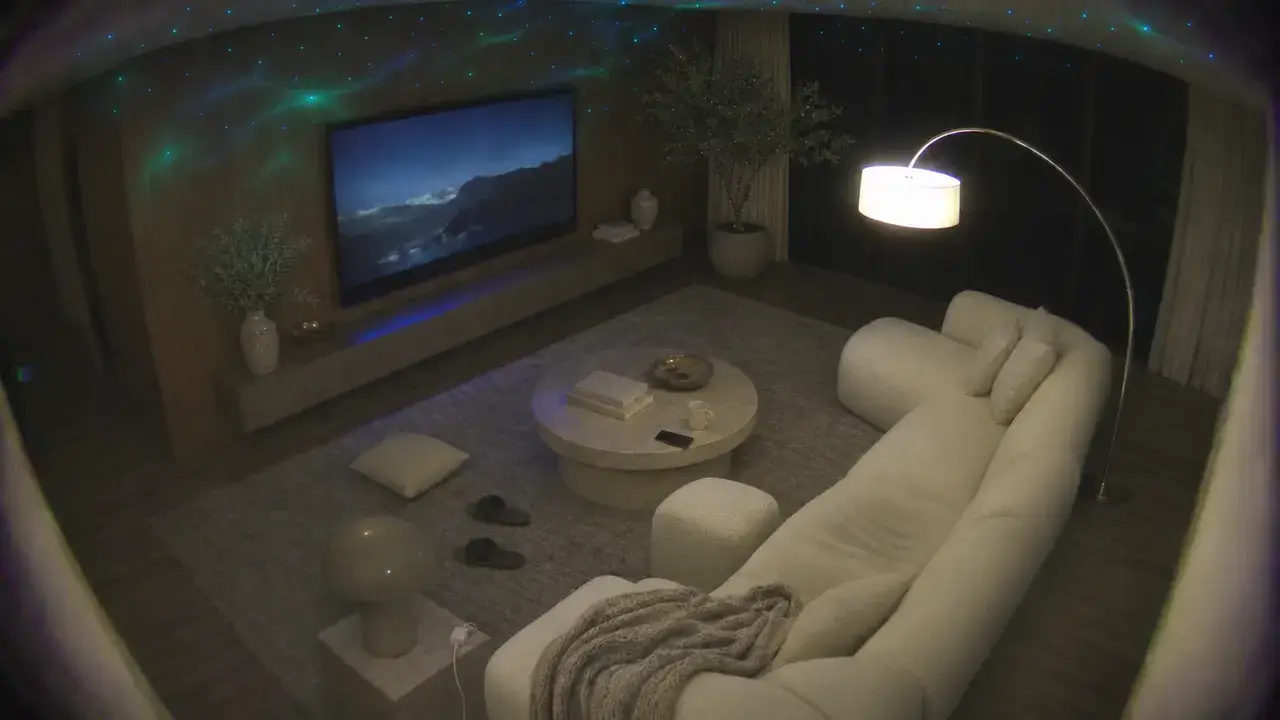
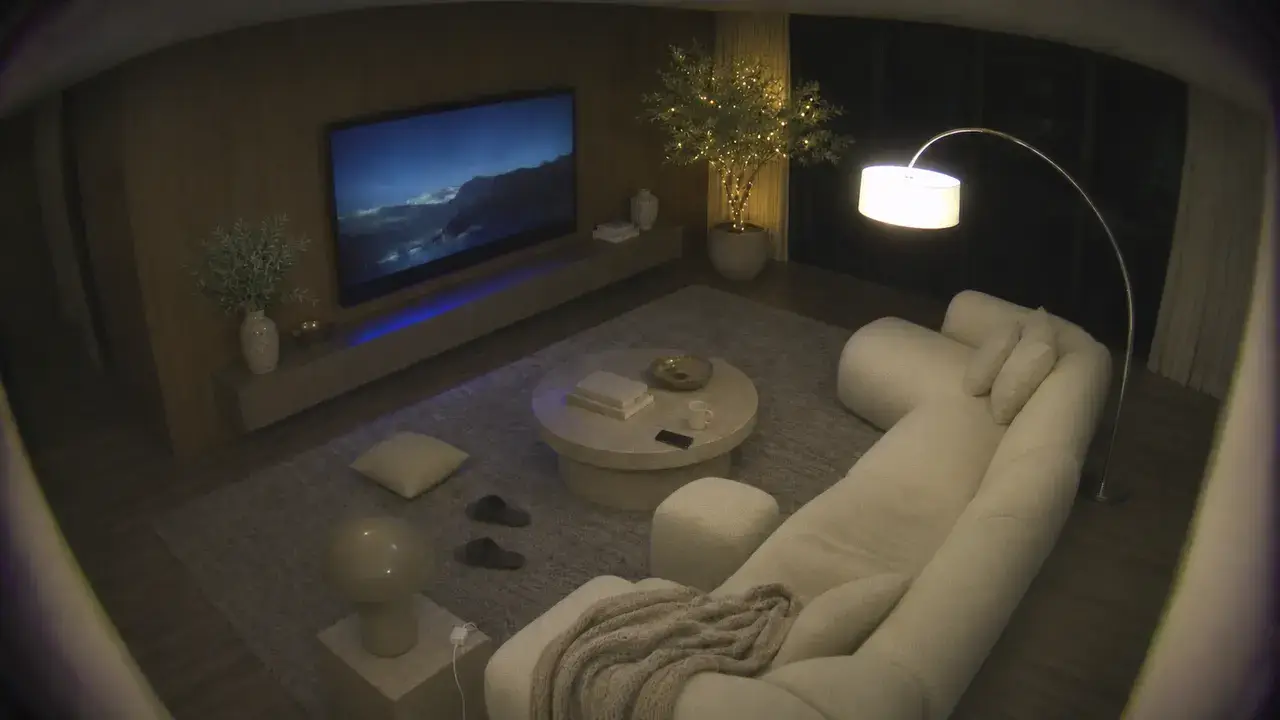
Living Room
21.5° · 44%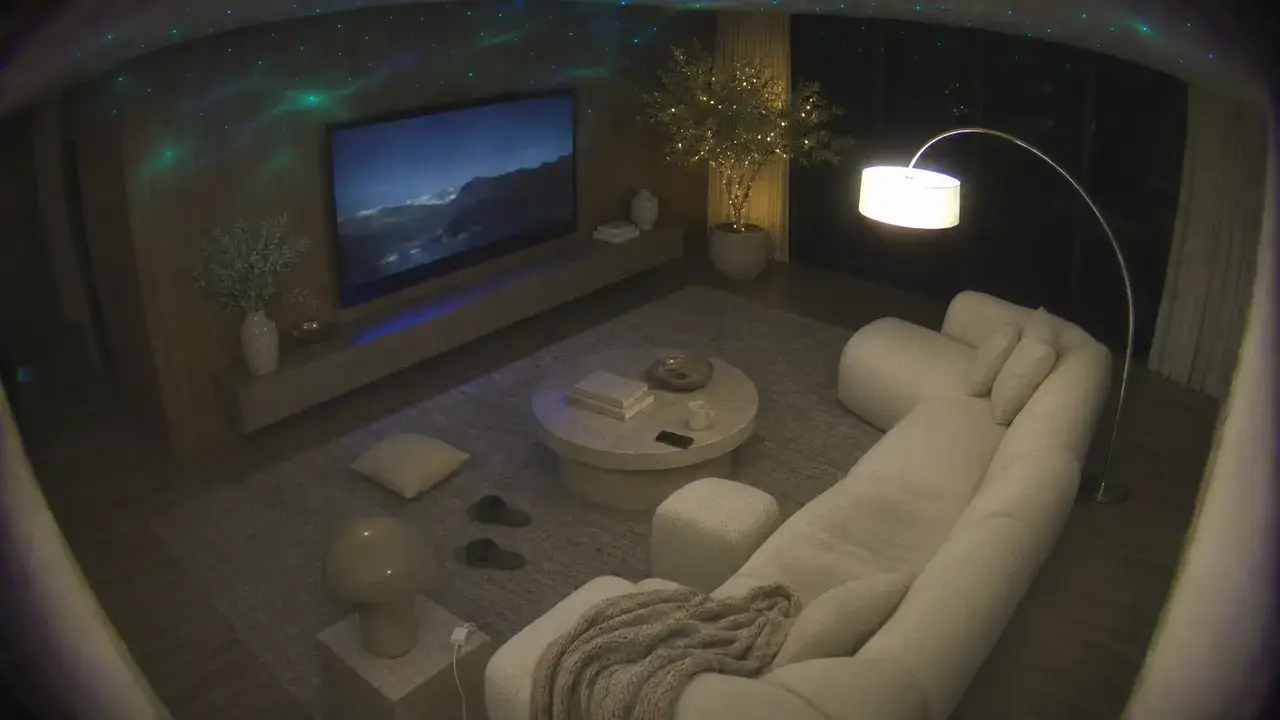
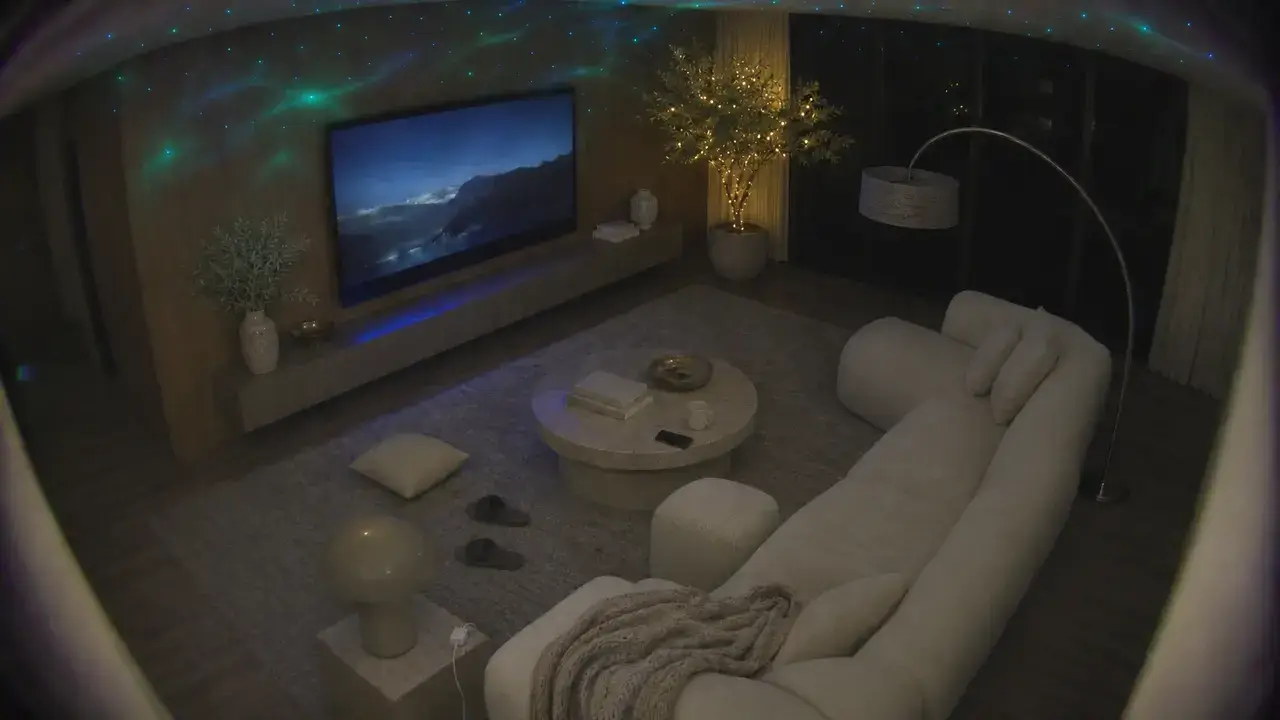
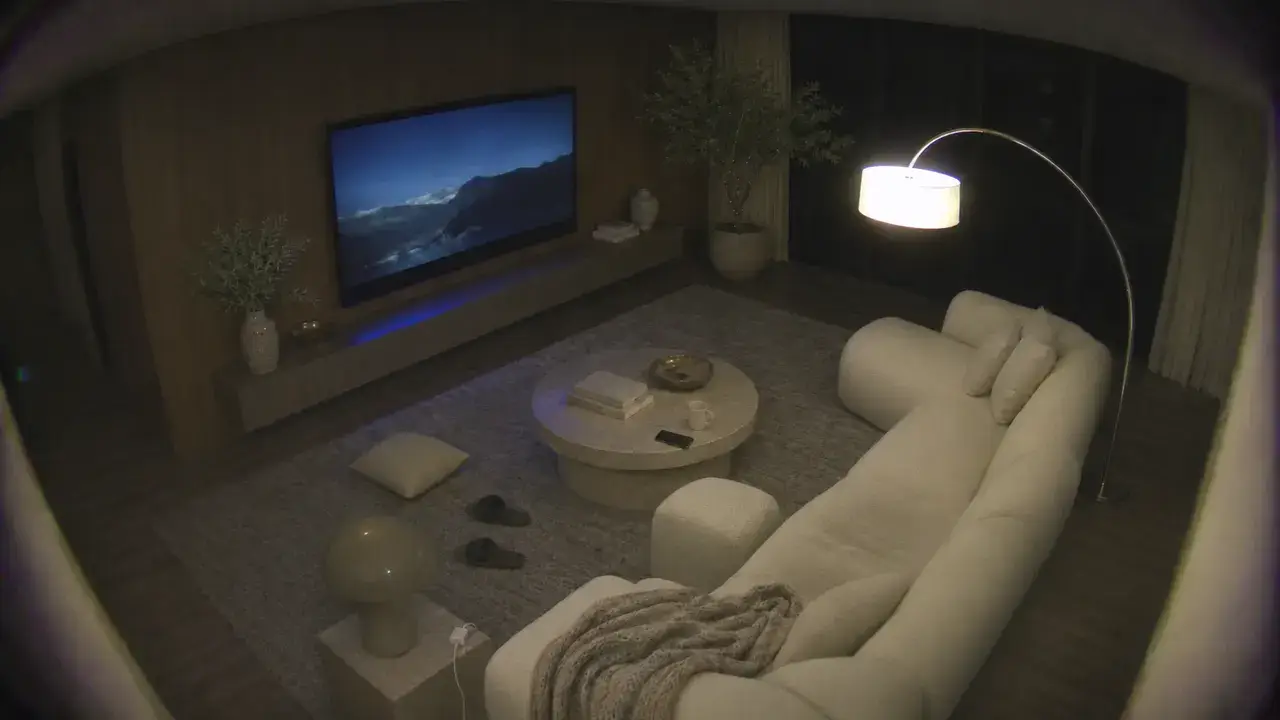
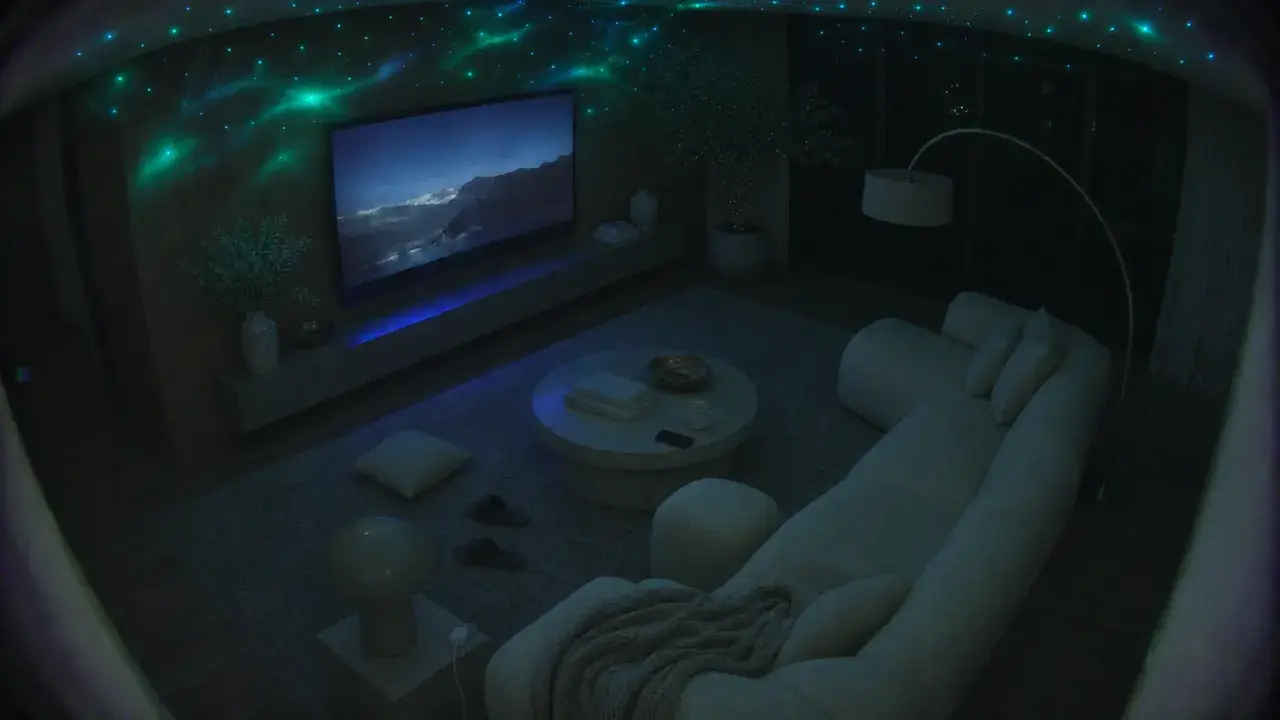
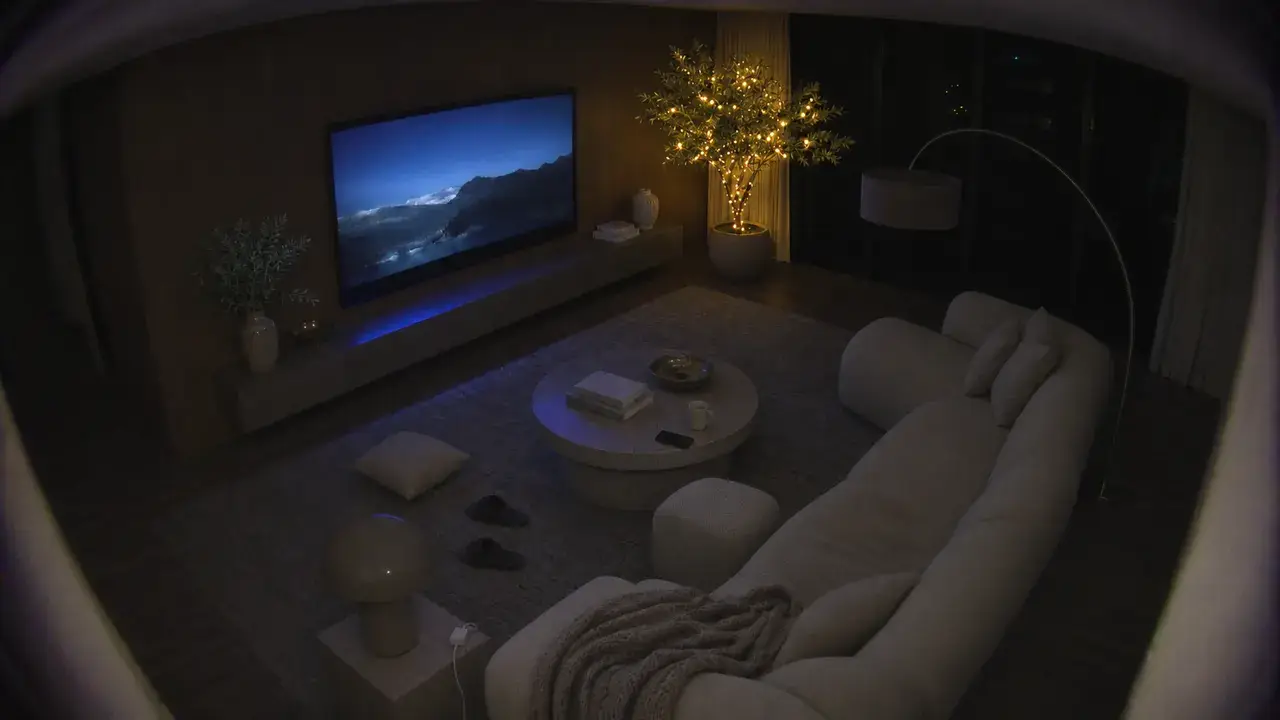
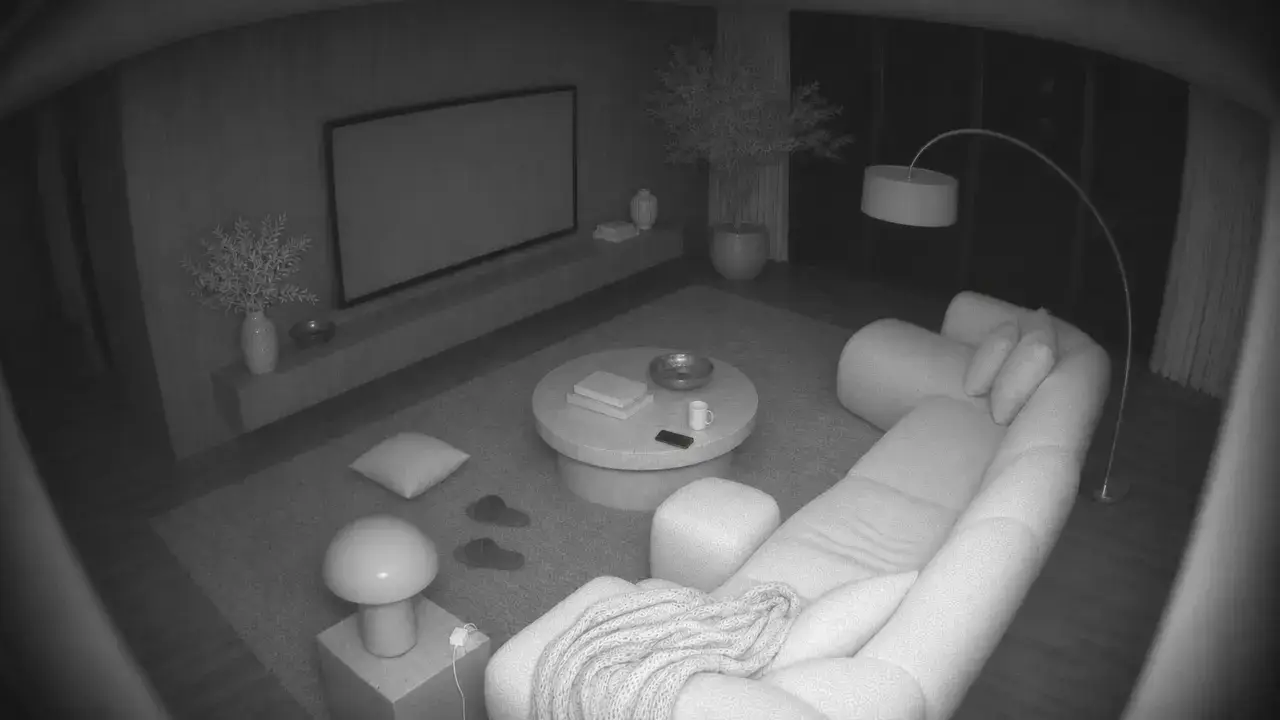 Living Room
- Living Room TVLiving room
- Floor LampLiving room
- Star ProjectorLiving room
- Christmas LightsLiving room
Office
22° · 41%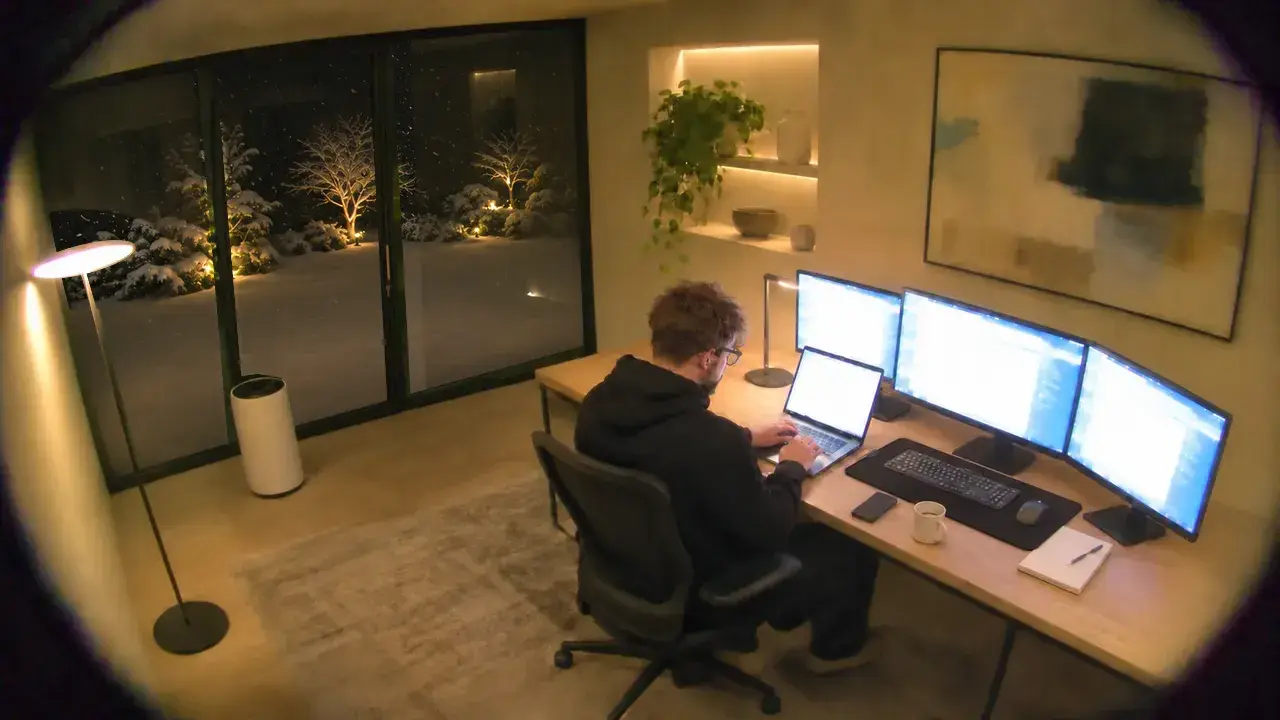
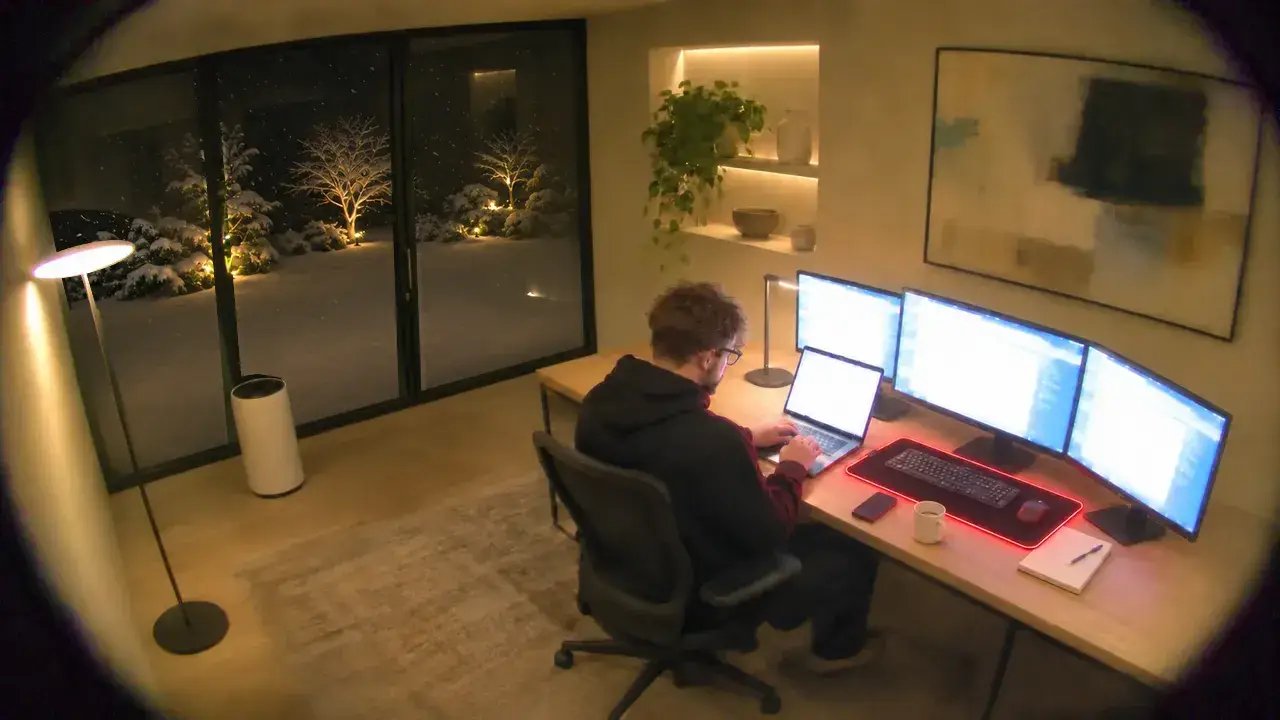
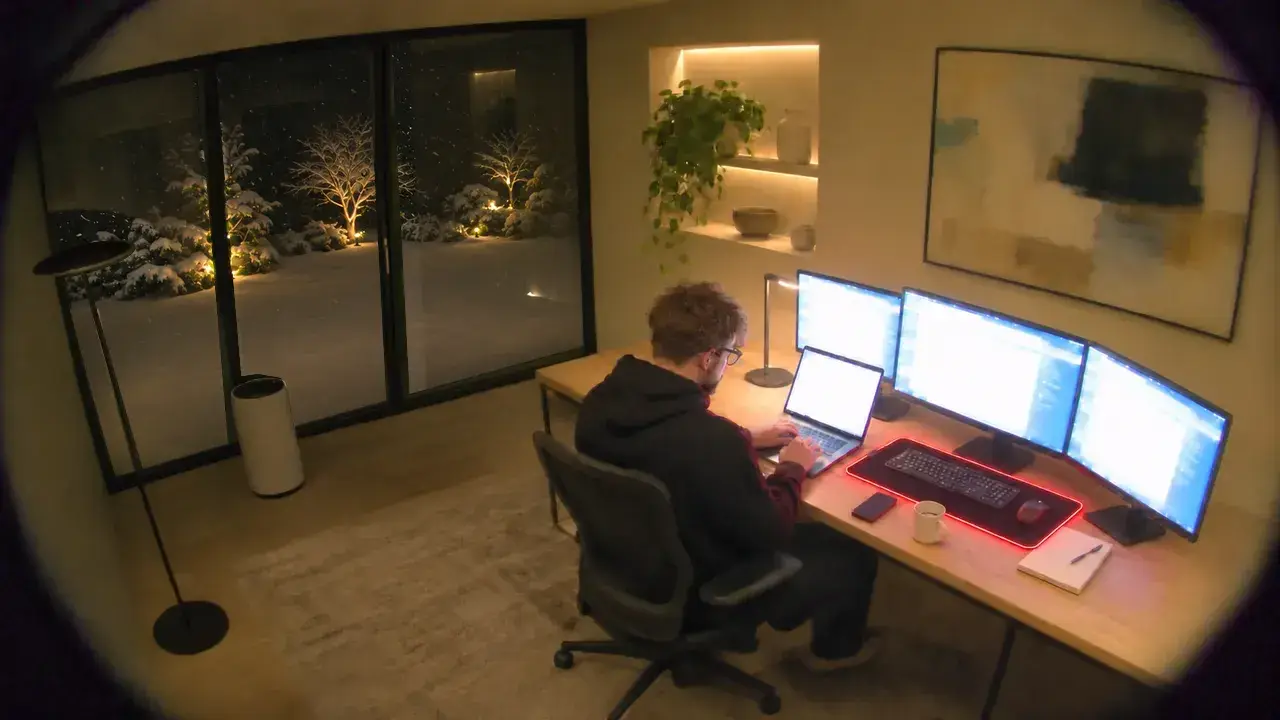
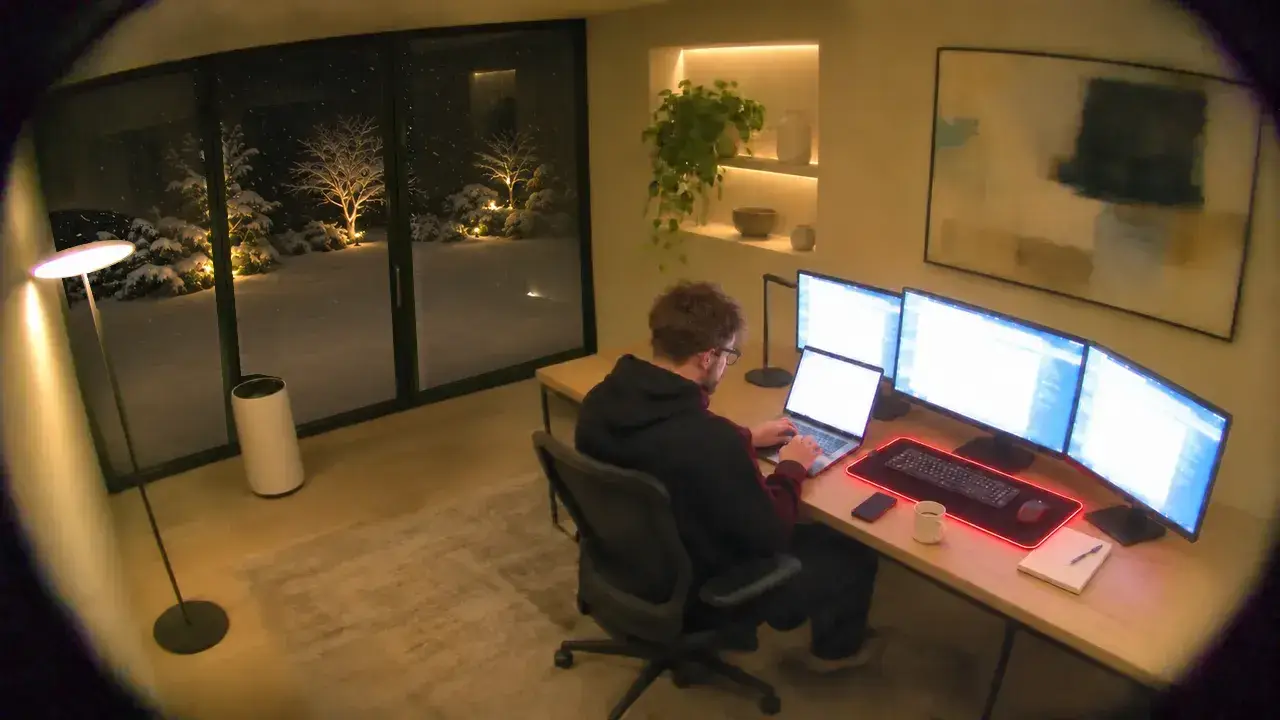
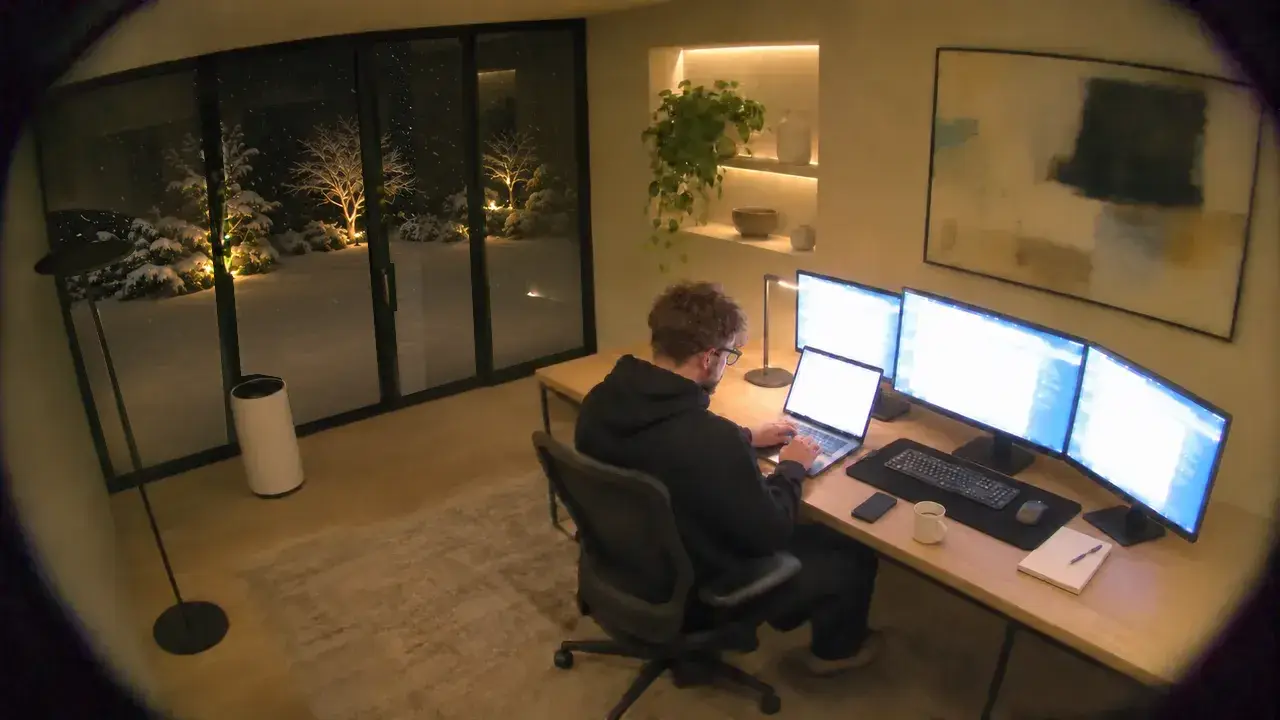
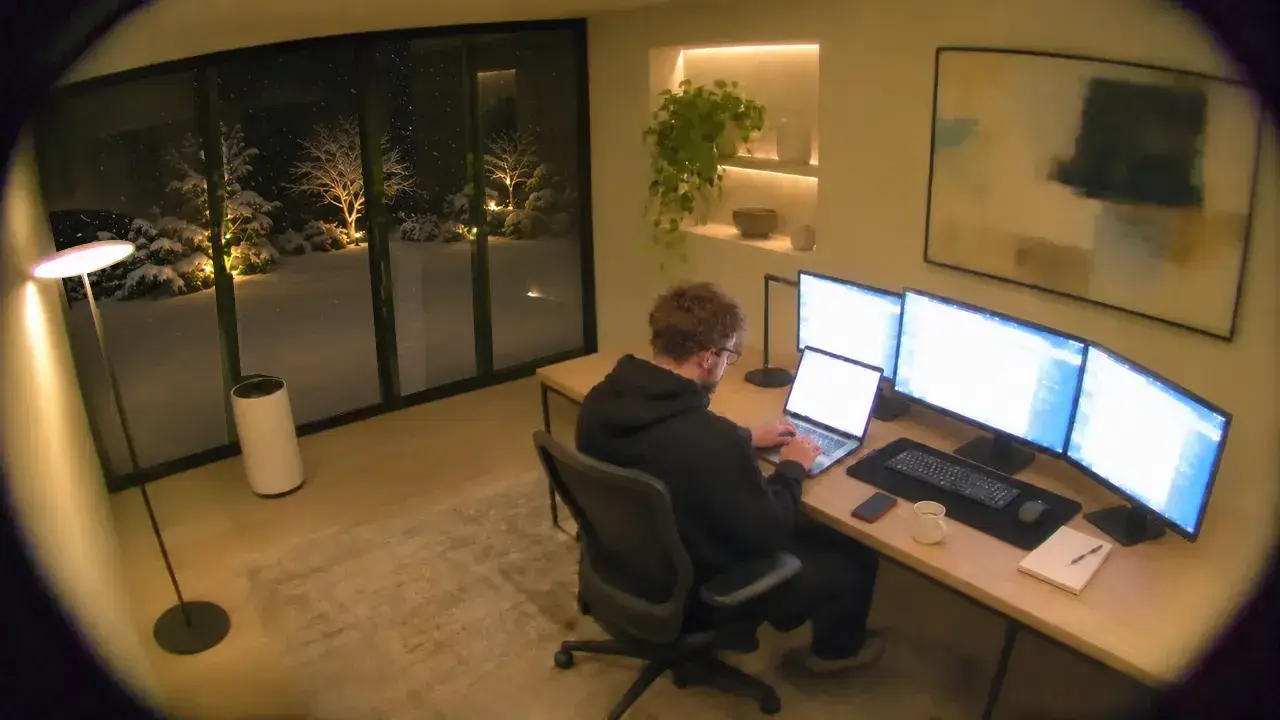
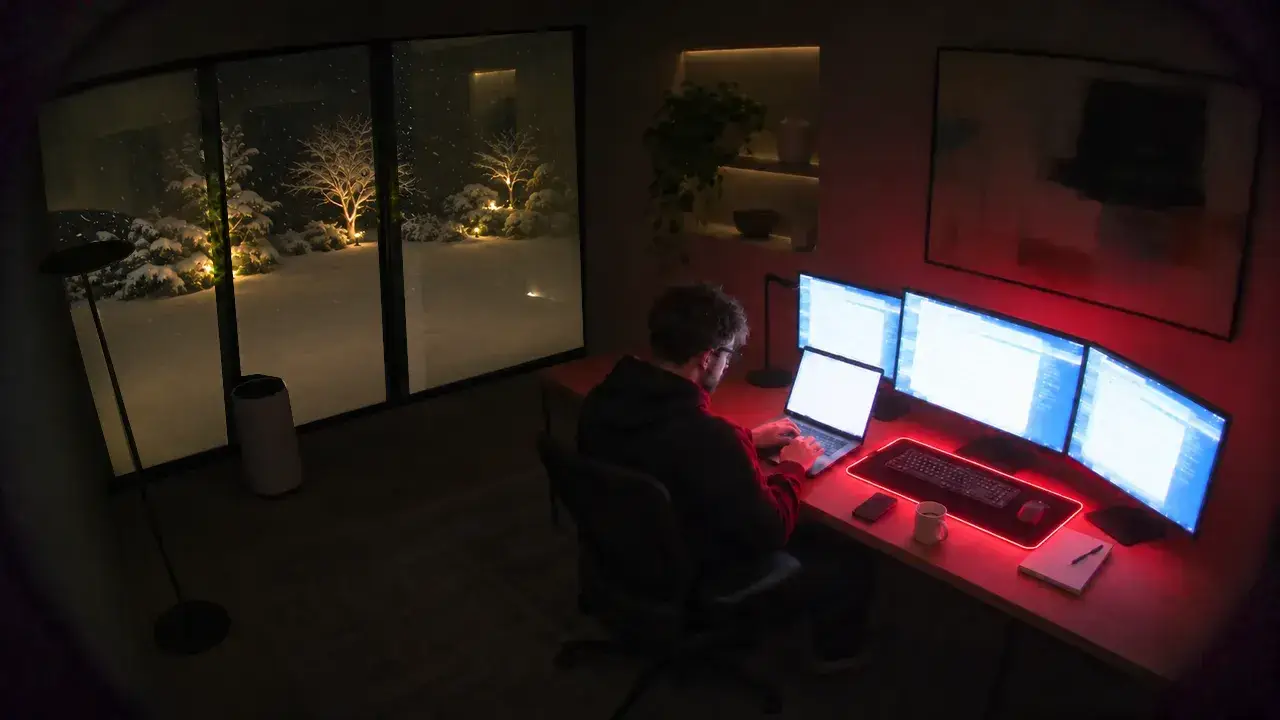
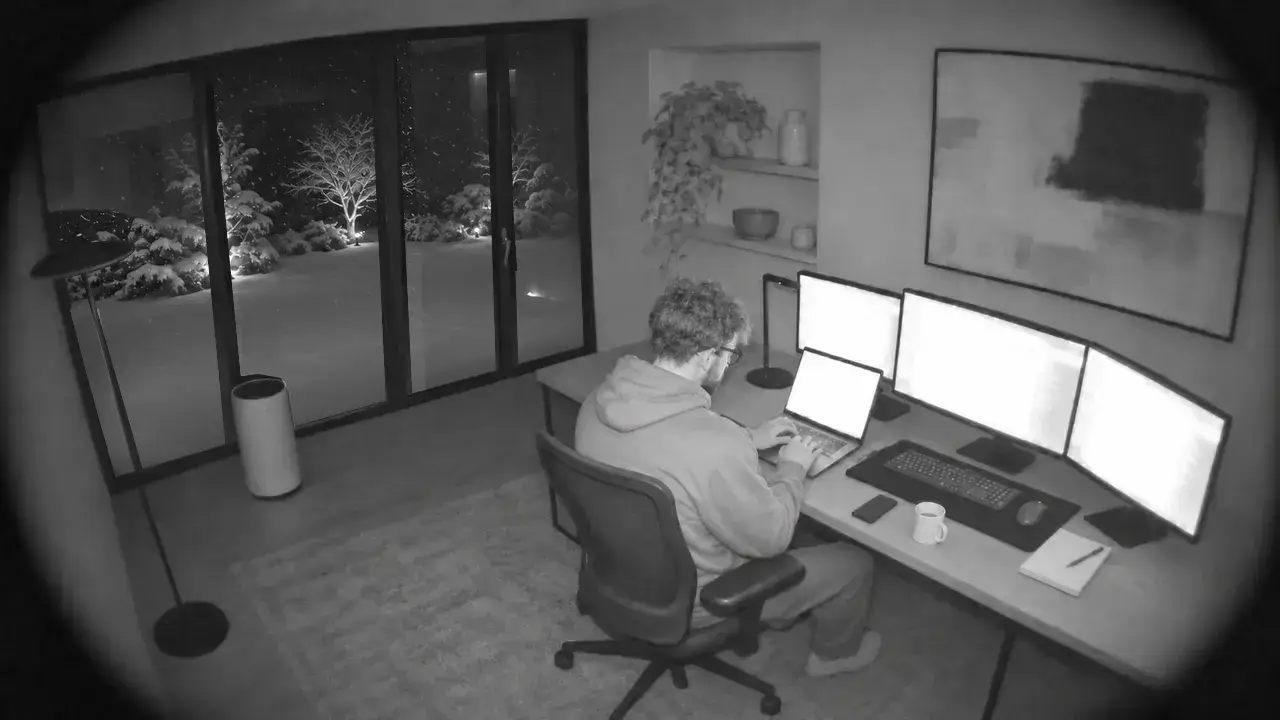 Office
- Office SpeakerOffice
- Desk LampsOffice
- Floor LampOffice
- Razer MousepadOffice
- Air PurifierAir
Kitchen
20.5° · 46%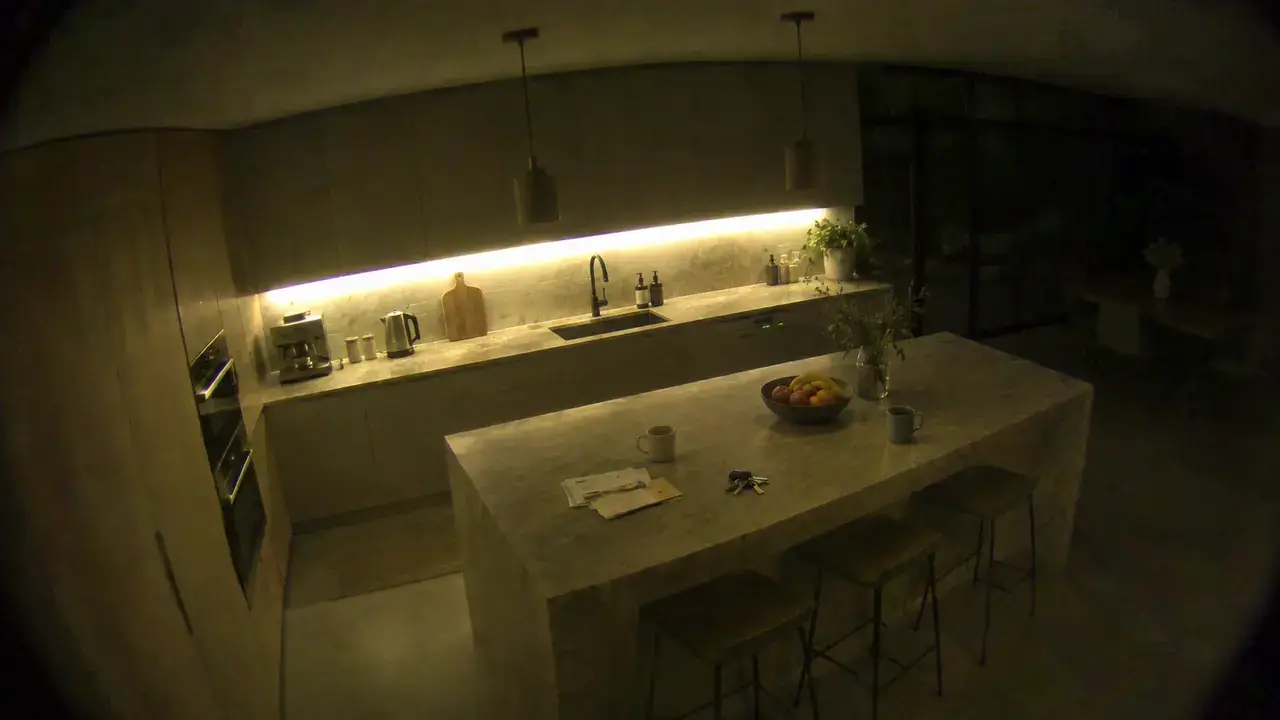
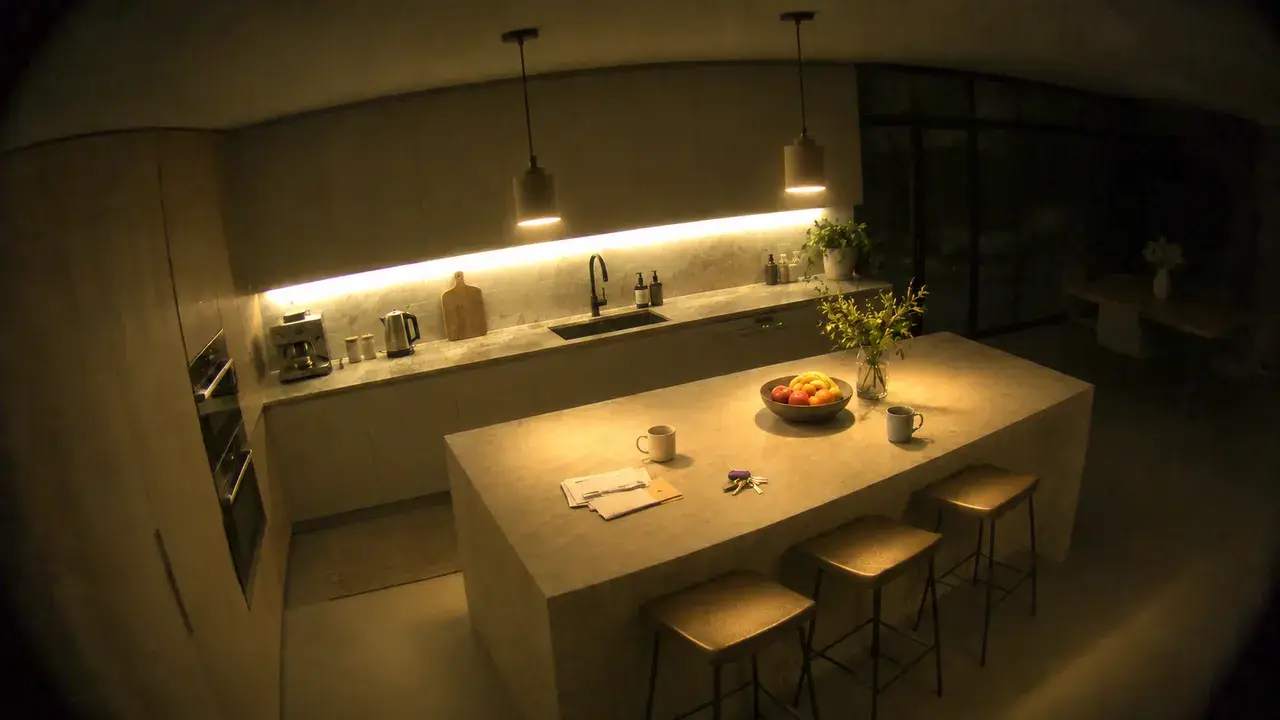
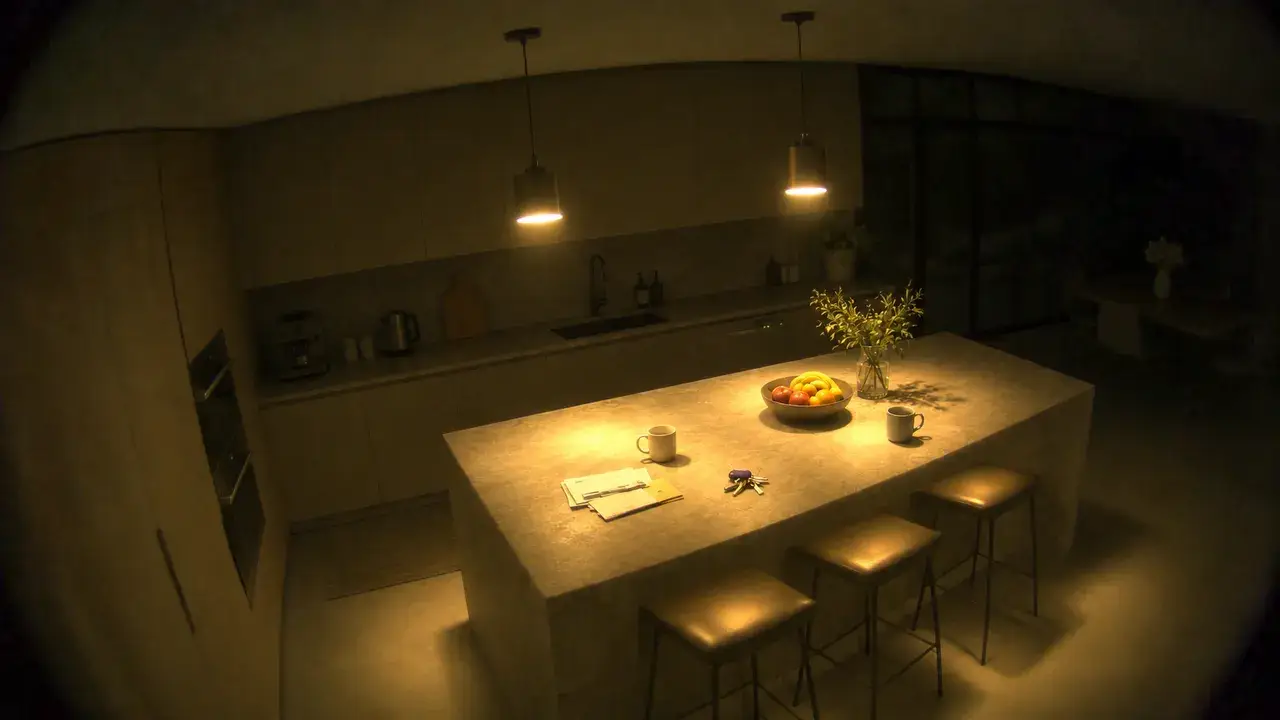
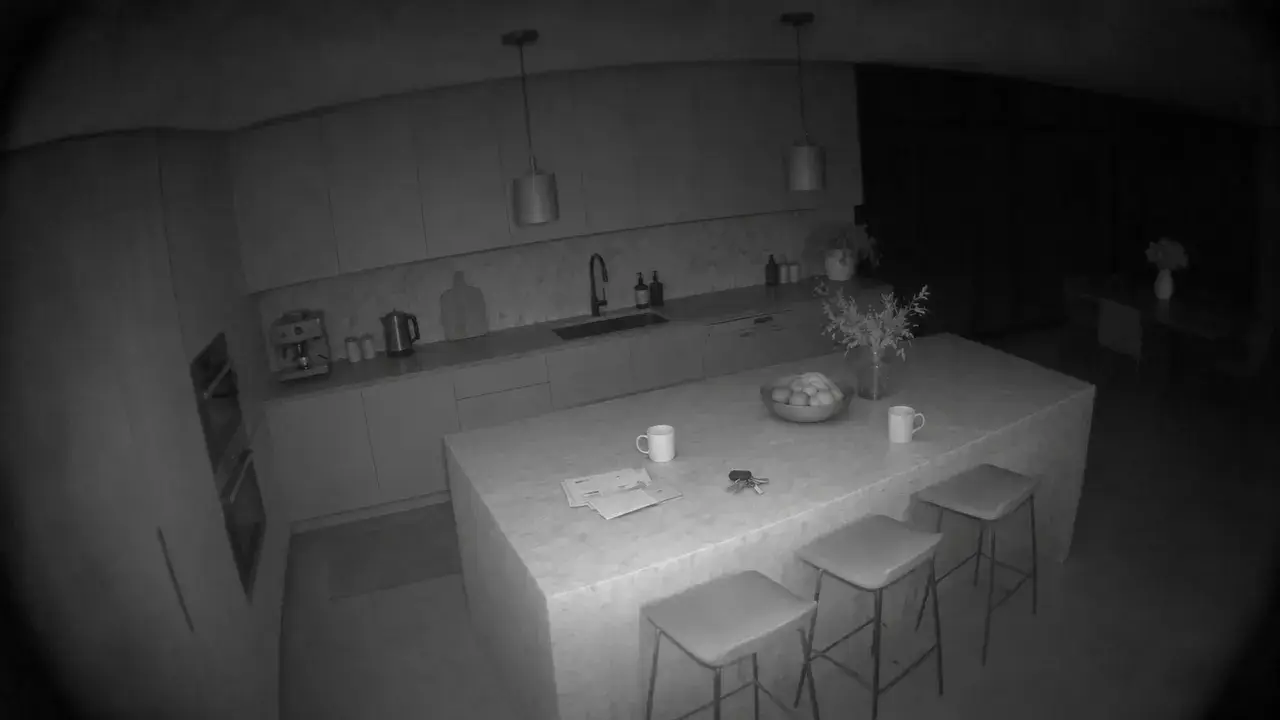 Kitchen
- Island PendantsKitchen
- Kitchen UnderglowKitchen
- DishwasherEnergy
Dining Room
21° · 45%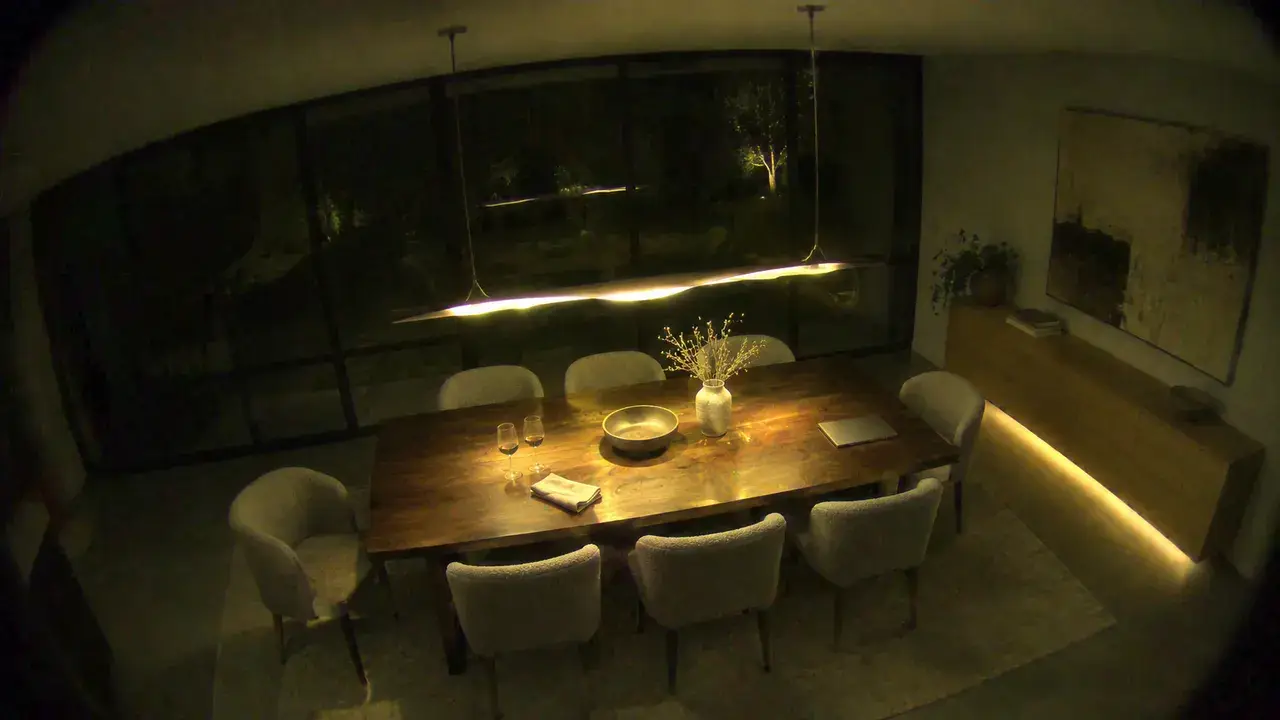
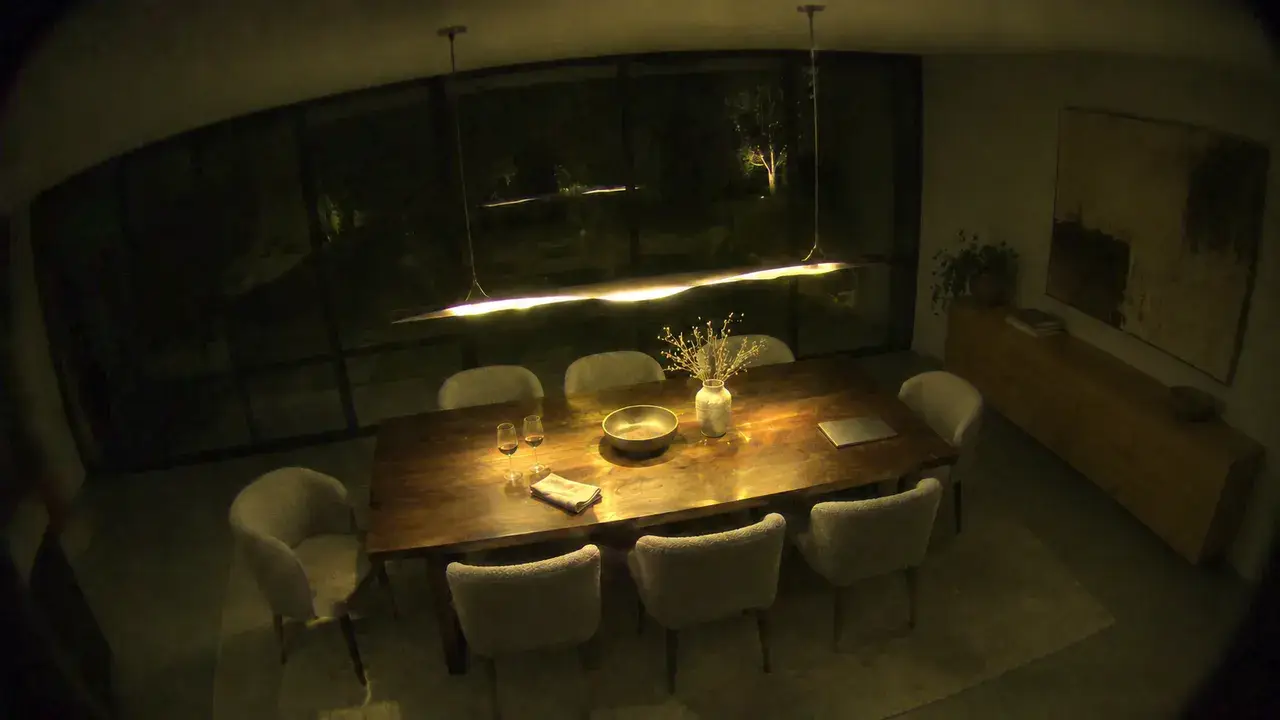
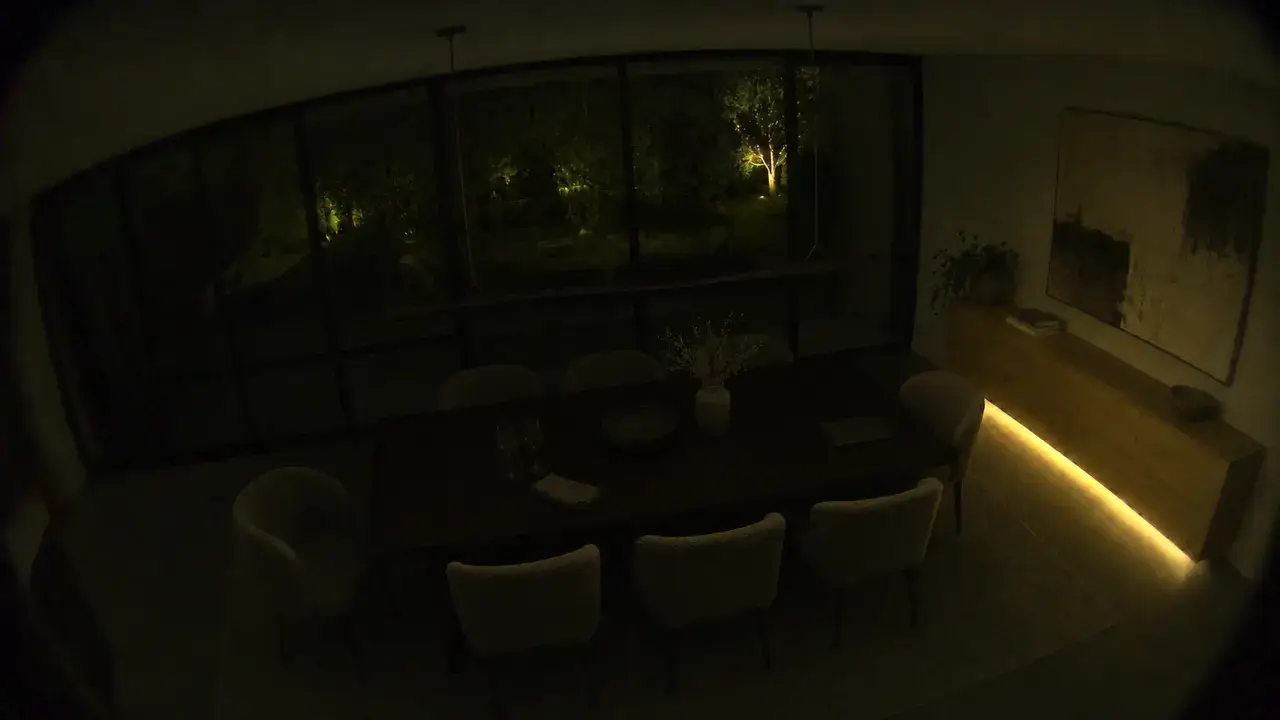
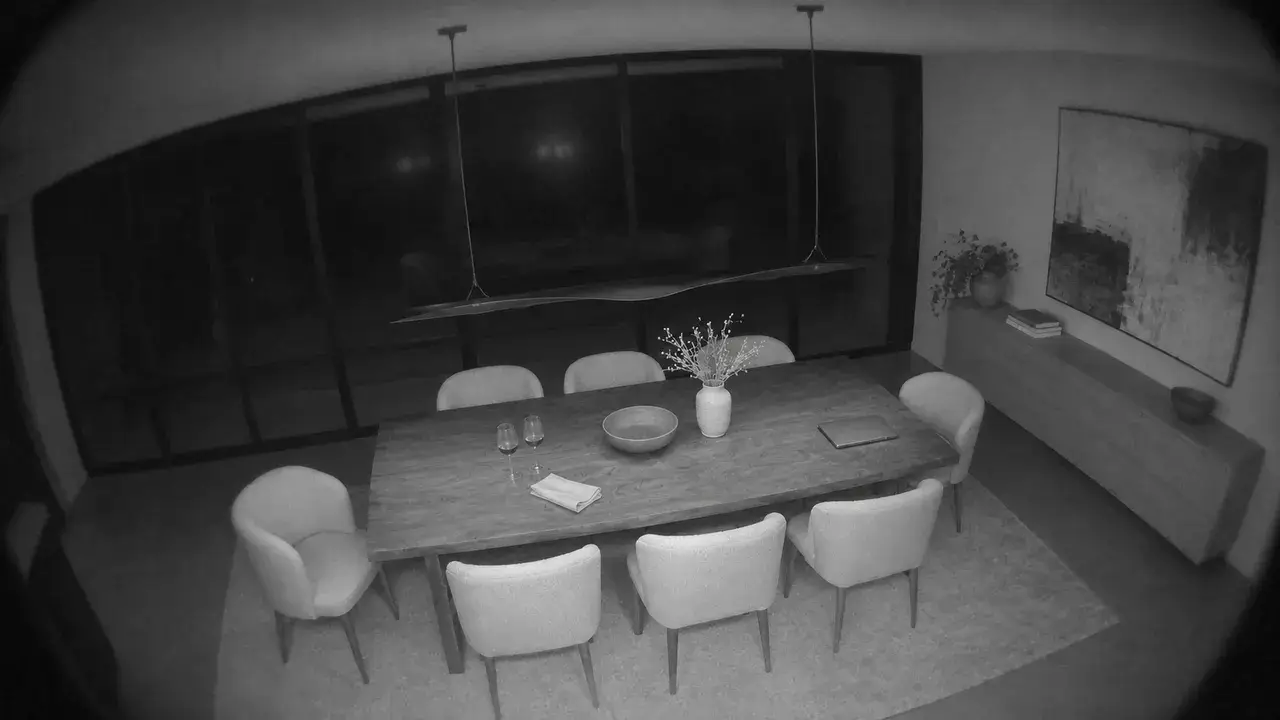 Dining Room
- Dining SpeakerDining room
- Dining PendantDining room
- Sideboard UnderglowDining room
Bedroom
19.5° · 48%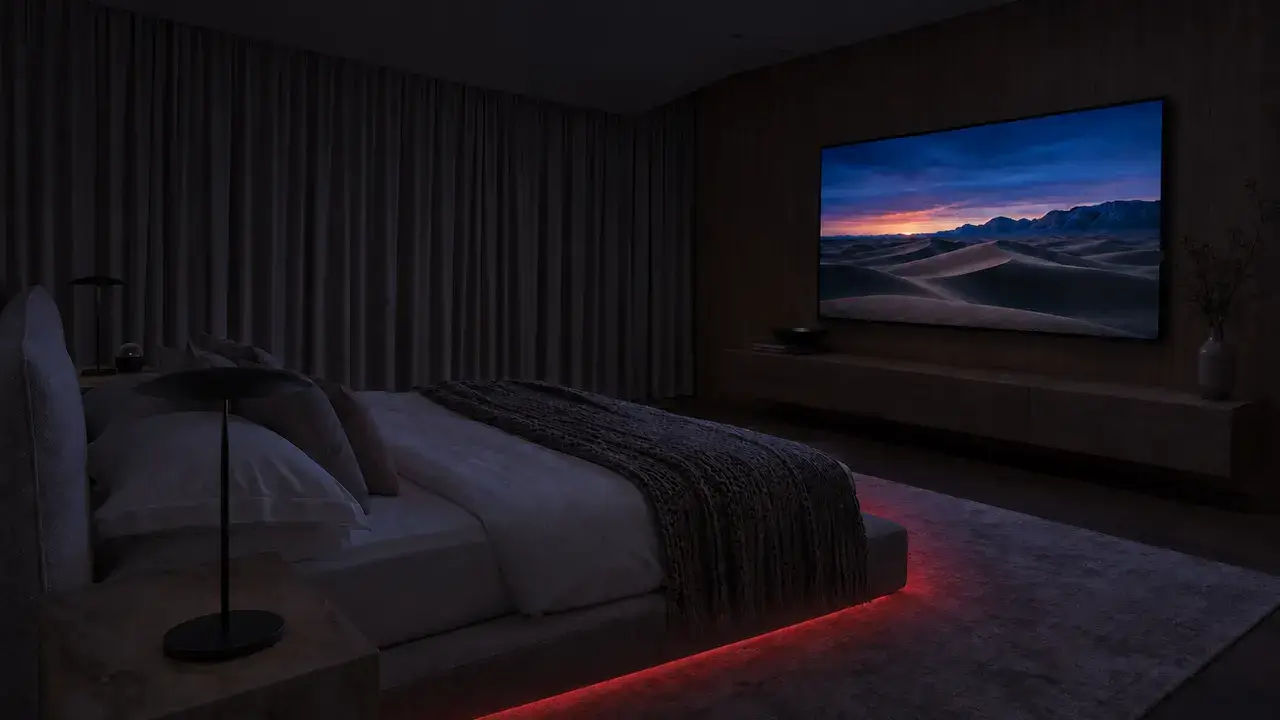


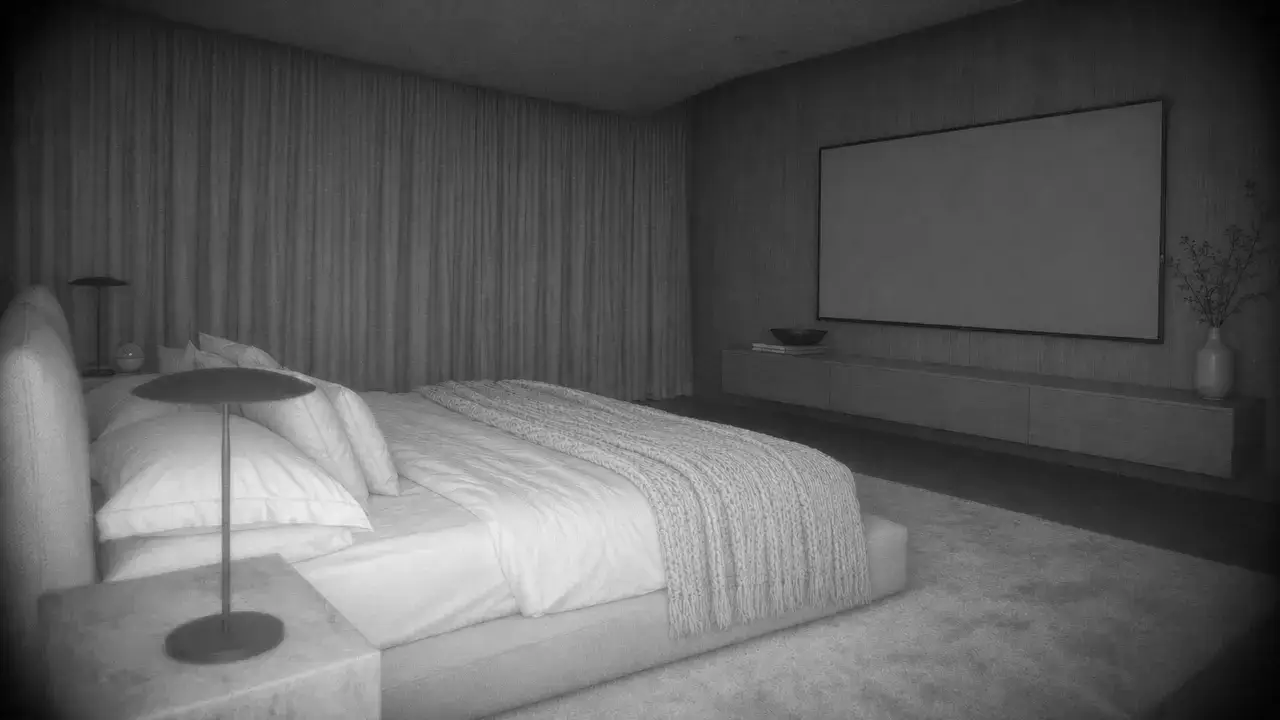 Bedroom
- Bedroom TVBedroom
- Bed UnderglowBedroom
- TV BacklightBedroom
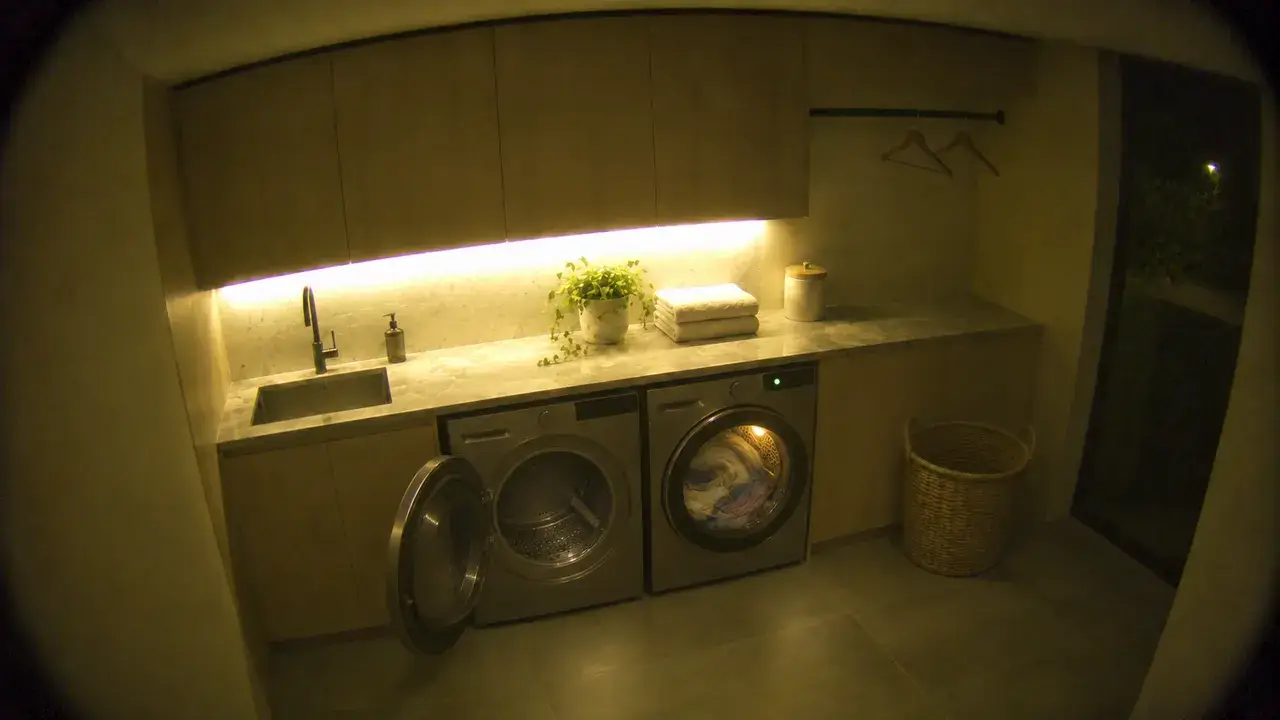
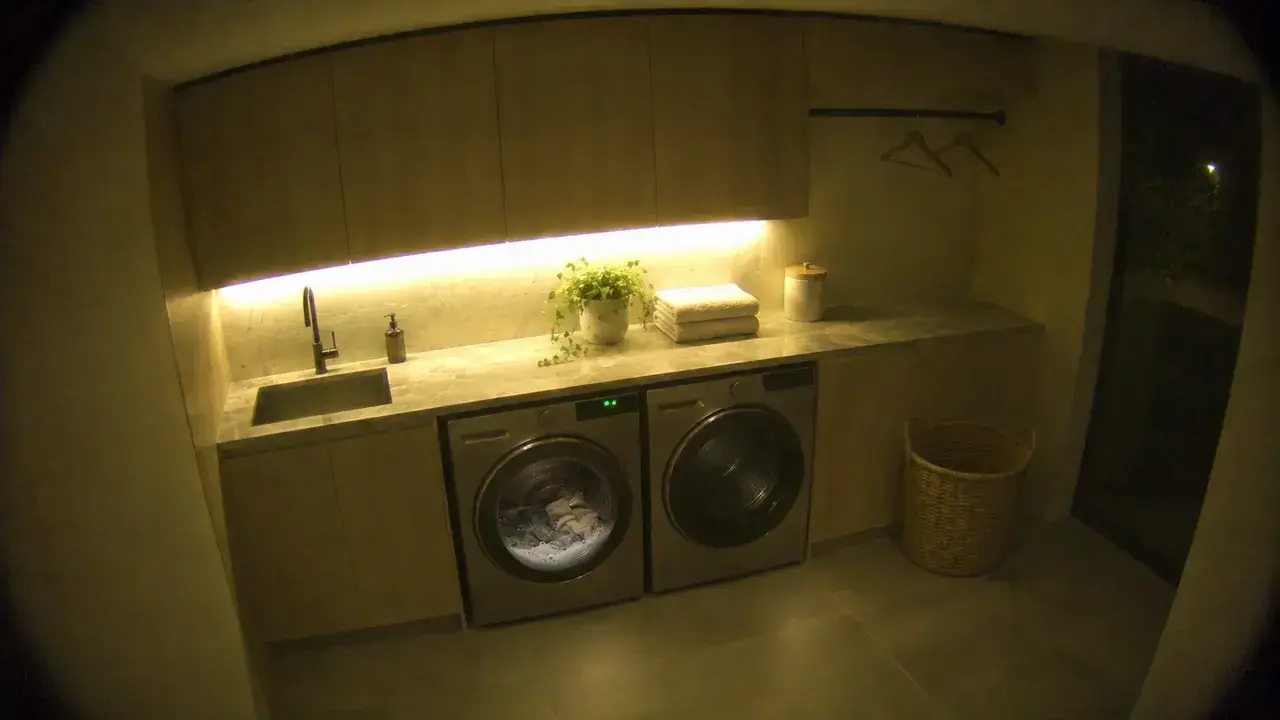
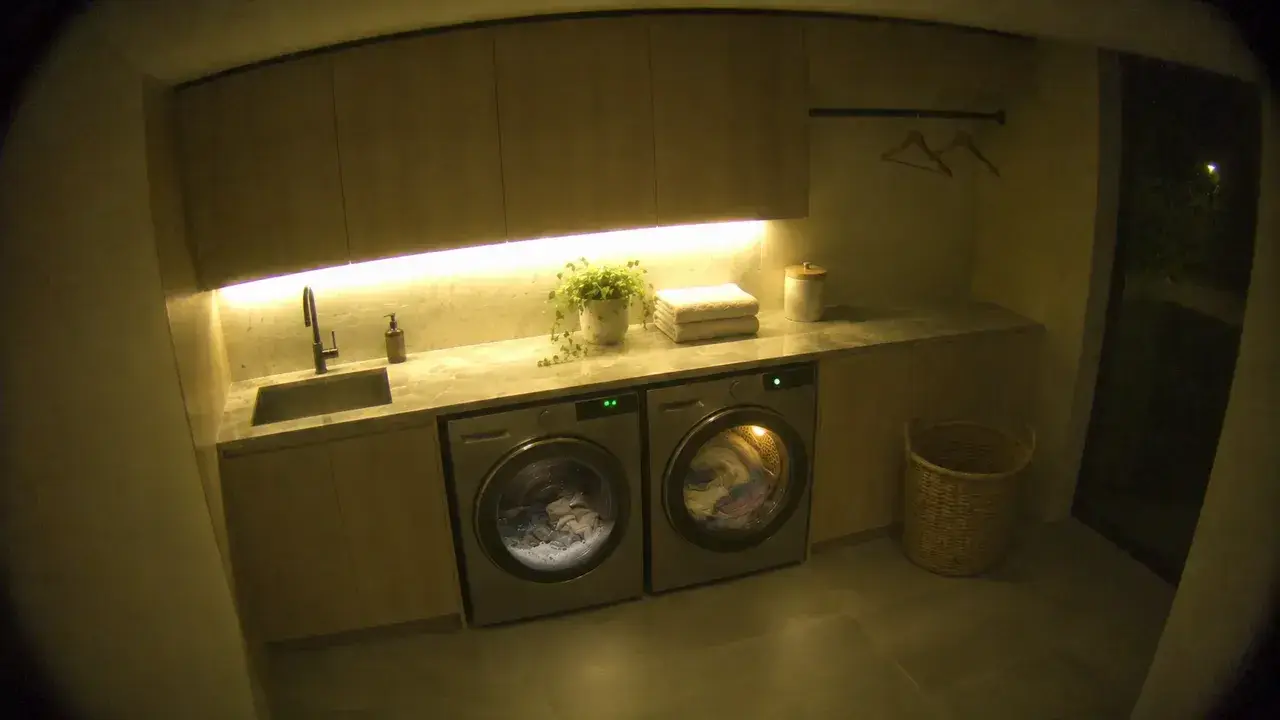
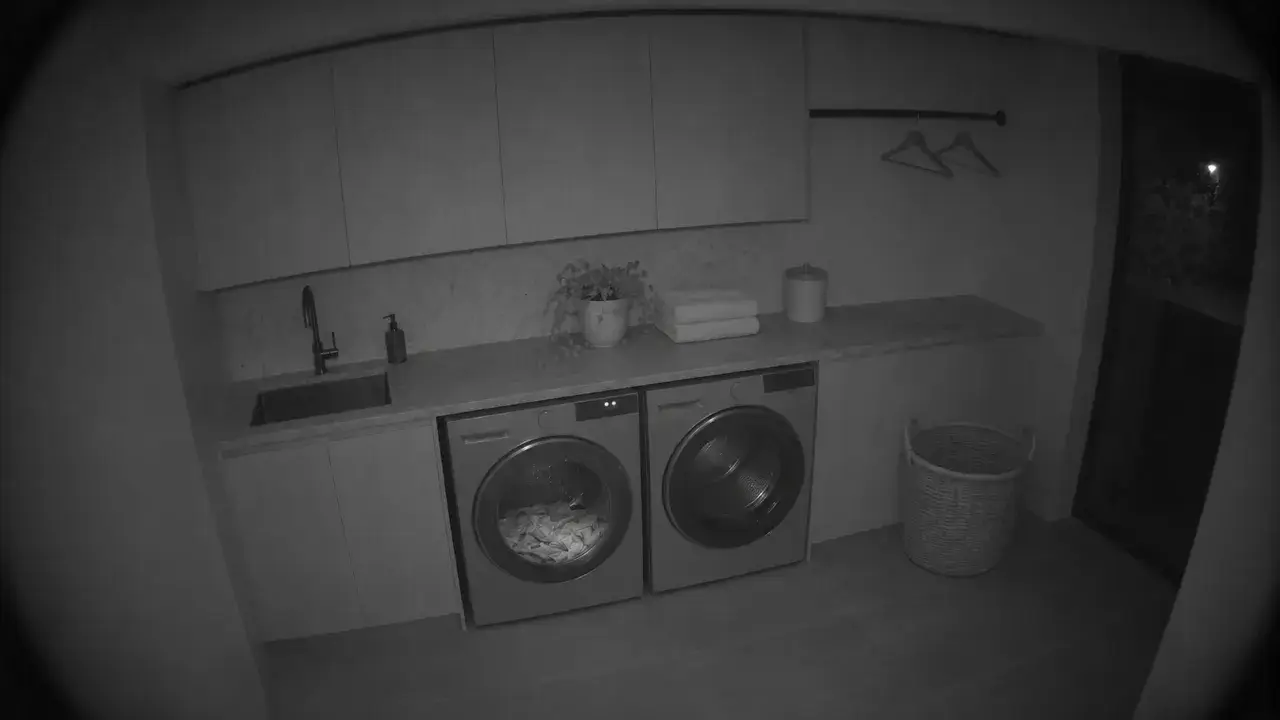
Laundry
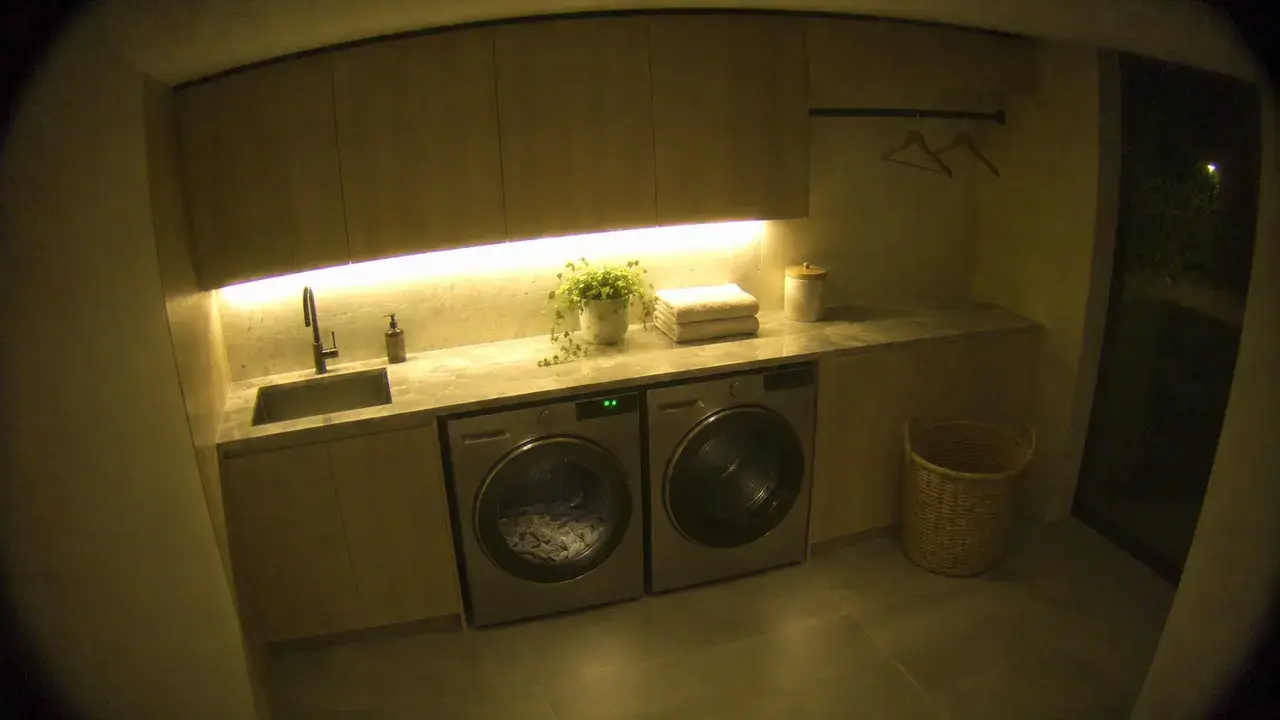
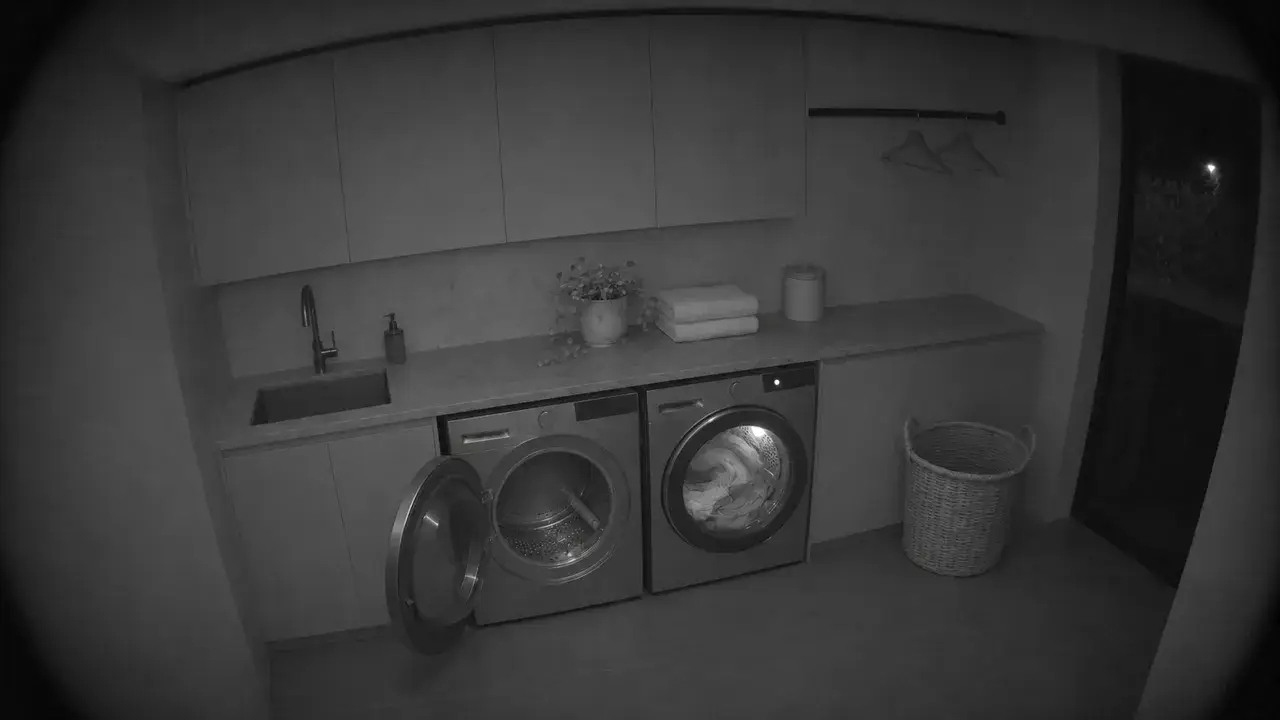
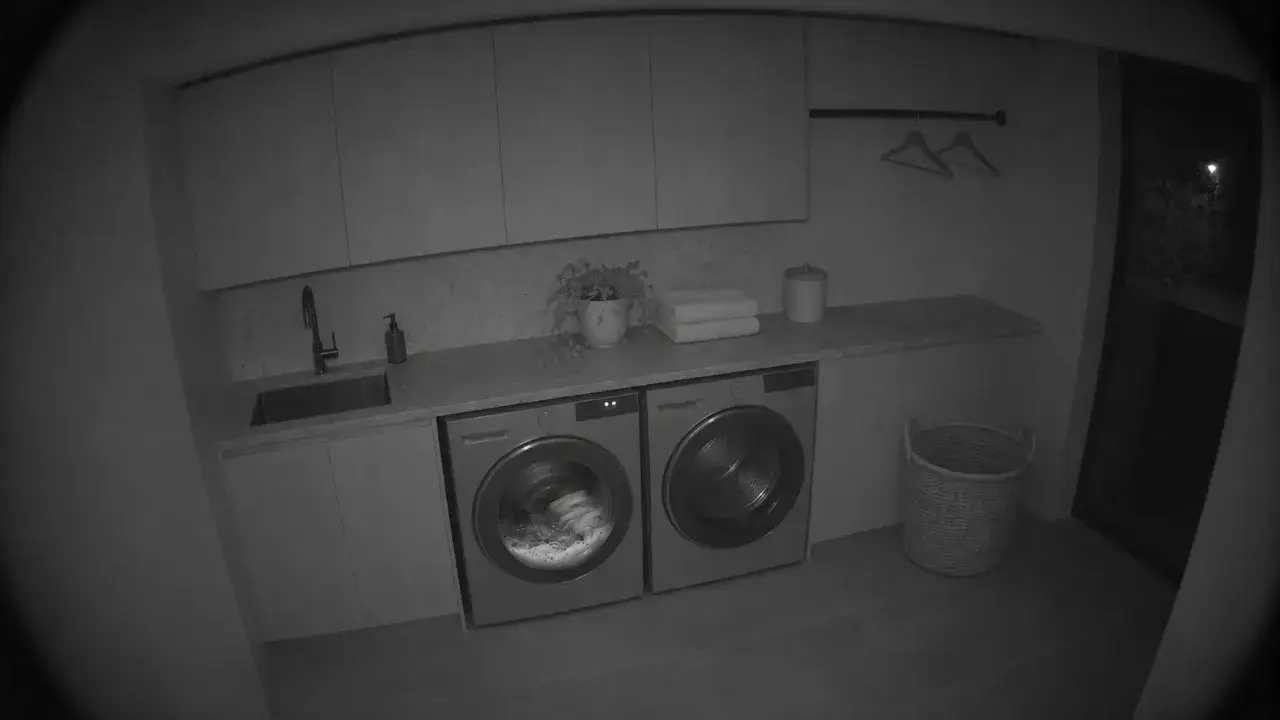
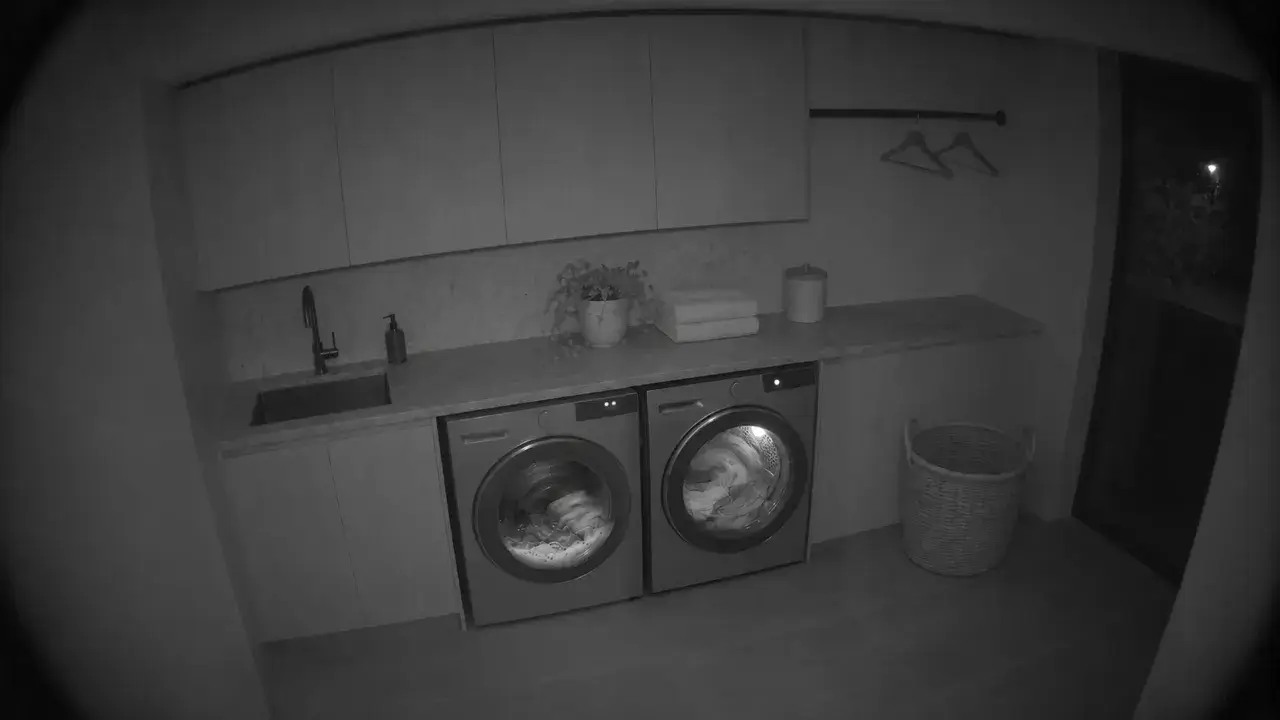 Laundry
- Laundry UnderglowLaundry
- WasherLaundry
- DryerLaundry
- Leak SensorLaundry
Garage
9° · 55%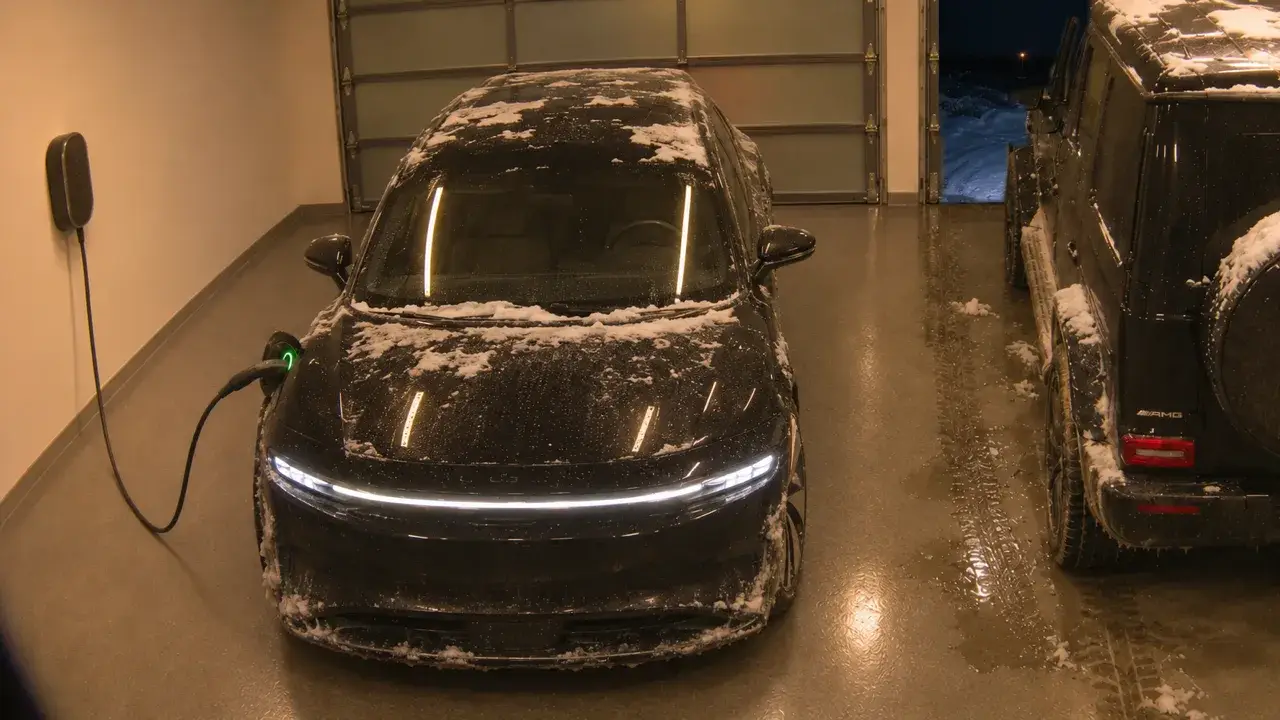
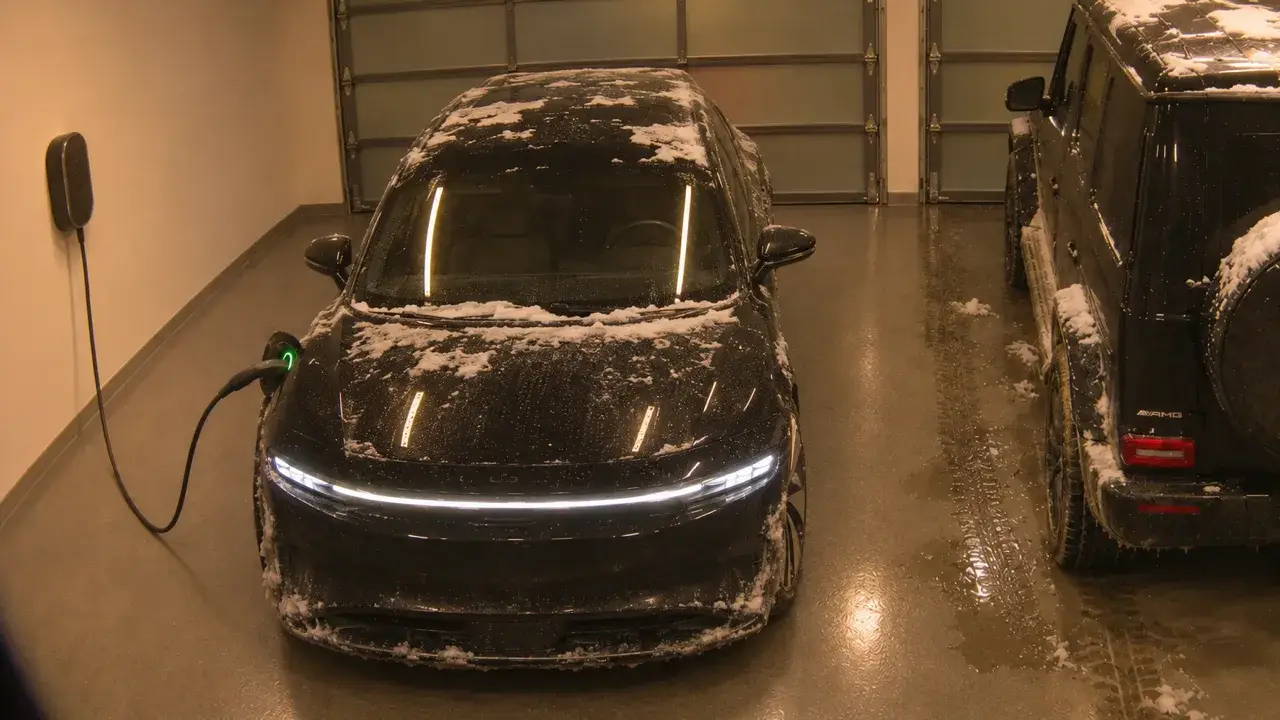
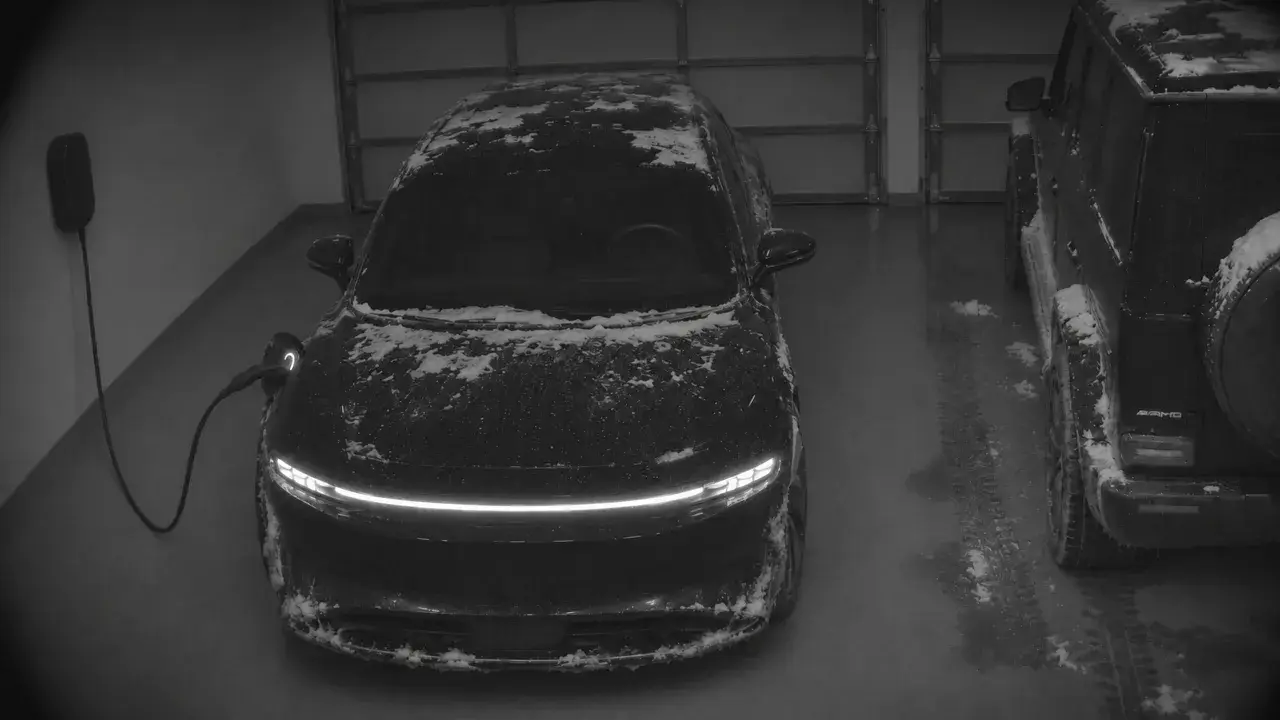
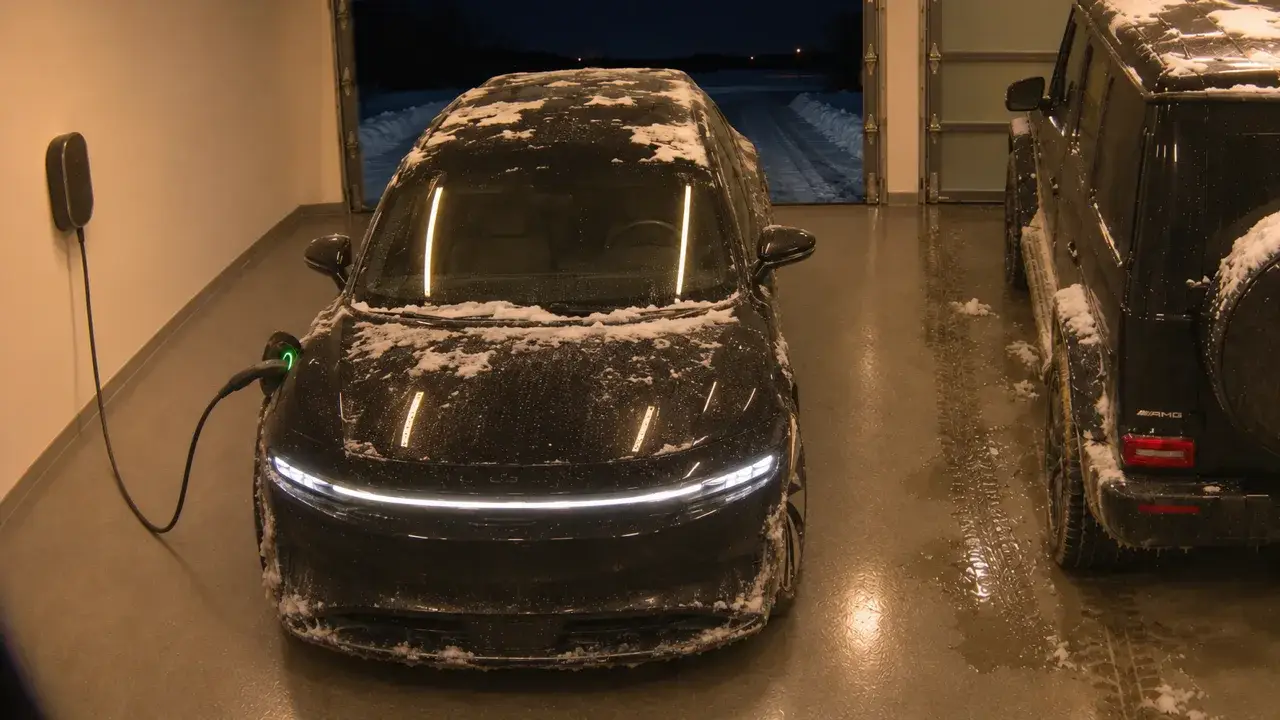
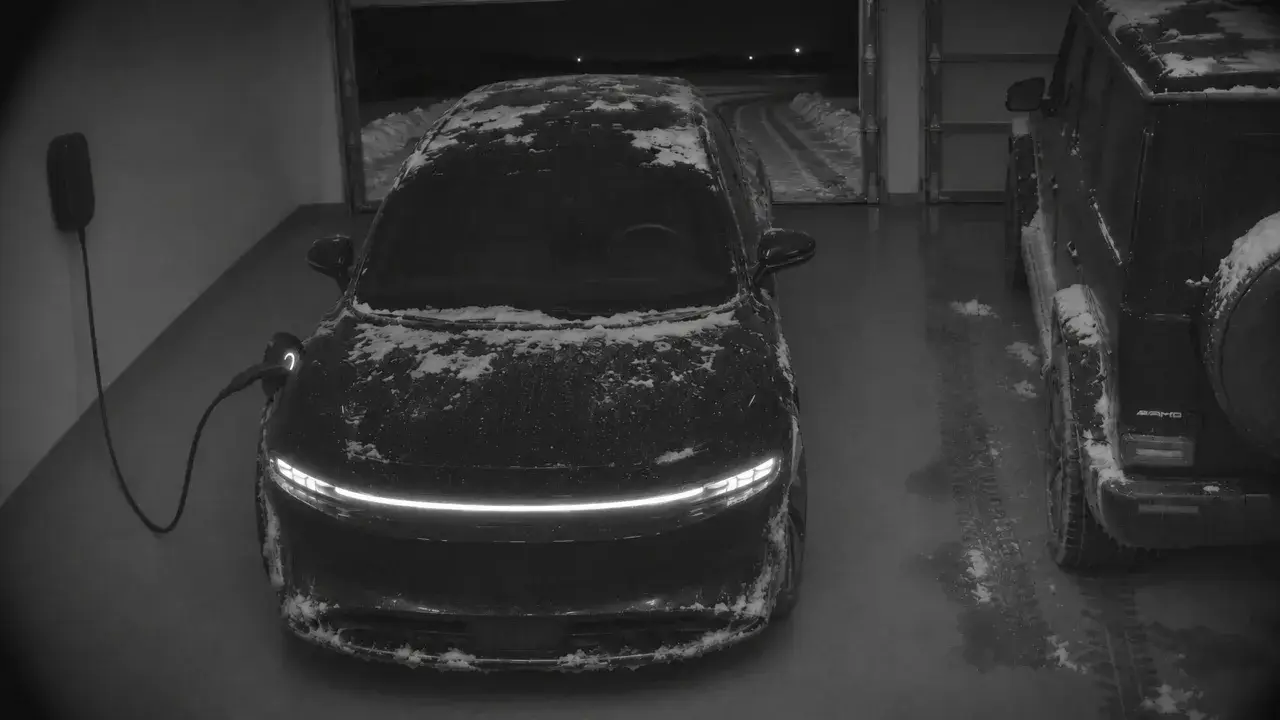
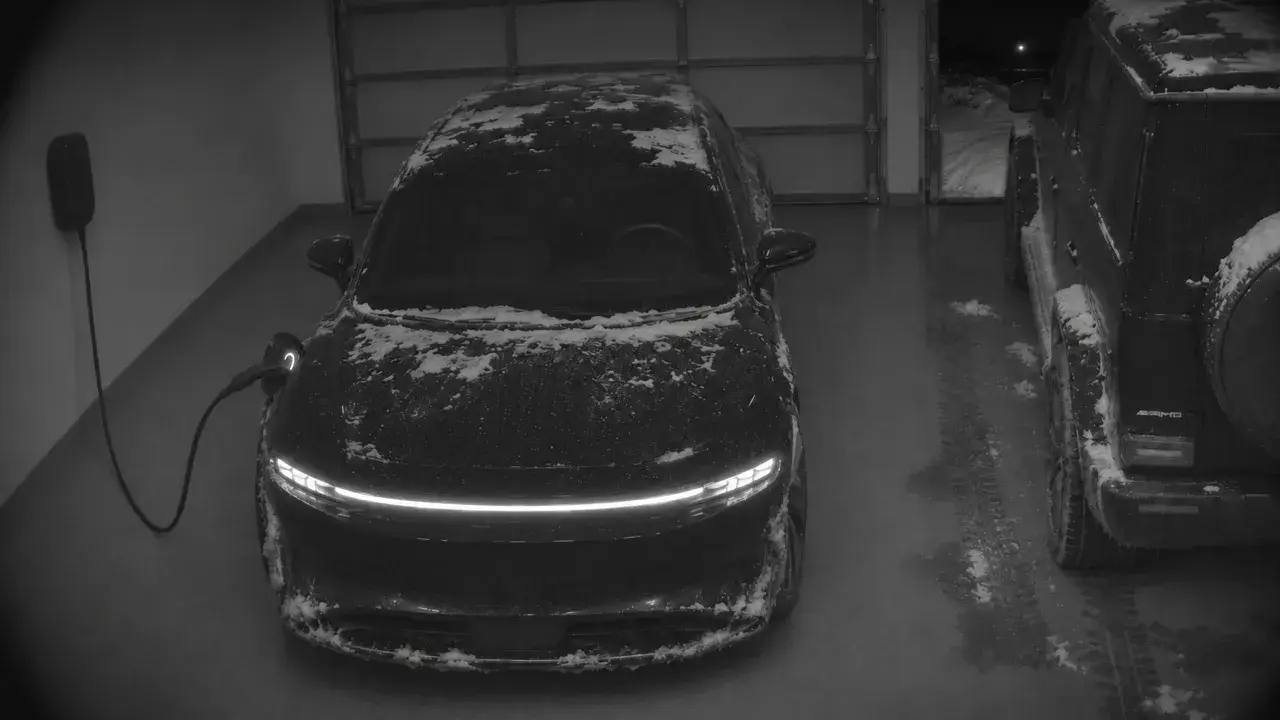
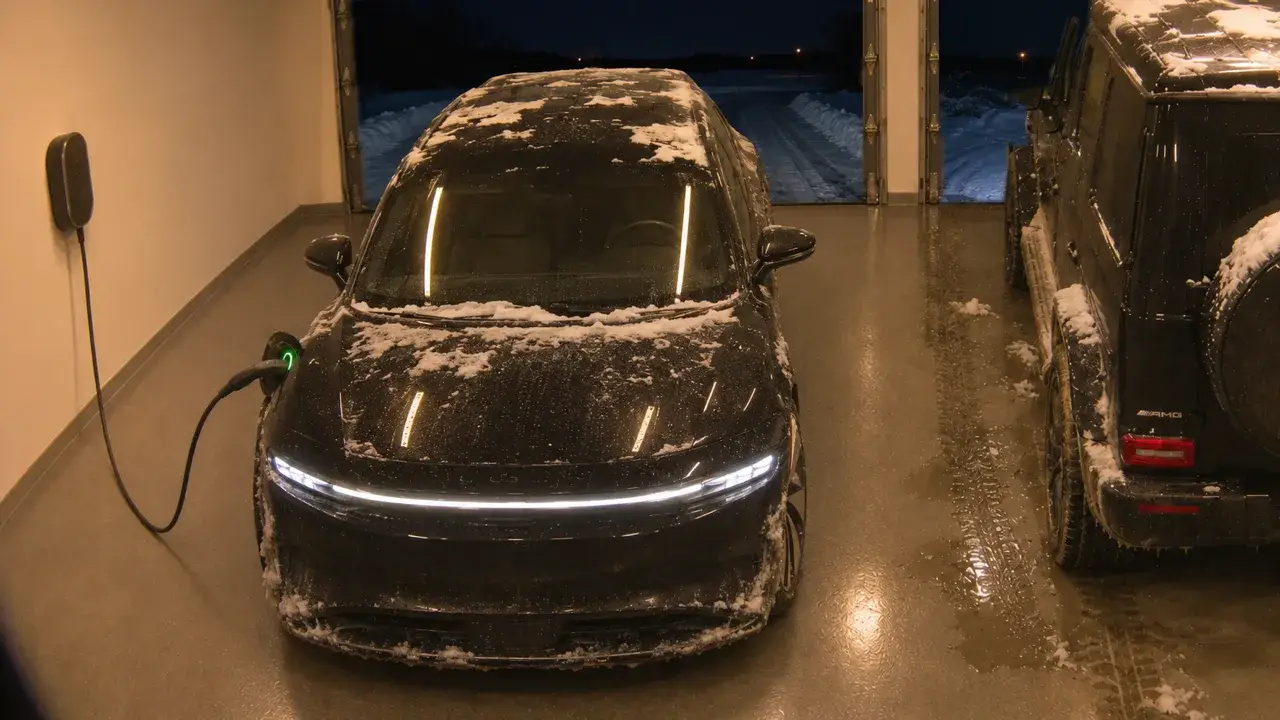
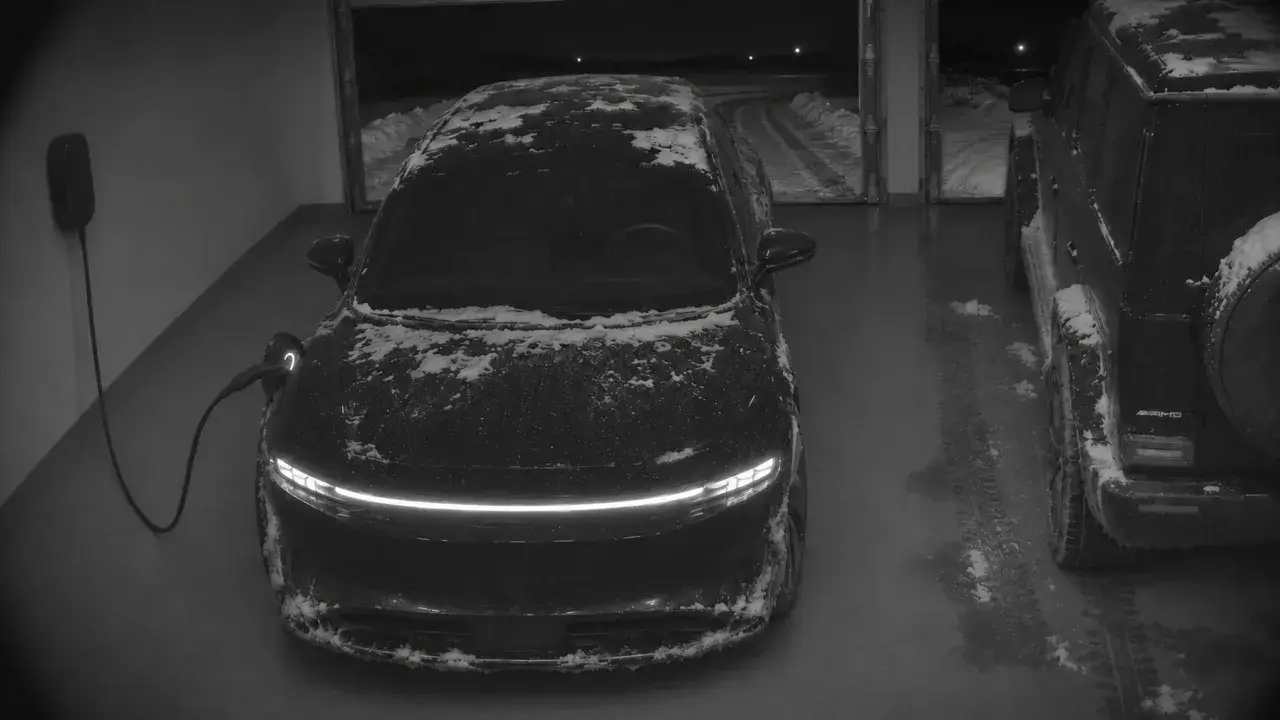 Lucid Air
- Lucid Bay DoorGarage
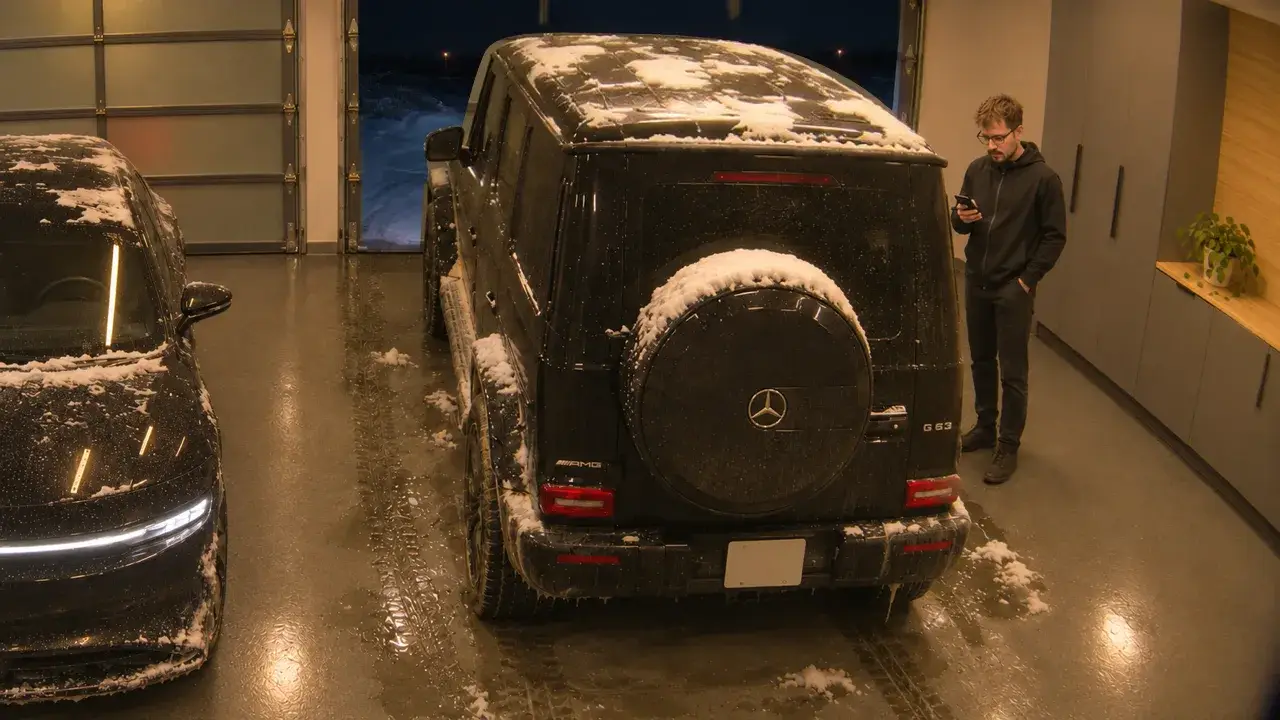
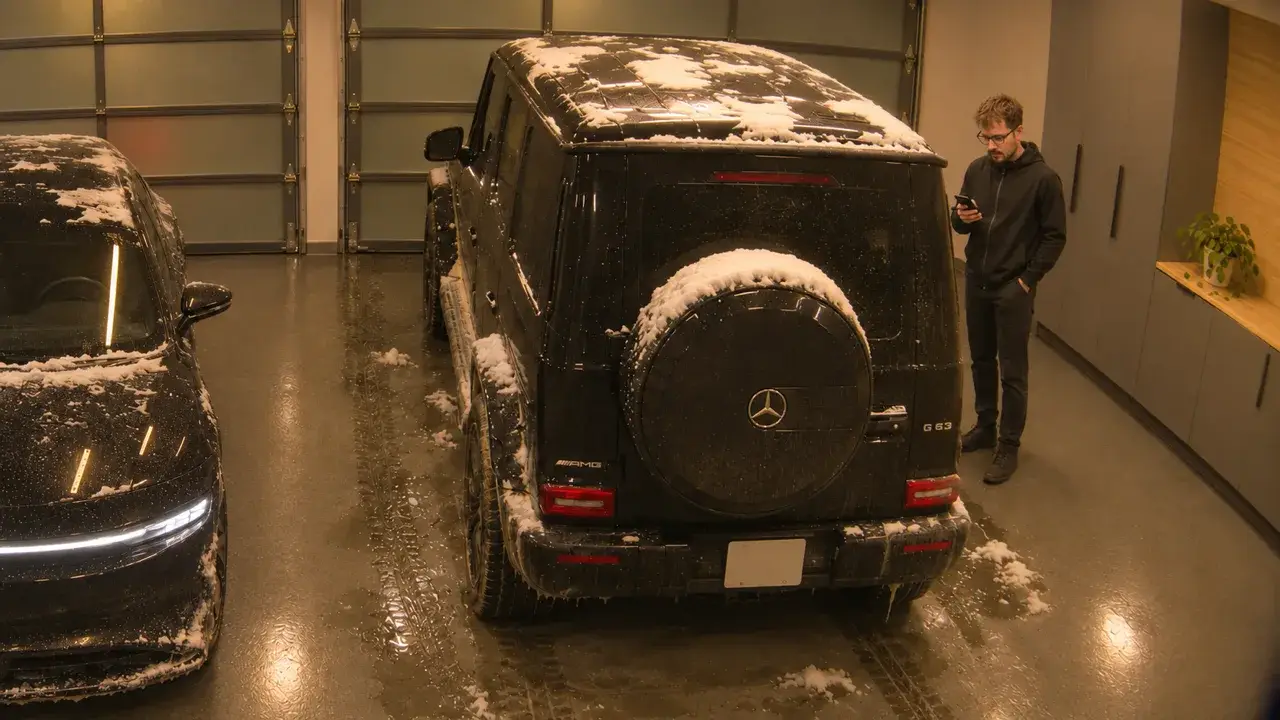
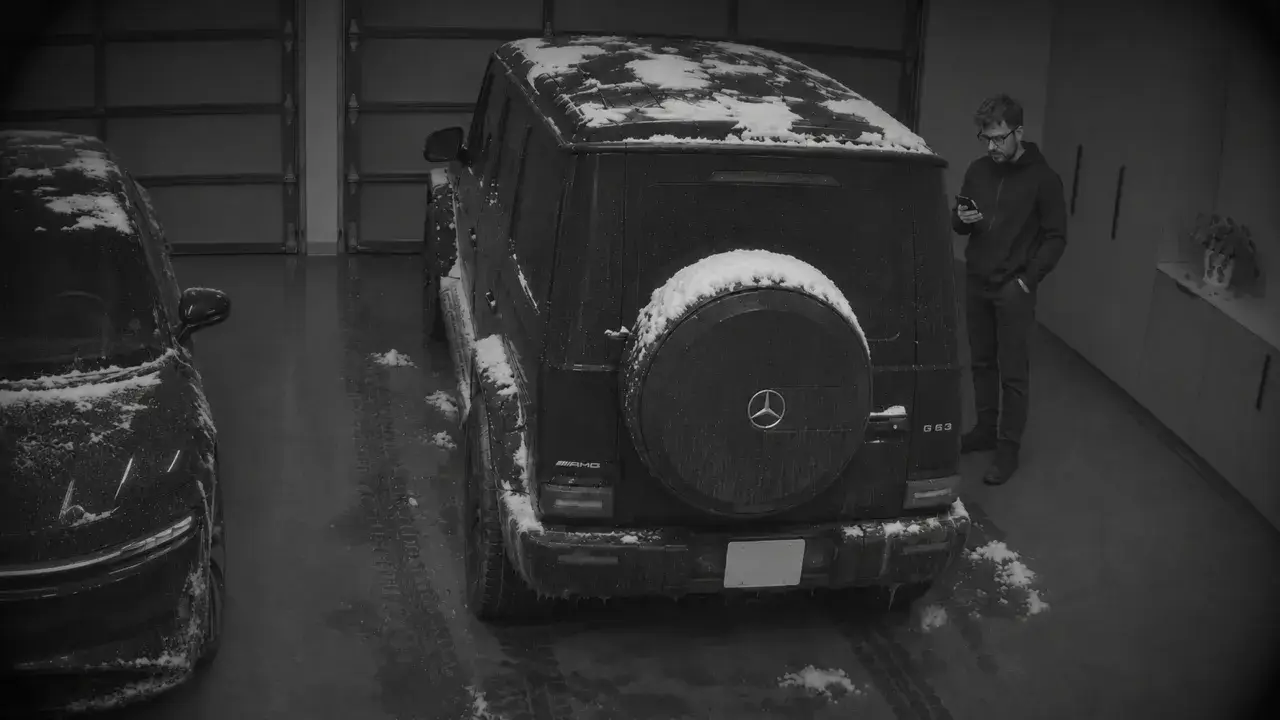
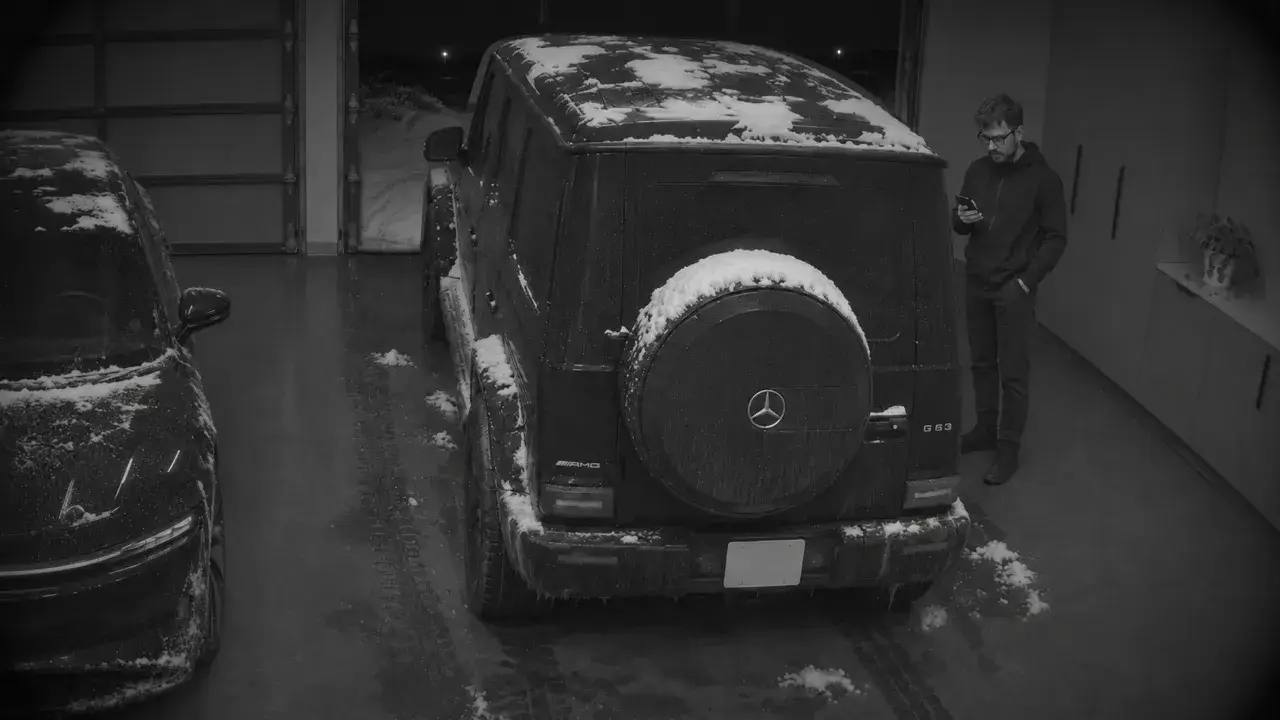
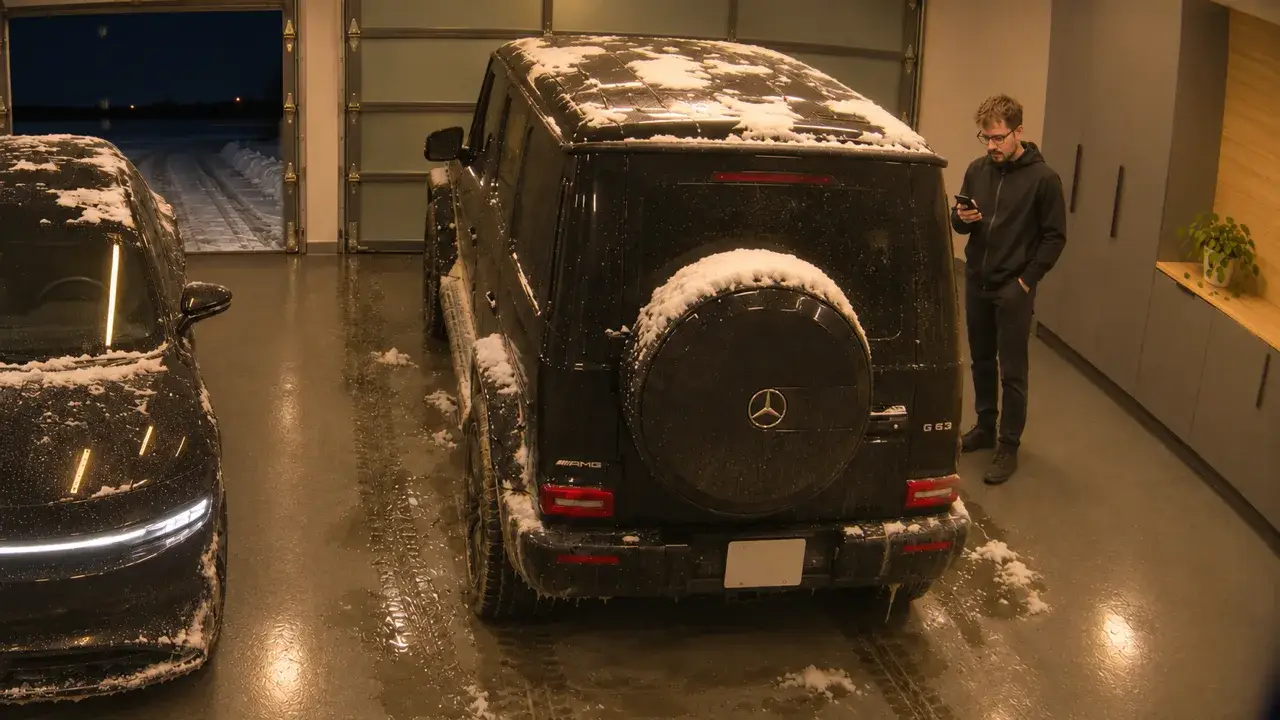
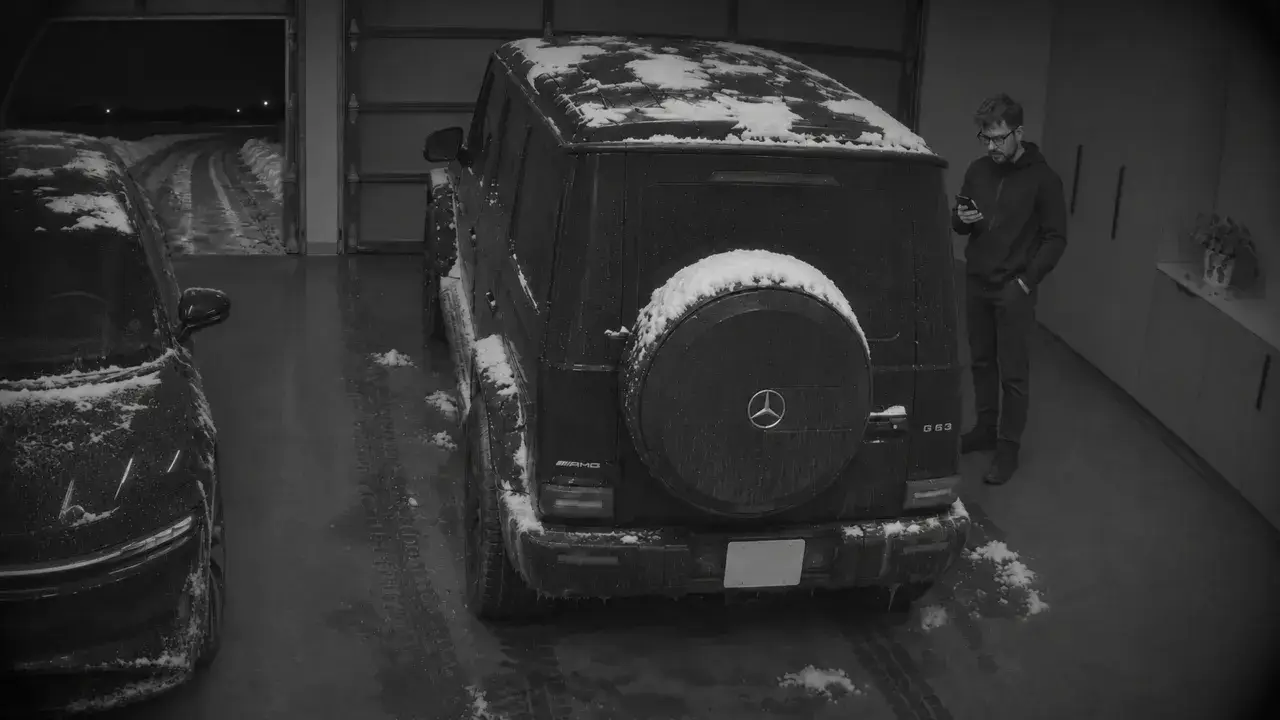
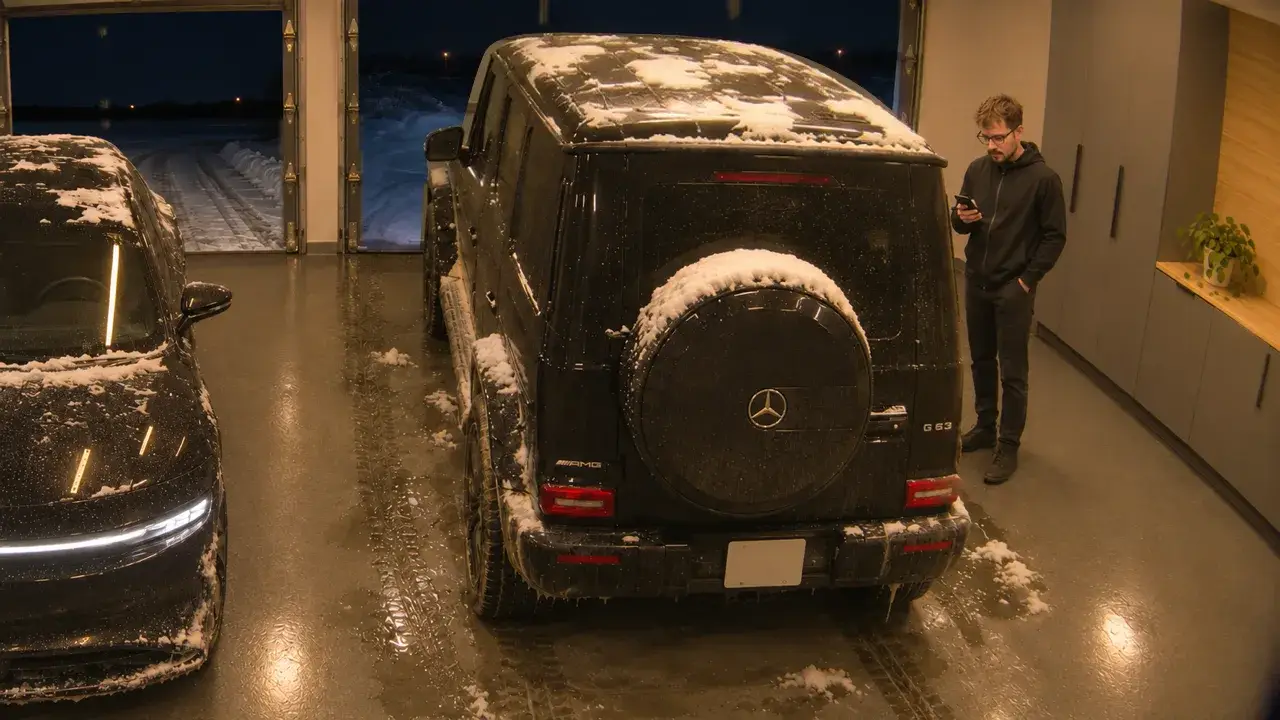
 G 63
- G 63 Bay DoorGarage
- Garage LightsGarage
Pets
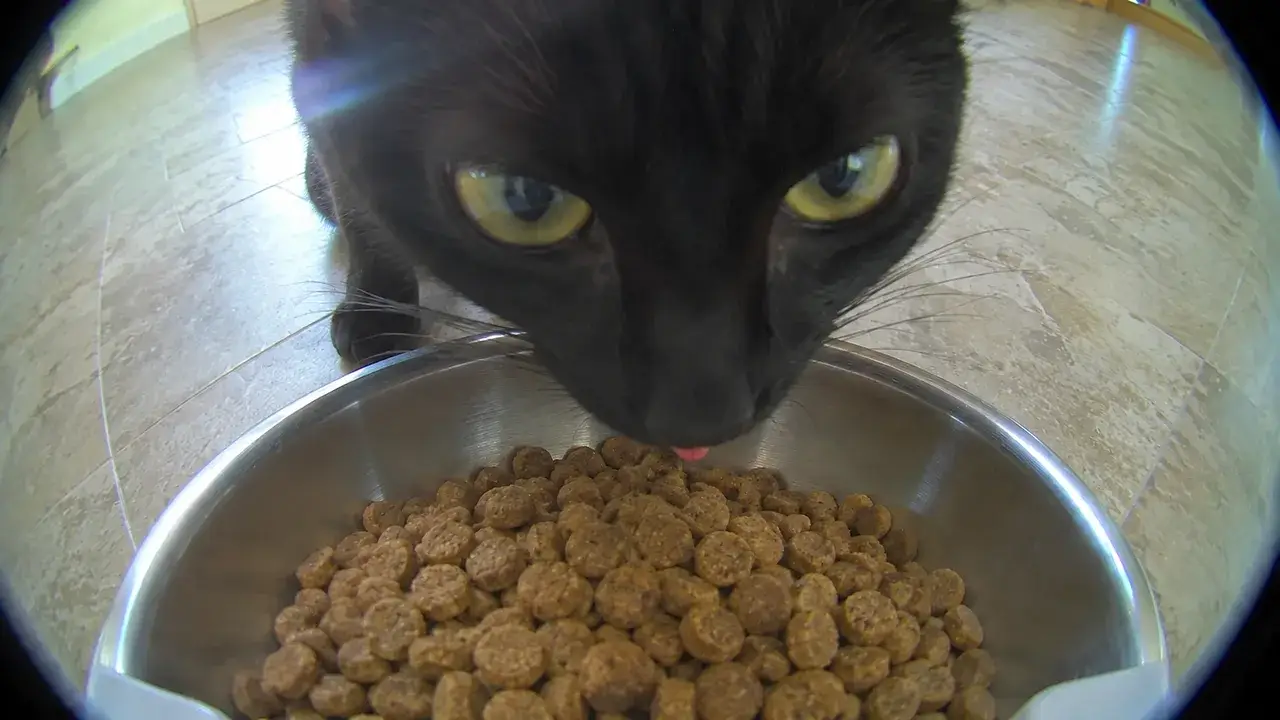 Flo’s Bowl
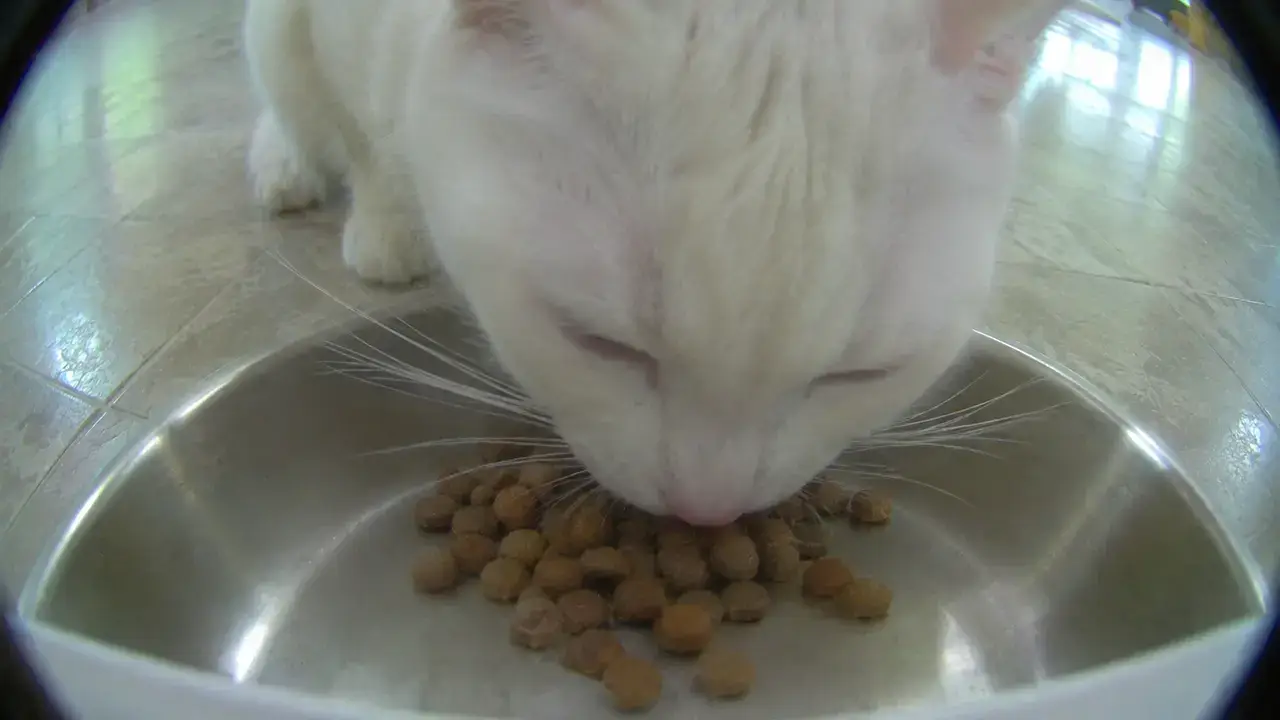 Marv’s Bowl
- Flo & MarvFeeders
- Feeders
Vacuum
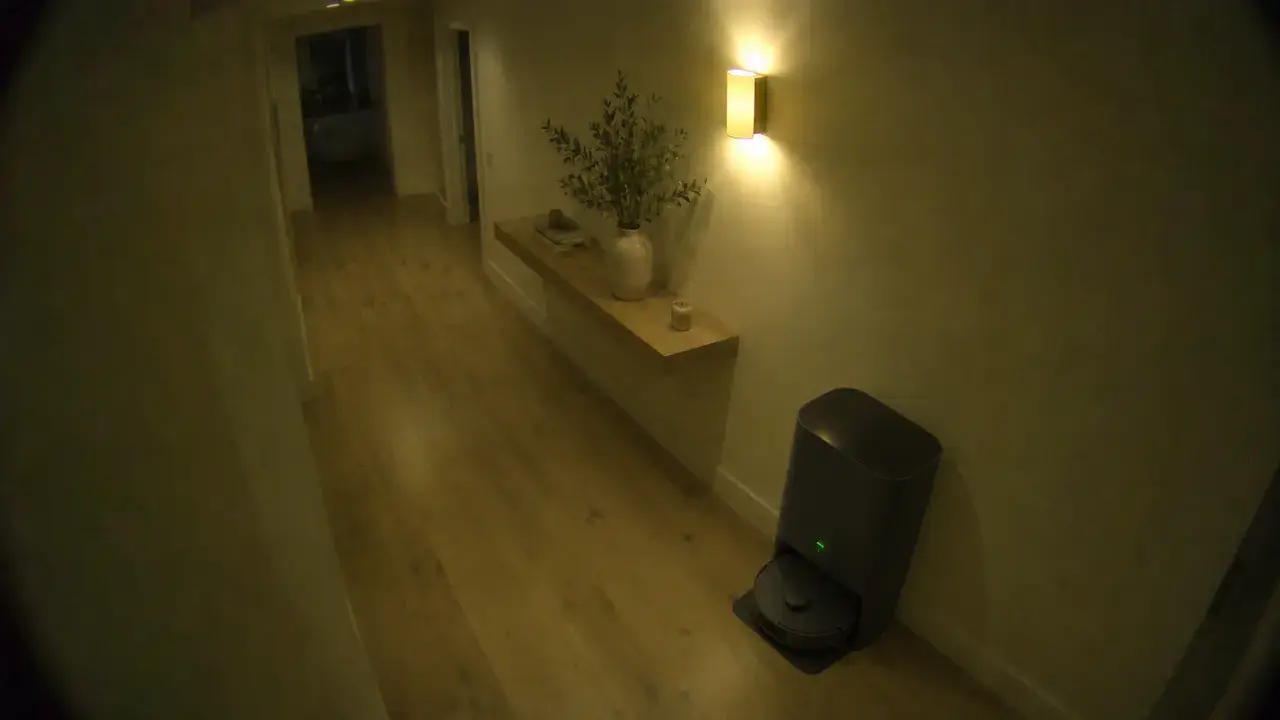
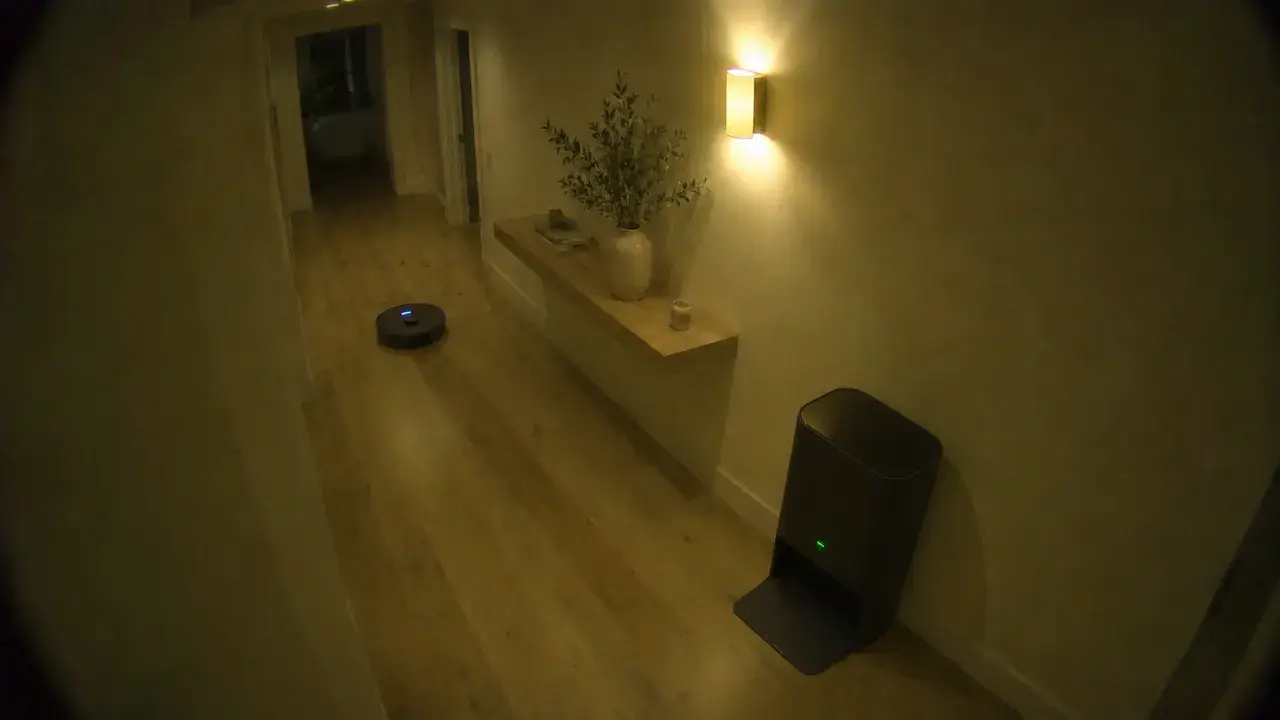 Dreame X30 Ultra
- Robot Vacuum
- Last CleanedVacuum
Backyard
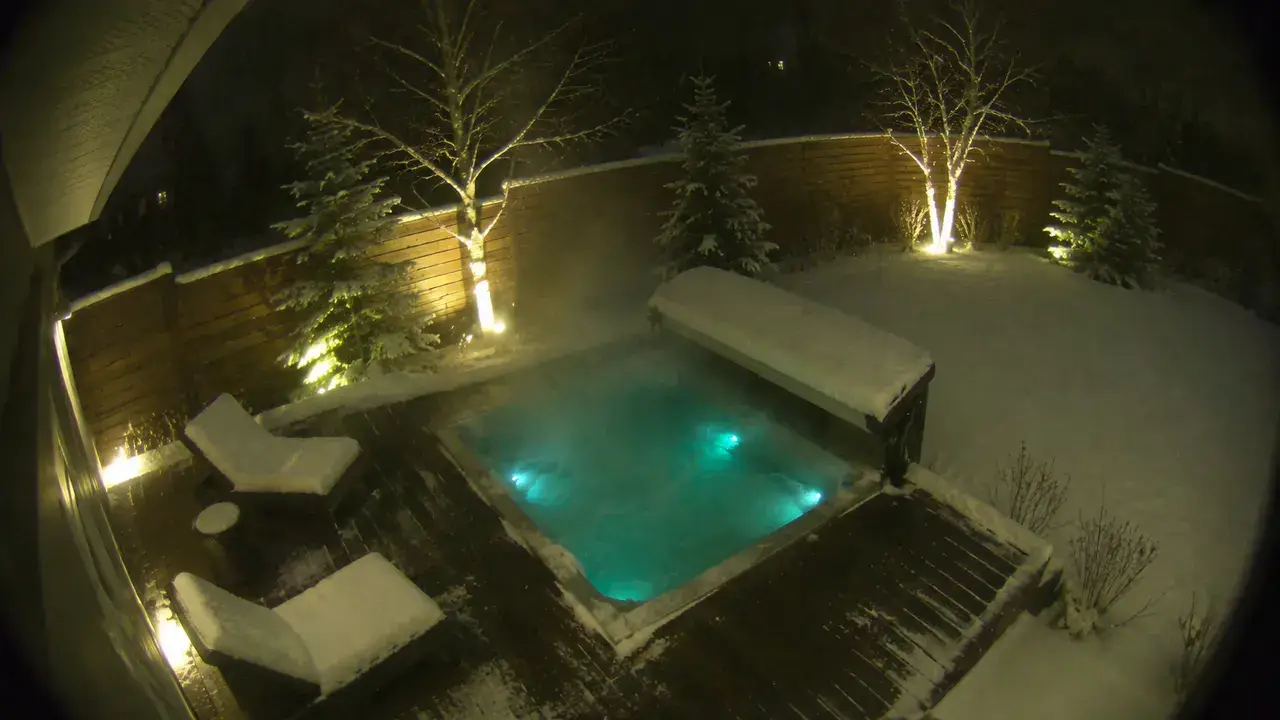
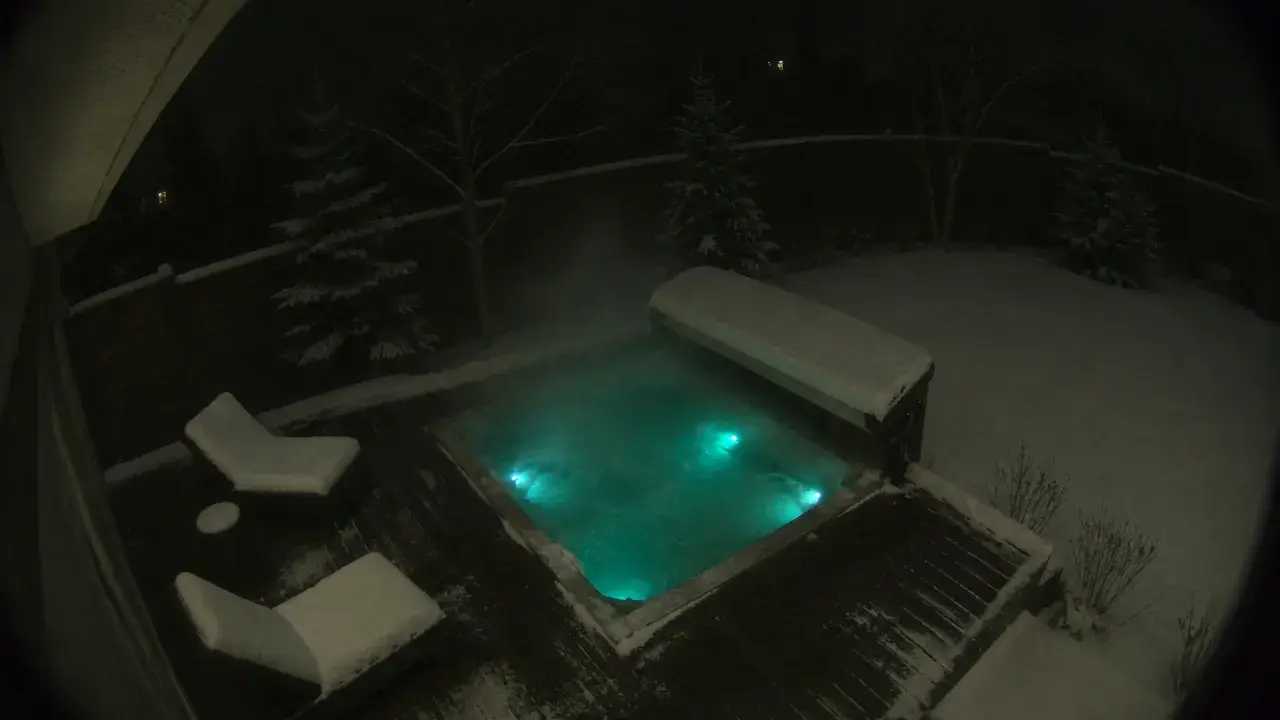
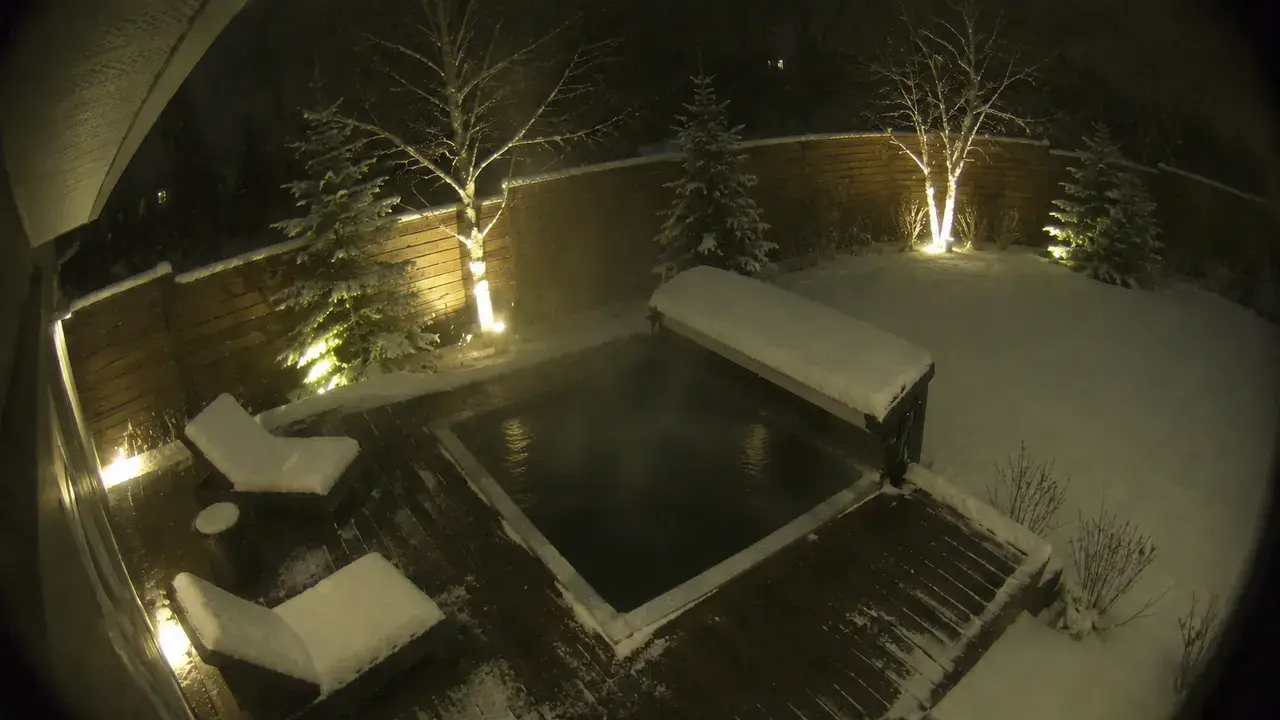
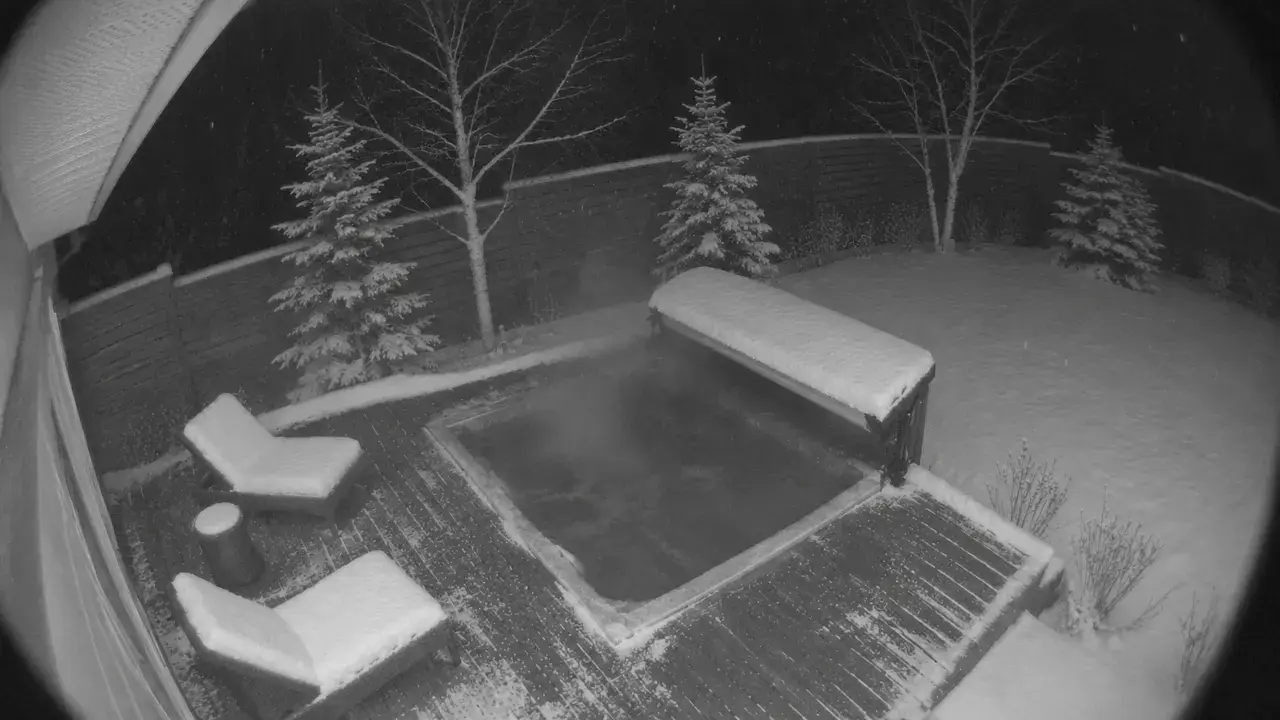
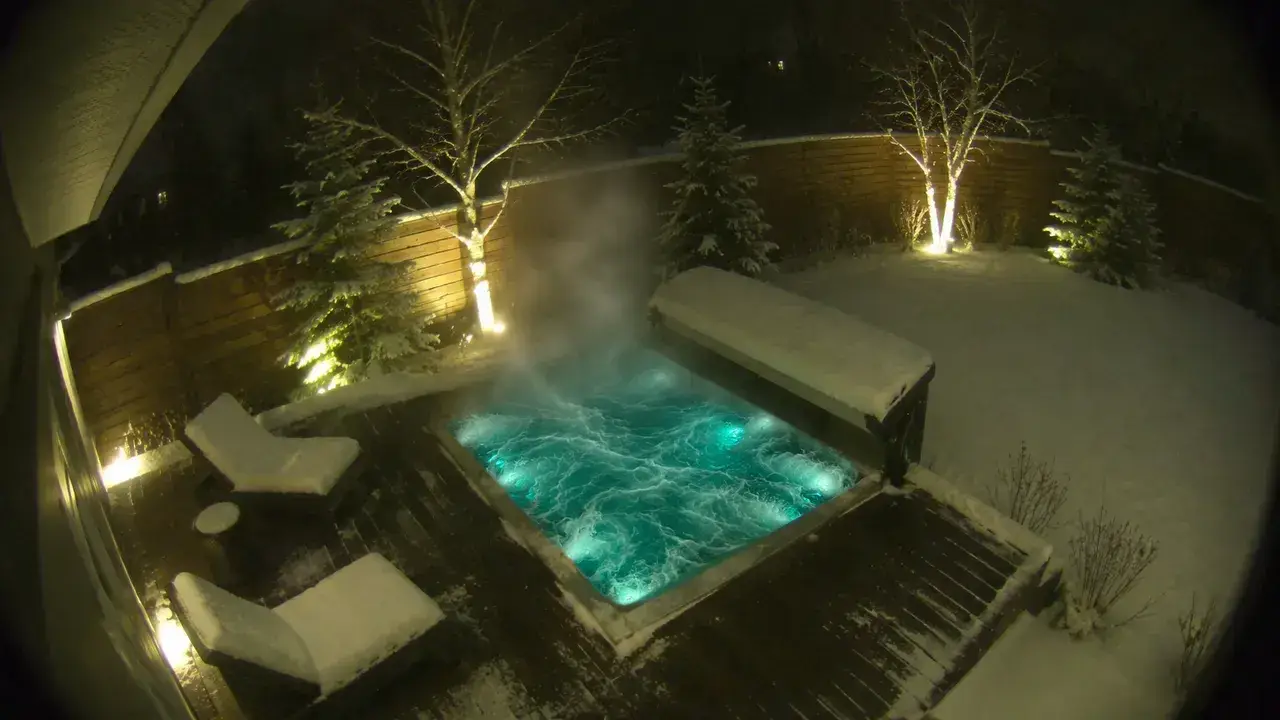
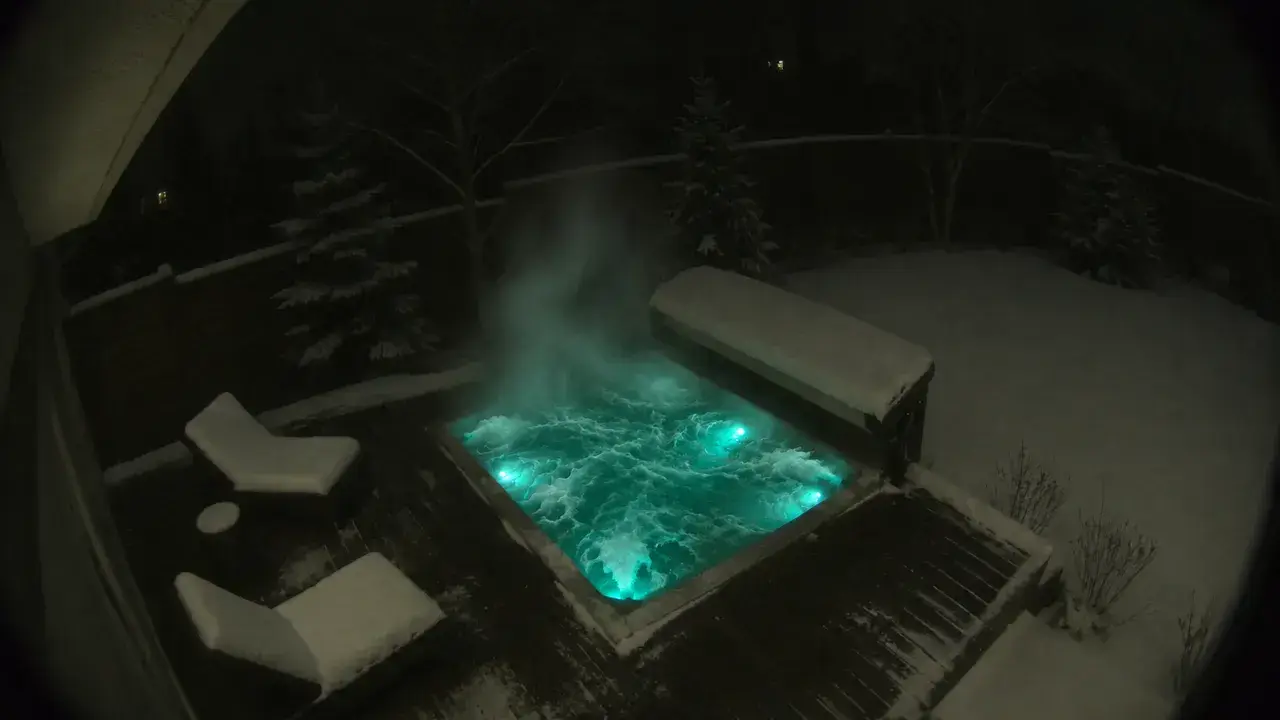
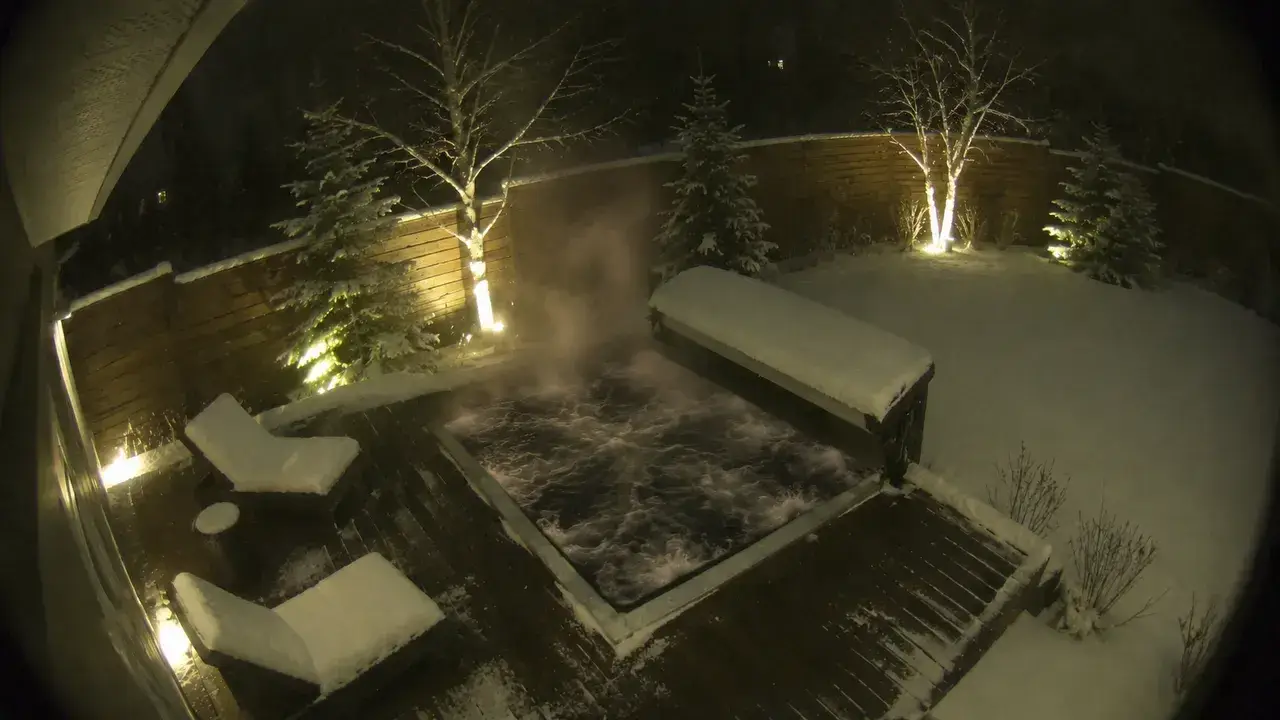
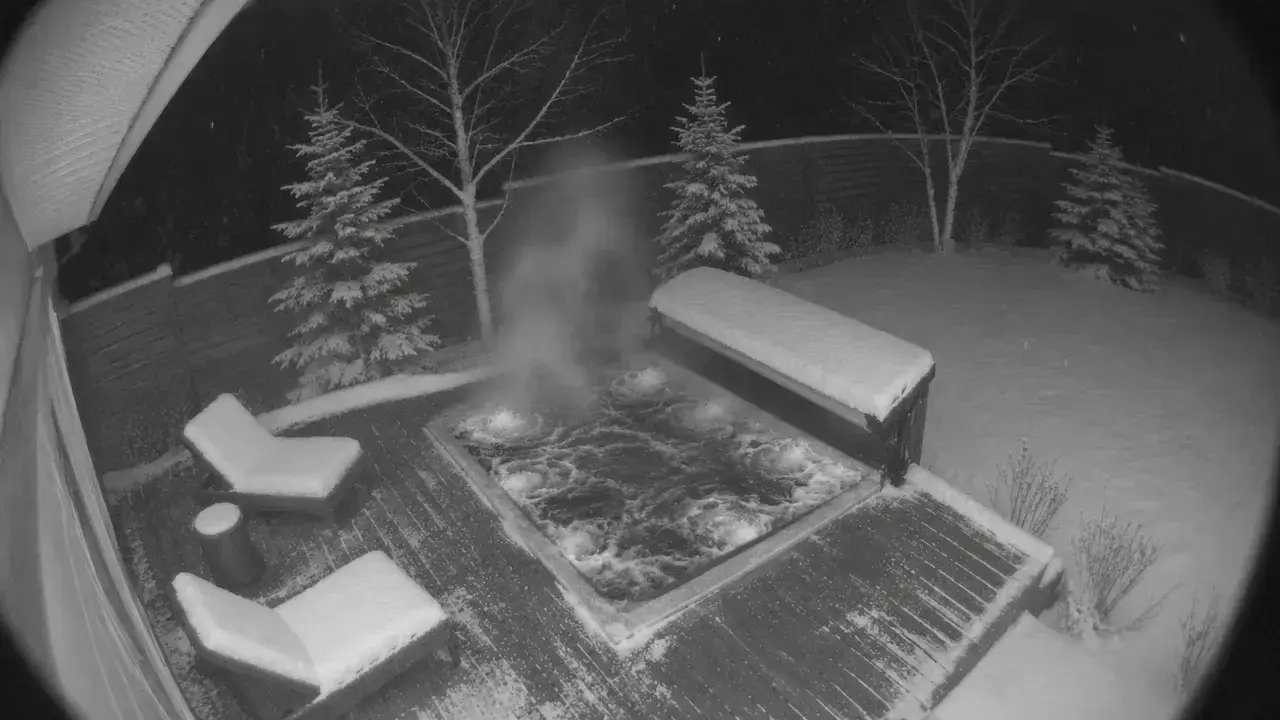 Backyard
- Hot TubBackyard
- Hot Tub LightsBackyard
- Garden LightsBackyard
Outside
−4° · 78%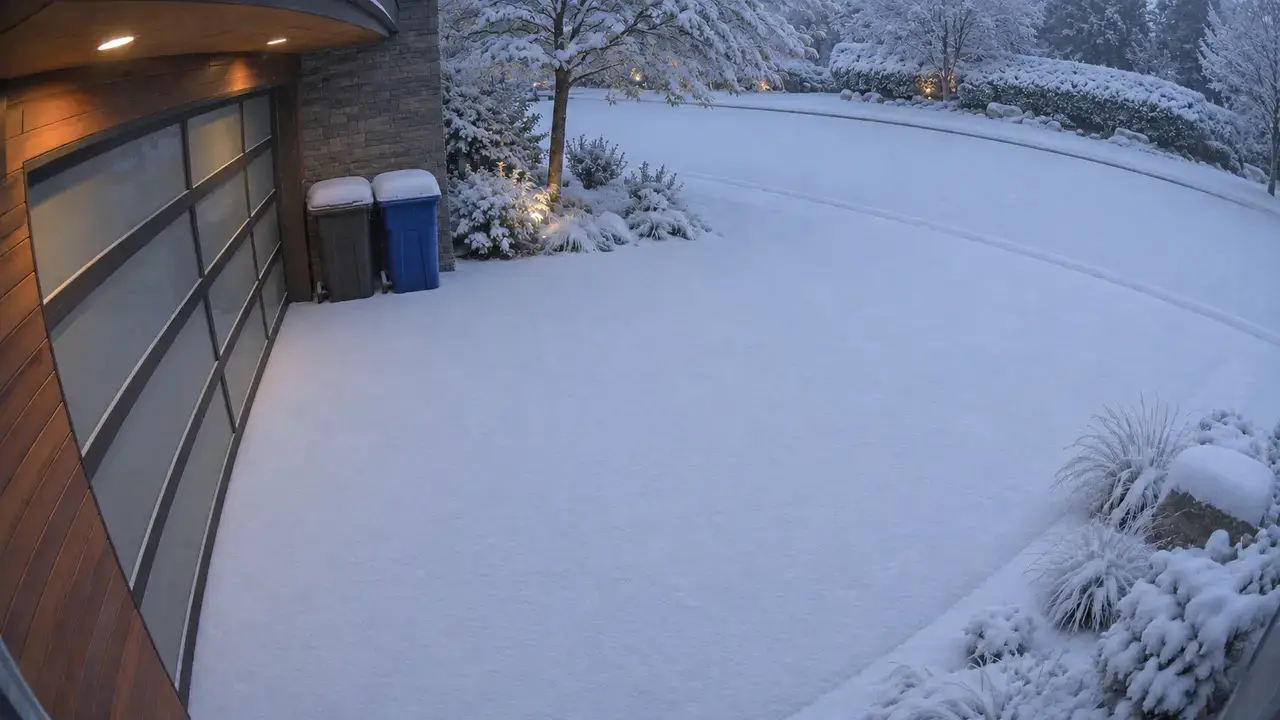
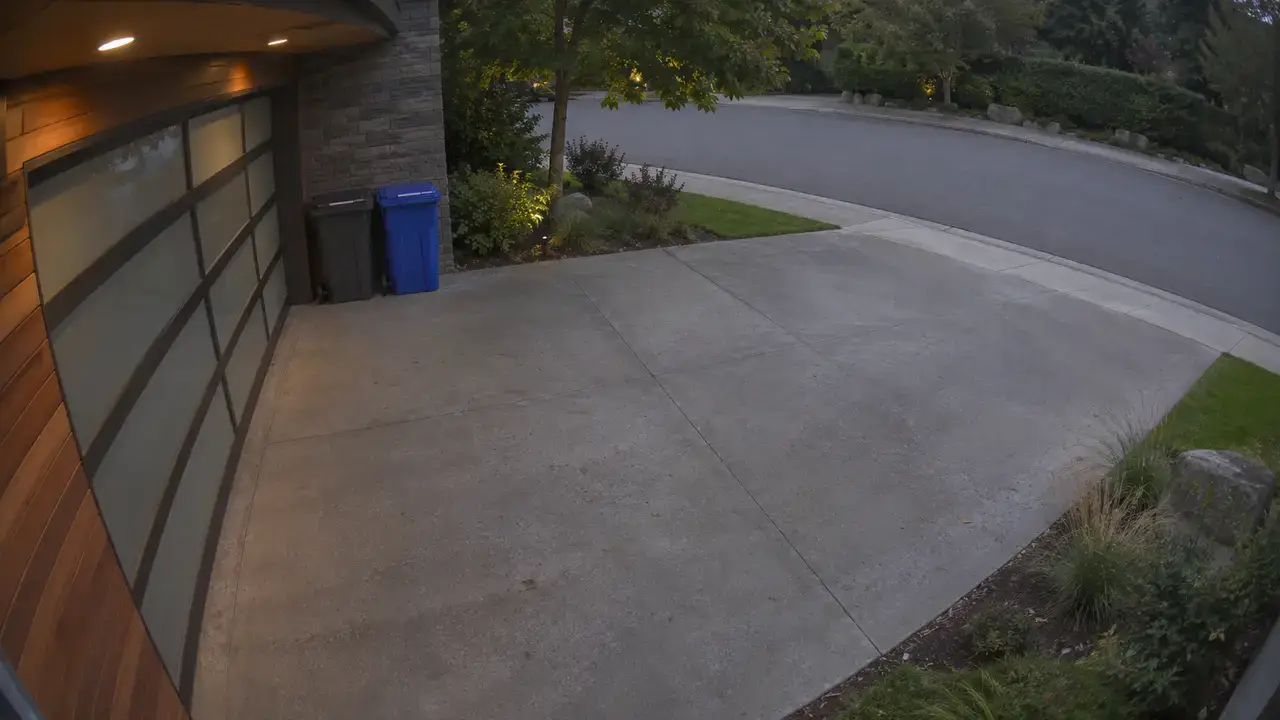 Driveway
- WeatherOutside
- Snow on DrivewayOutside
- SunOutside
- Porch LightOutside
Air Quality
- TemperatureIKEA TIMMERFLOTTE
- HumidityIKEA TIMMERFLOTTE
- PM2.5Levoit Vital 100S
- Humidity AlertAutomation
Sample only
Security Dashboard
- AlarmSecurity
- Recent Activity
- 9:41 PMA car stopped at the curbDriveway
- 8:03 PMA raccoon by the fenceBackyard
- 6:20 PMThe Lucid was plugged inGarage
- 4:12 PMA package was deliveredFront Door
- 3:55 PMThe garage door opened, then closedGarage
- Front Door LockLocks
- Back Door LockLocks
- Front DoorDoors
- Garage DoorDoors
- Back DoorDoors
- WindowsWindows
Exterior
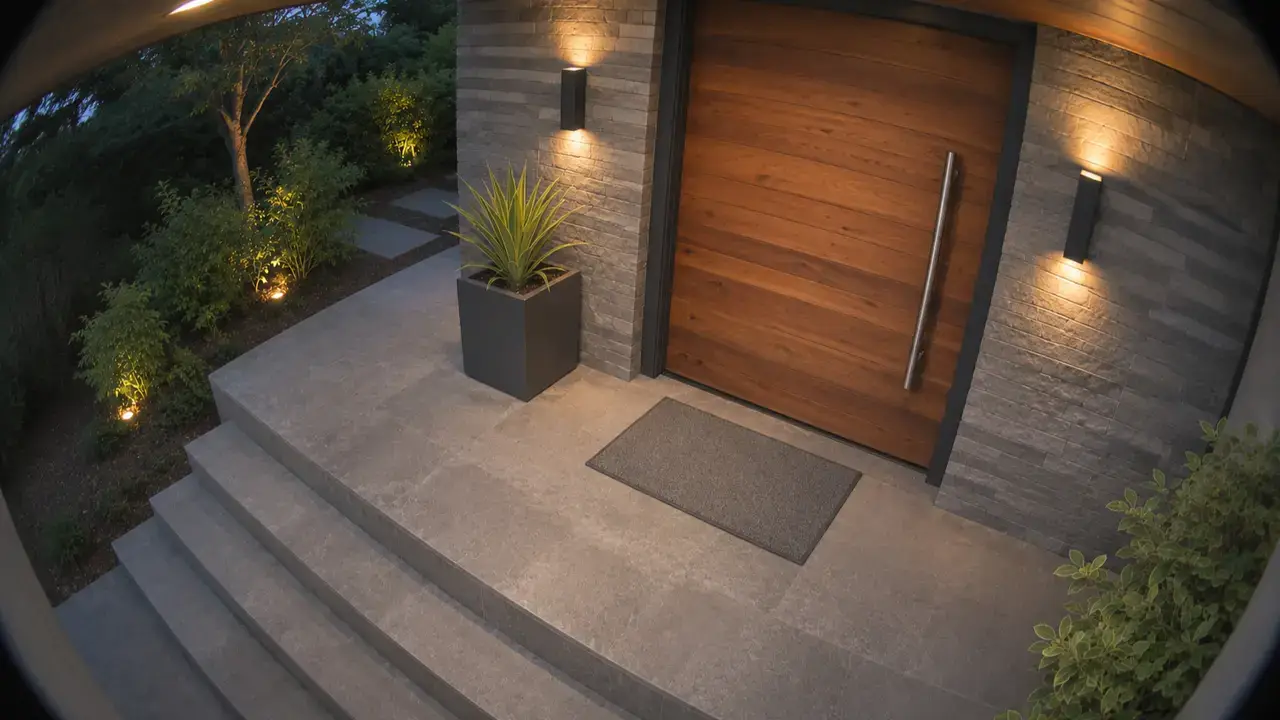 Front Door
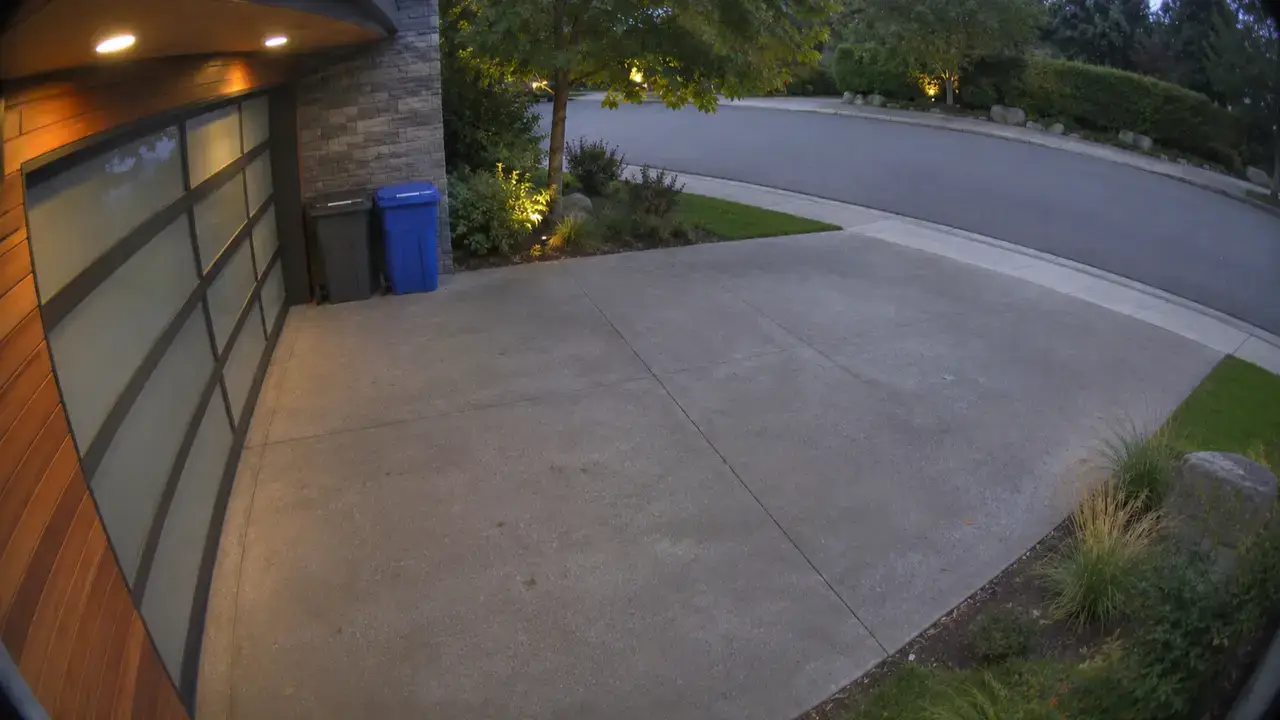 Driveway
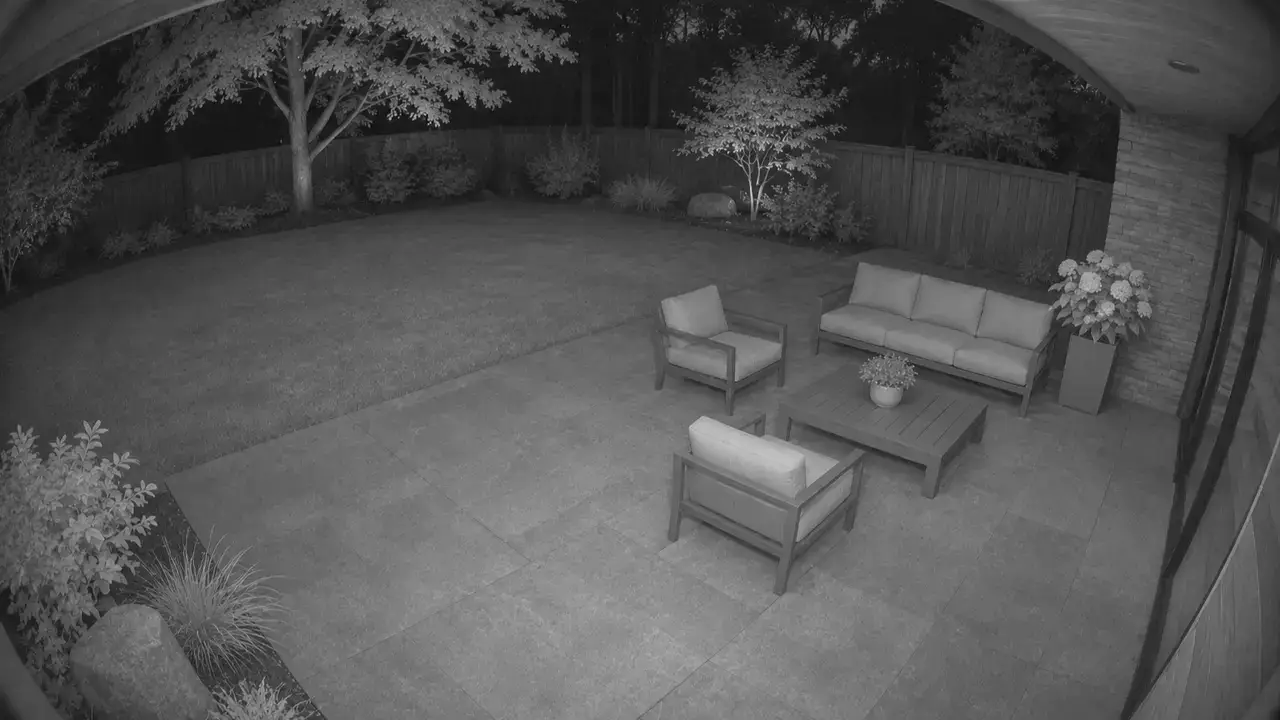 Backyard
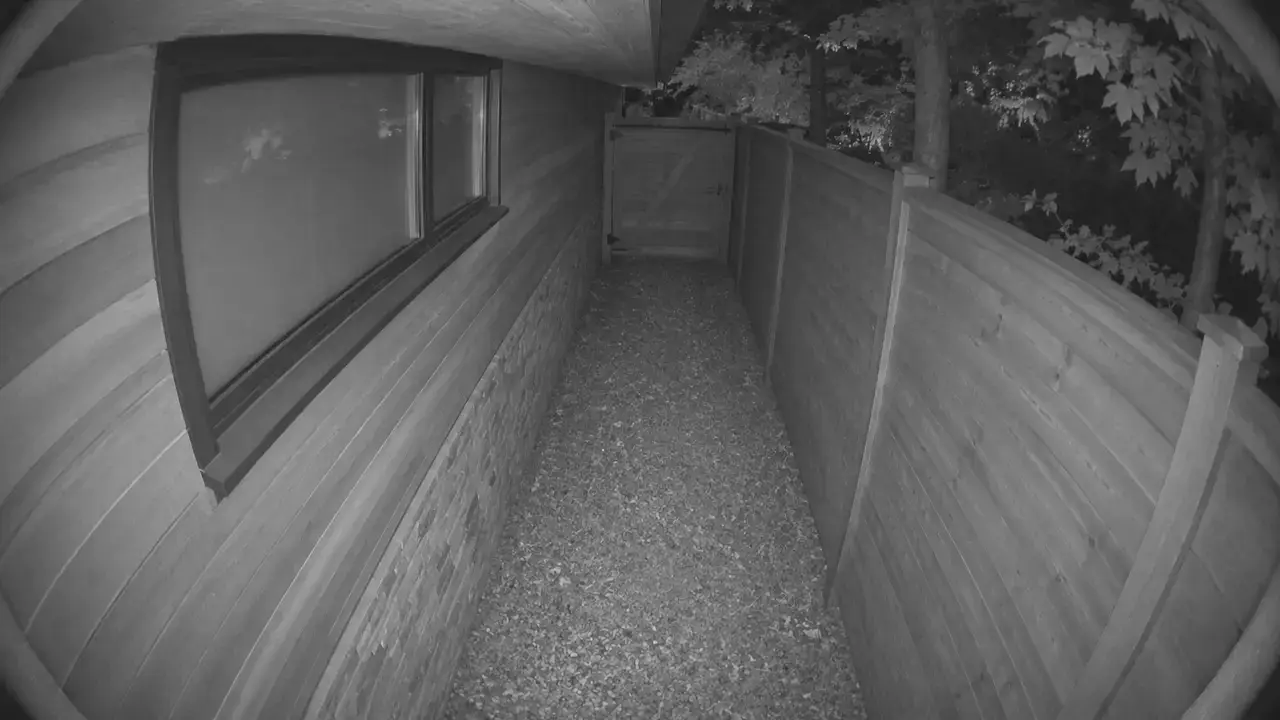 Side Gate
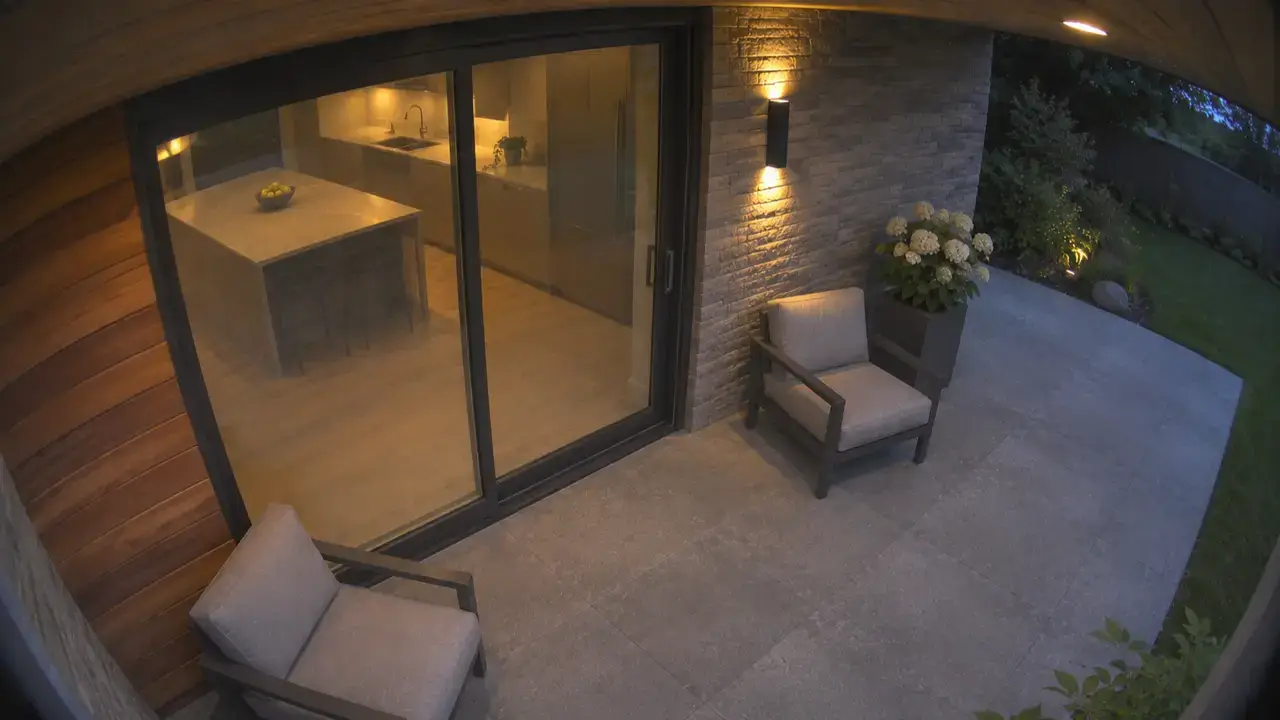 Back Door
Interior
- Living Room
- Office
- Kitchen
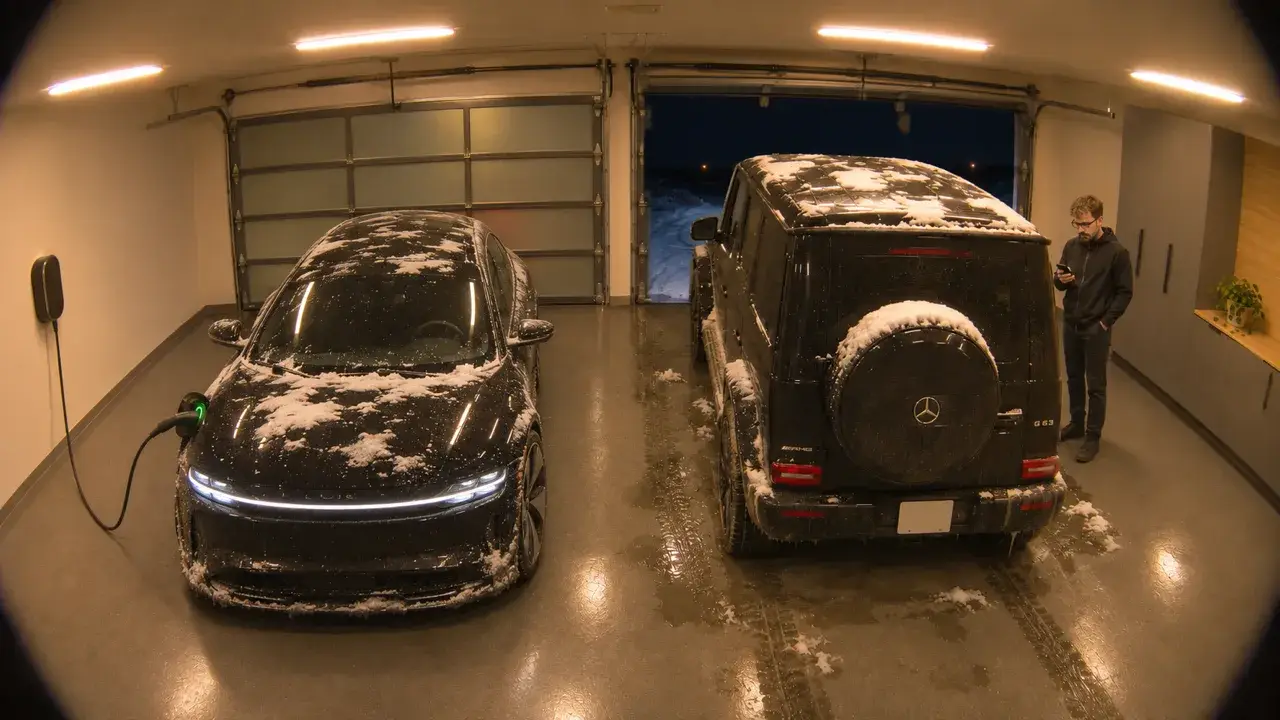
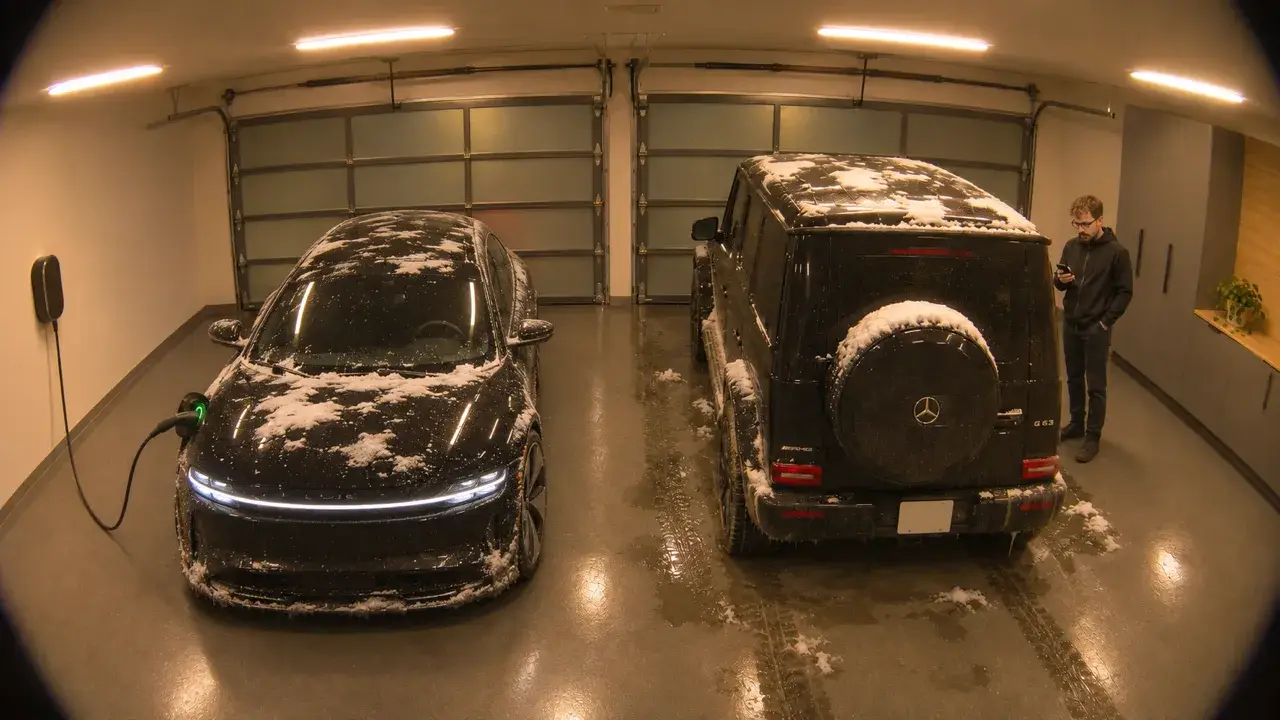
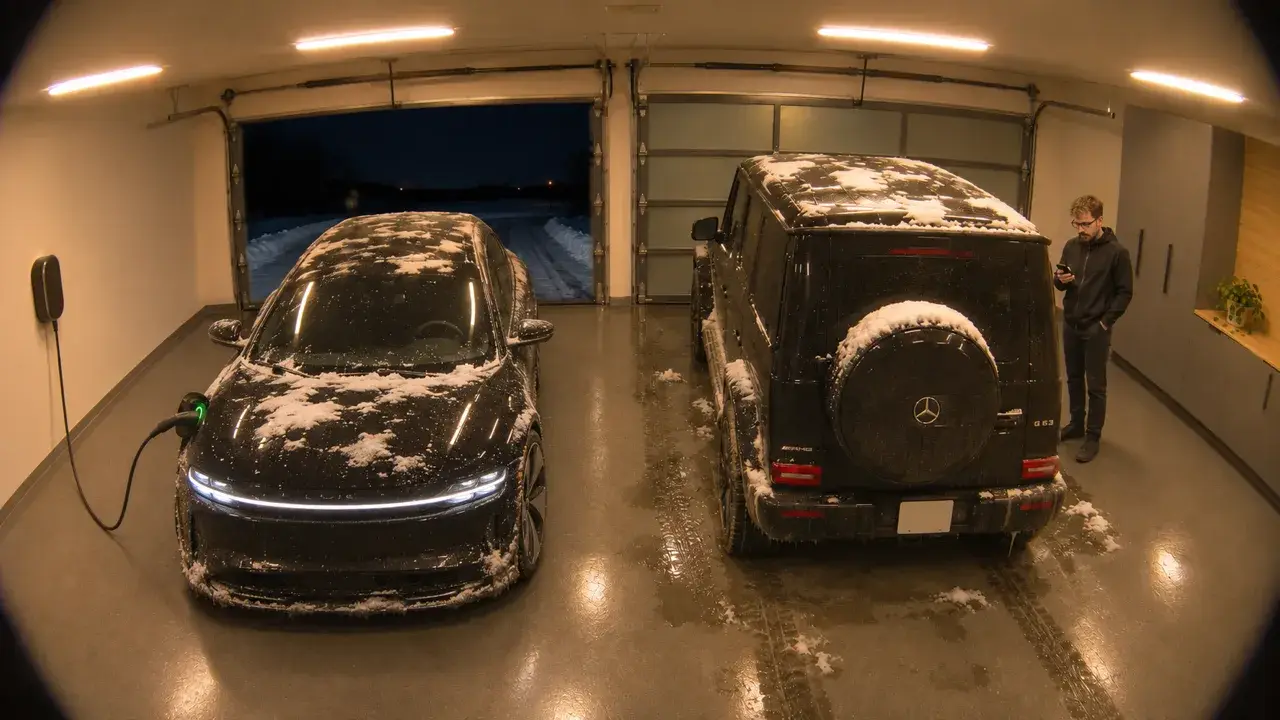
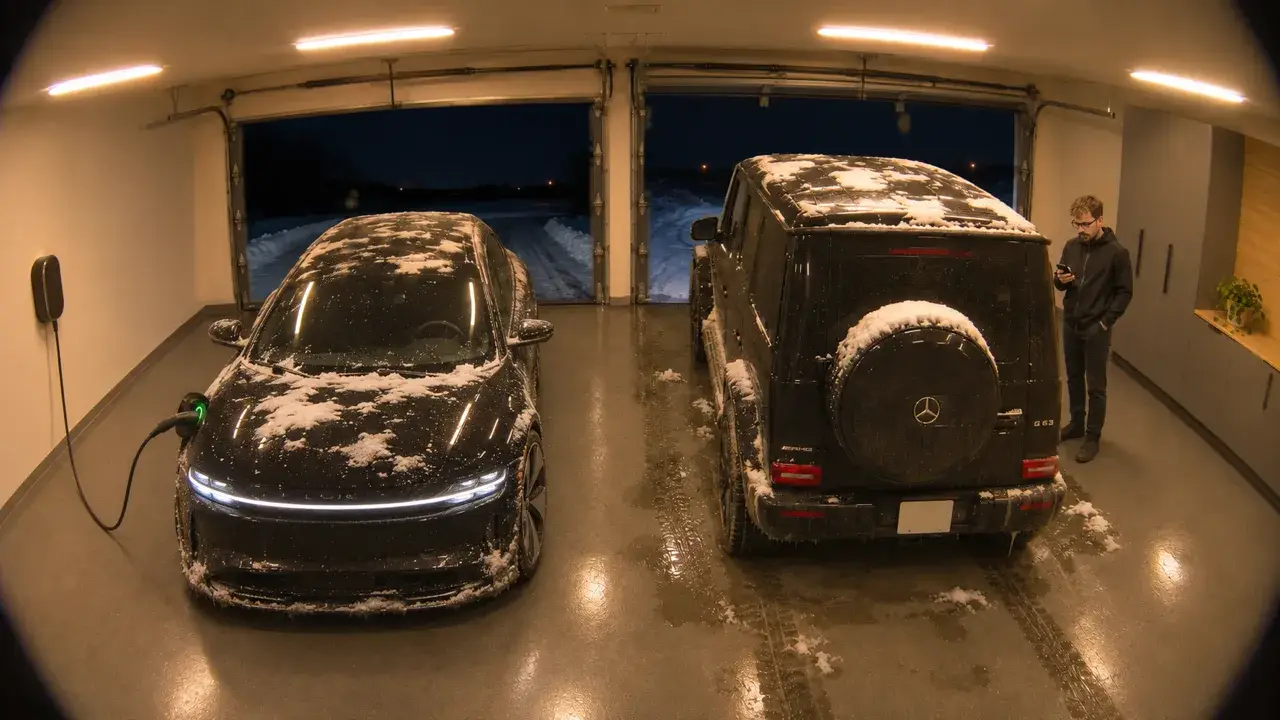 Garage
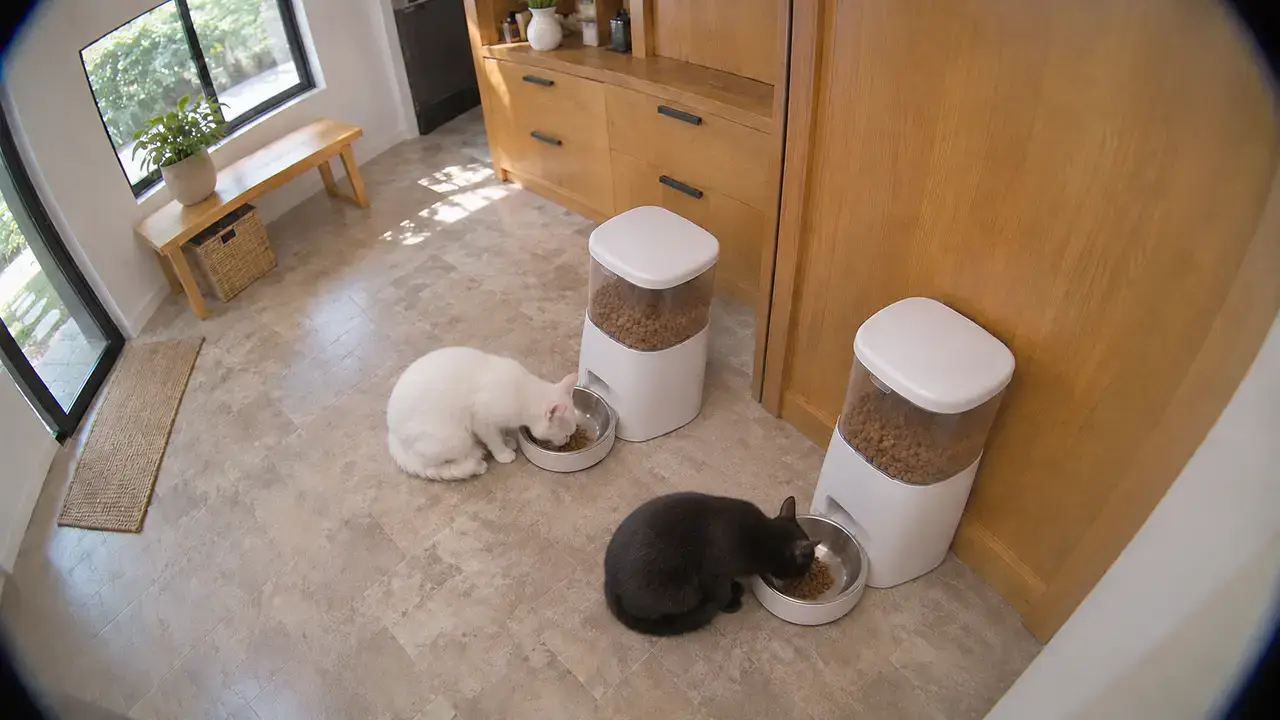 Cat Feeders
Sample only
Feeder Dashboard
Flo
- Flo’s Bowl
- Flo’s FeederFeeders
- Food Level
- Litter BoxToday
Marv
- Marv’s Bowl
- Marv’s FeederFeeders
- Food Level
- Litter BoxToday
Feeding Corner
- Today
- TodayFlo ate her breakfastFlo’s Bowl
- TodayMarv ate his breakfastMarv’s Bowl
- TodayFood is low: refill soonFlo’s Feeder
- TodayFlo’s 7th visit, about double normalLitter Box
- YesterdayA jam, cleared after a shakeMarv’s Feeder
Sample only
Energy Dashboard
Power Flow
≈ $2.62 an hourLiveAsk AI
AssistWhy was Tuesday so high?
The Lucid charged twice on Tuesday, about 18 kWh, or roughly $3.60. The rest of the house used about what it does every day.
Is the new deep freezer expensive to run?
Not really. It used 0.9 kWh yesterday, about 27 kWh a month. That's about $5.40 a month at ENMAX's rates, less than two of the Lucid's charges.
Last 30 Days
kWh a day$190.42765.4 kWh · the Lucid $41.34
- Lucid Air206.6 kWh
- Dishwasher25.1 kWh
- Laundry29.5 kWh
- Hot Tub160.9 kWh
- Fridge39 kWh
- Deep Freezer27 kWh
- Air Conditioner0 kWh
- Christmas Lights0.8 kWh
- Everything Else276.5 kWh
This Week
kWh a day$46.23187.6 kWh · about $198 a month
Sample only
More dashboards
Vacuum Dashboard
Map
Tap rooms to choose themDreame X30 Ultra
DockedOn the dock
Parts
Life left- Main brush6% · Replace
- Side brush48%
- Filter72%
- Mop pads30%
Recent Cleans
- YesterdayWhole house · 108 m²1 h 52 min · vacuum + mop
- ThuLaundry · 11 m²After the litter box, 9 min
- TueKitchen · 17 m²Spilled kibble, 14 min
Sample only
My Favorite AI Home Automations
Bins Out?AI Assisted, using an LLMGarbage day
No bins at the curb. Both are still by the garage. - When
- The evening before garbage day
- If
- The LLM sees no bins at the curb on the front camera
- Then
- Alerts my phone: the bins aren’t out
 Bins aren’t outnowGarbage day is tomorrow, and both bins are still by the garage.
- Checks again in an hour
- After
- Stays quiet once they’re out.
- When
Who’s at the DoorAI Assisted, using an LLMFront door
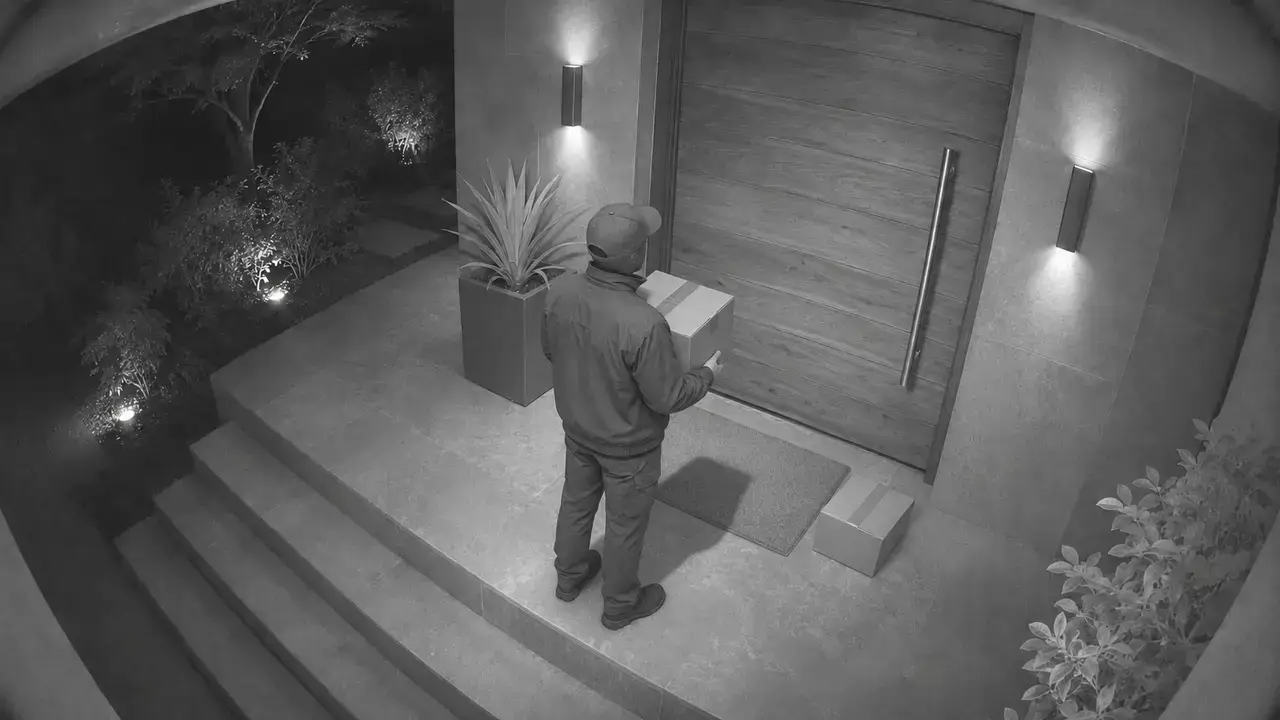
A courier with a box, and a parcel by the mat. - When
- Someone rings the doorbell or stops at the door
- Then
- The LLM describes who’s there and checks for a parcel
- Sends it to my phone with the snapshot
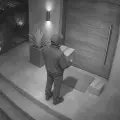 Someone’s at the front doornowA courier with a box. There’s also a parcel by the mat.
- Logs any parcel on the timeline
- After
- I can ask my agent, “did my package come?”
- When
Snow on the DrivewayAI Assisted, using an LLMWinter mornings
About 10 cm of fresh snow on the driveway. - When
- 6:00am on a winter morning
- If
- The LLM sees snow on the driveway camera
- Then
- Alerts my phone: shovel before I leave
 Snow on the drivewaynowAbout 10 cm fell overnight. Shovel before you head out.
- Adds “shovel the driveway” to my to-do list
- After
- Stays quiet once the driveway is clear.
- When
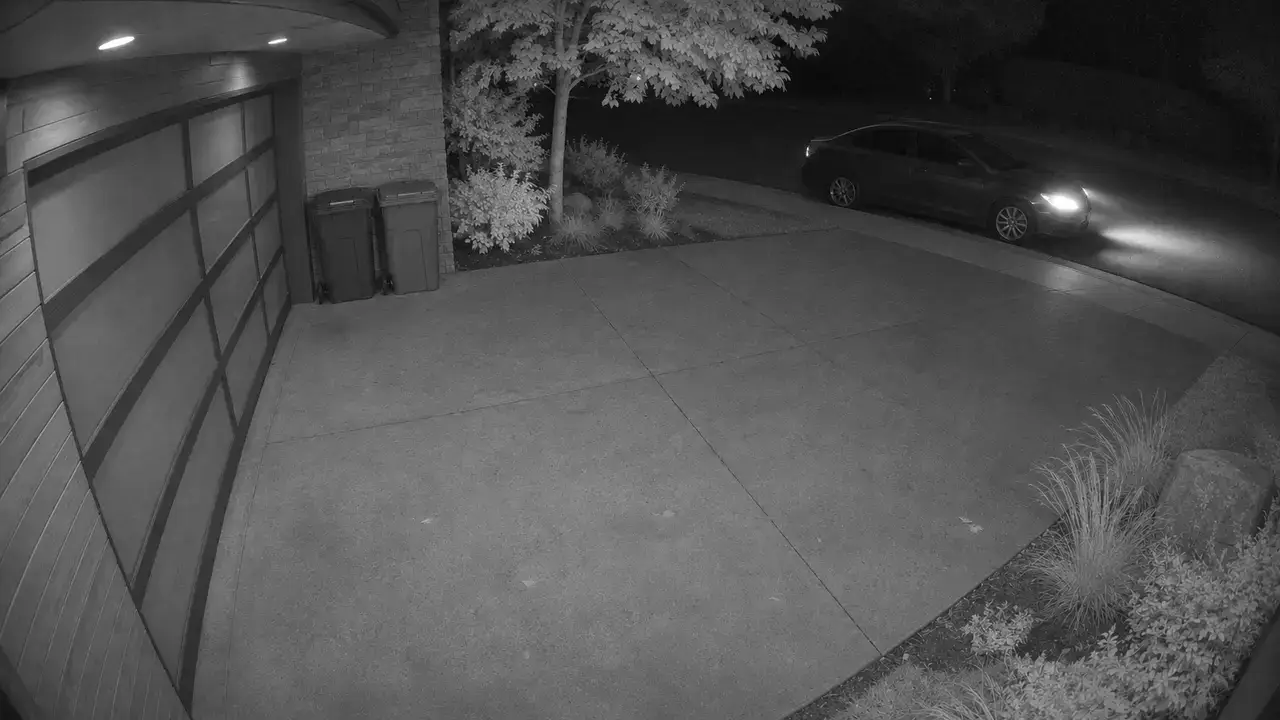
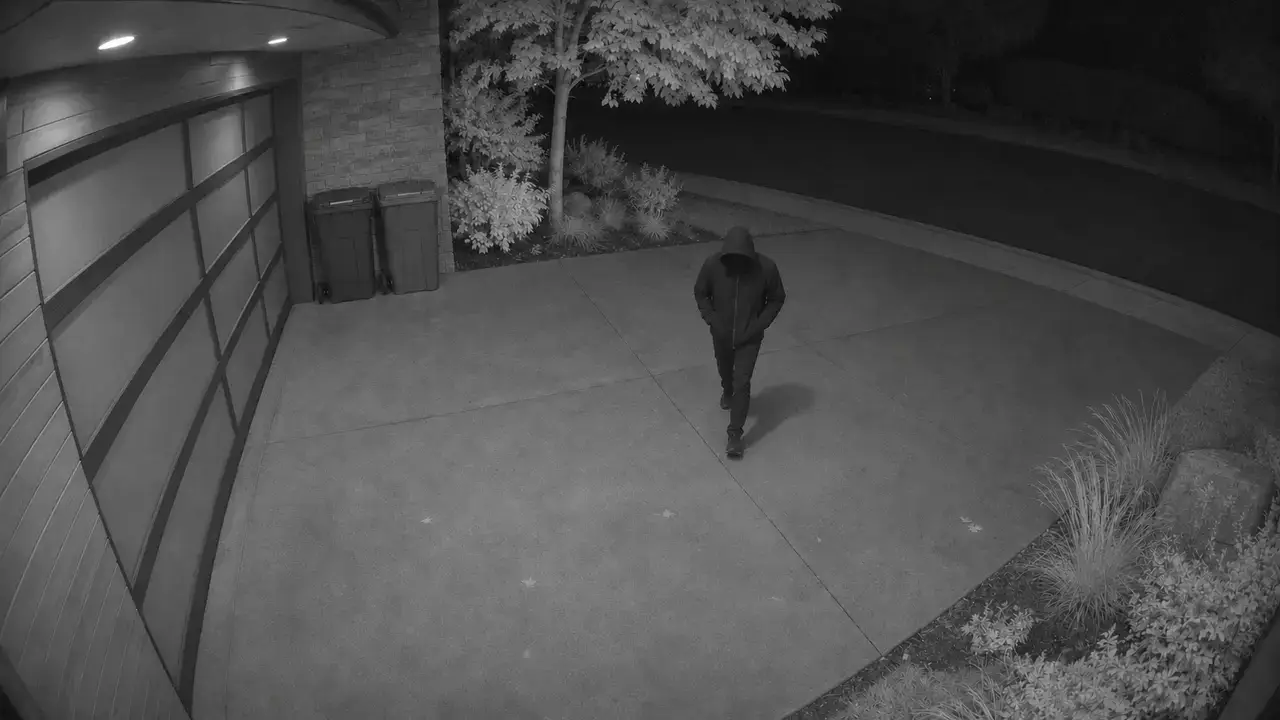
Driveway at NightAI Assisted, using an LLMAfter midnight
- When
- A car or a person pulls up
- Then
- The LLM describes what it sees
- Logs it on the timeline
- Sends it to my phone if it stays more than a minute
 Car at the curbnowA car stopped at the curb for two minutes, then left. Nobody got out.
- After
- Stays quiet for headlights just passing.
- When
Presence LightingPer room
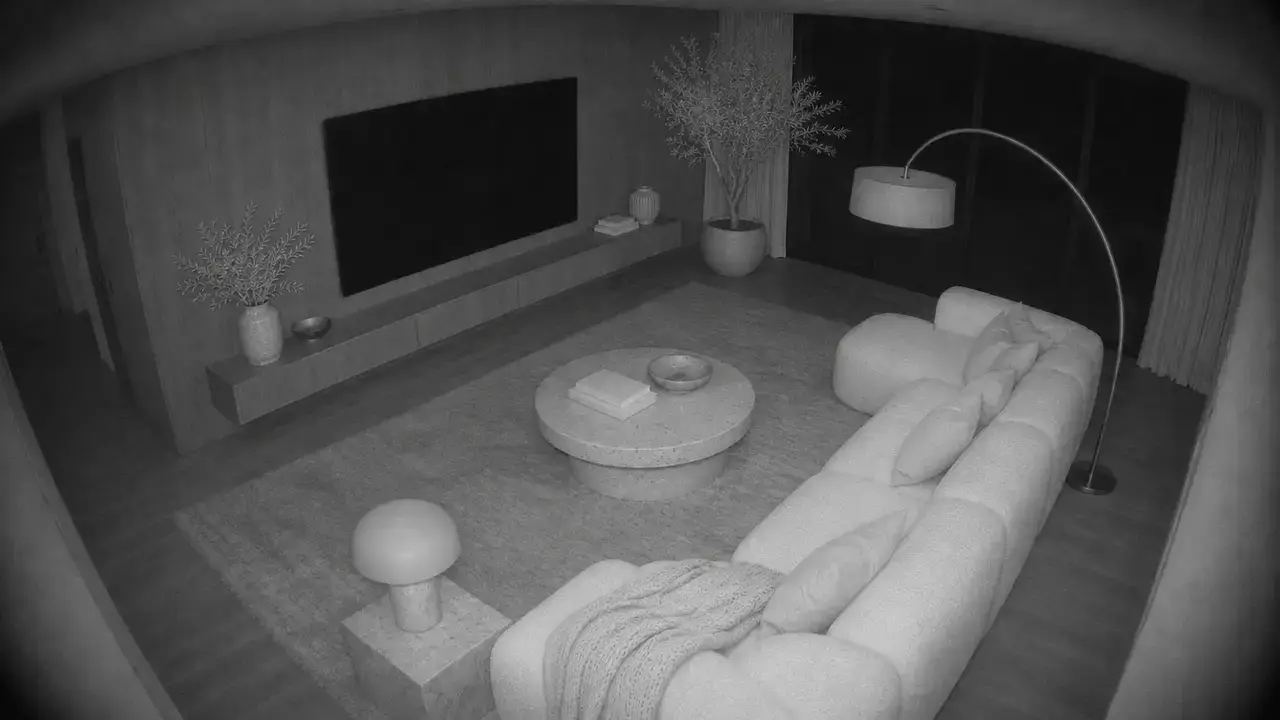
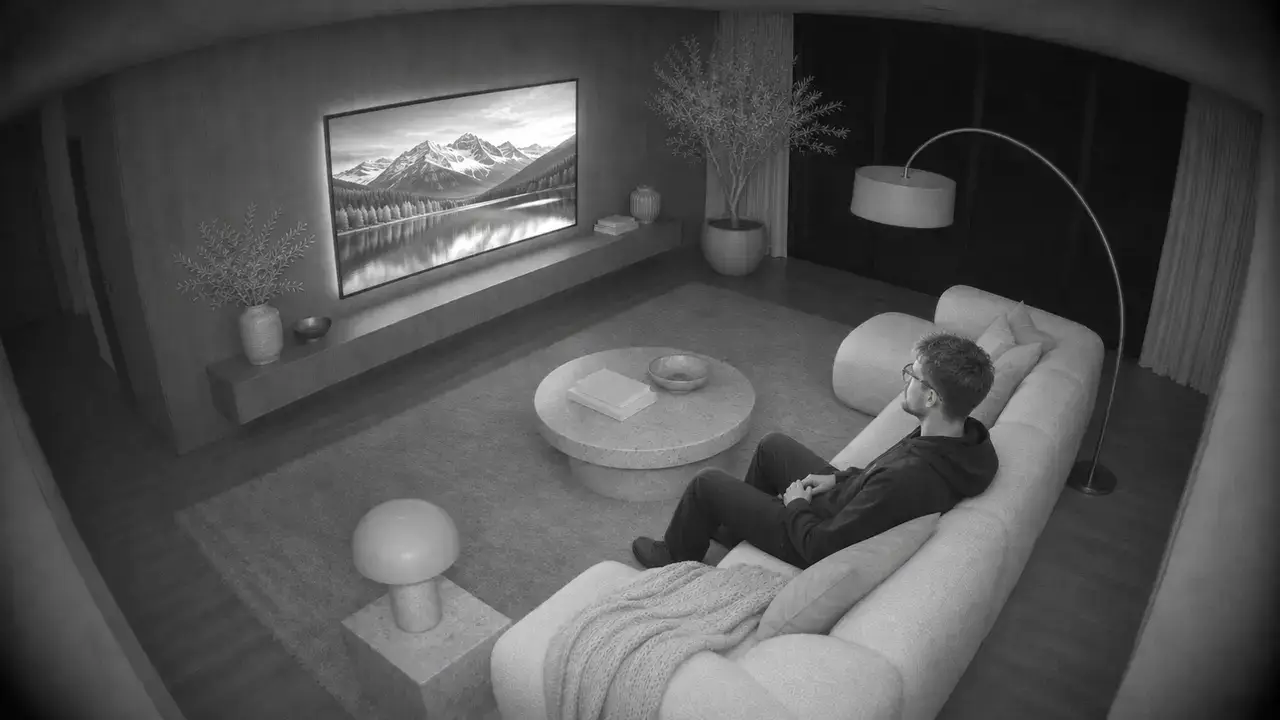
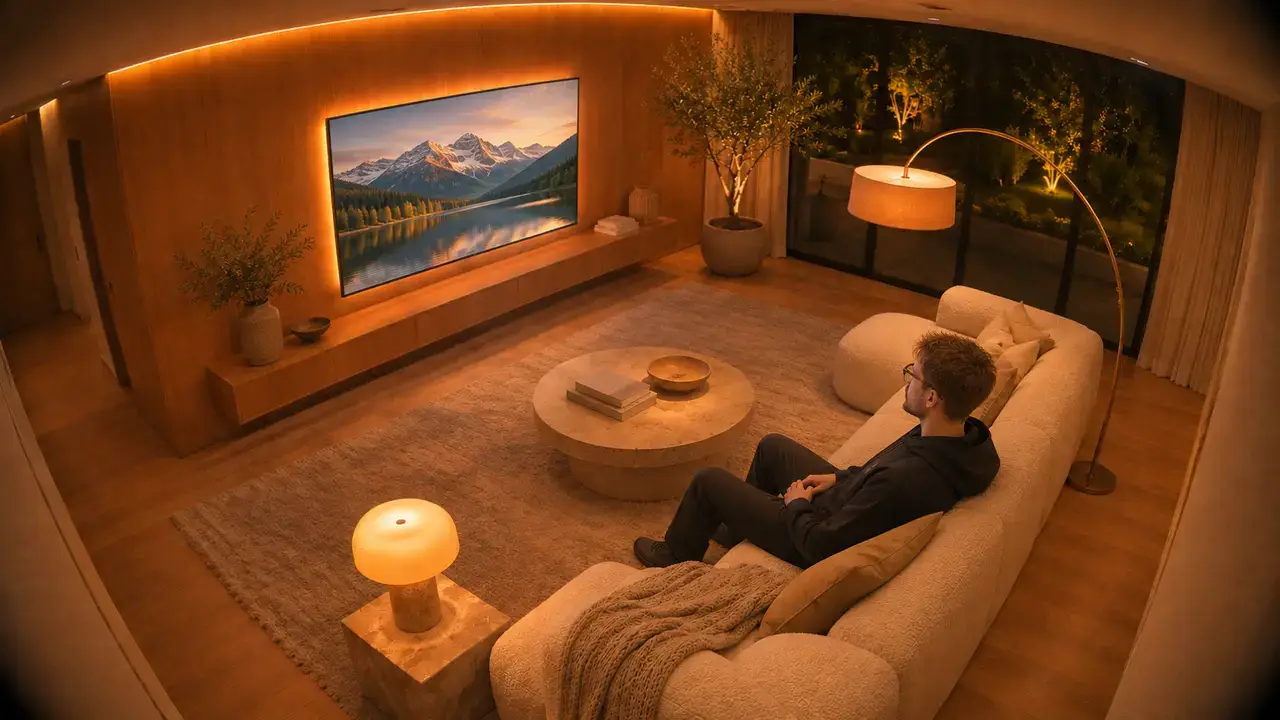

- When
- Someone comes in
- mmWave sensor detects presence
- If
- Time of day sets the scene
- Then
- After dusk: warm “bonfire” light
- Late night: a 1% lava glow
- After
- Off once the room is empty.
- When
Fridge CheckAI Assisted, using an LLMKitchen
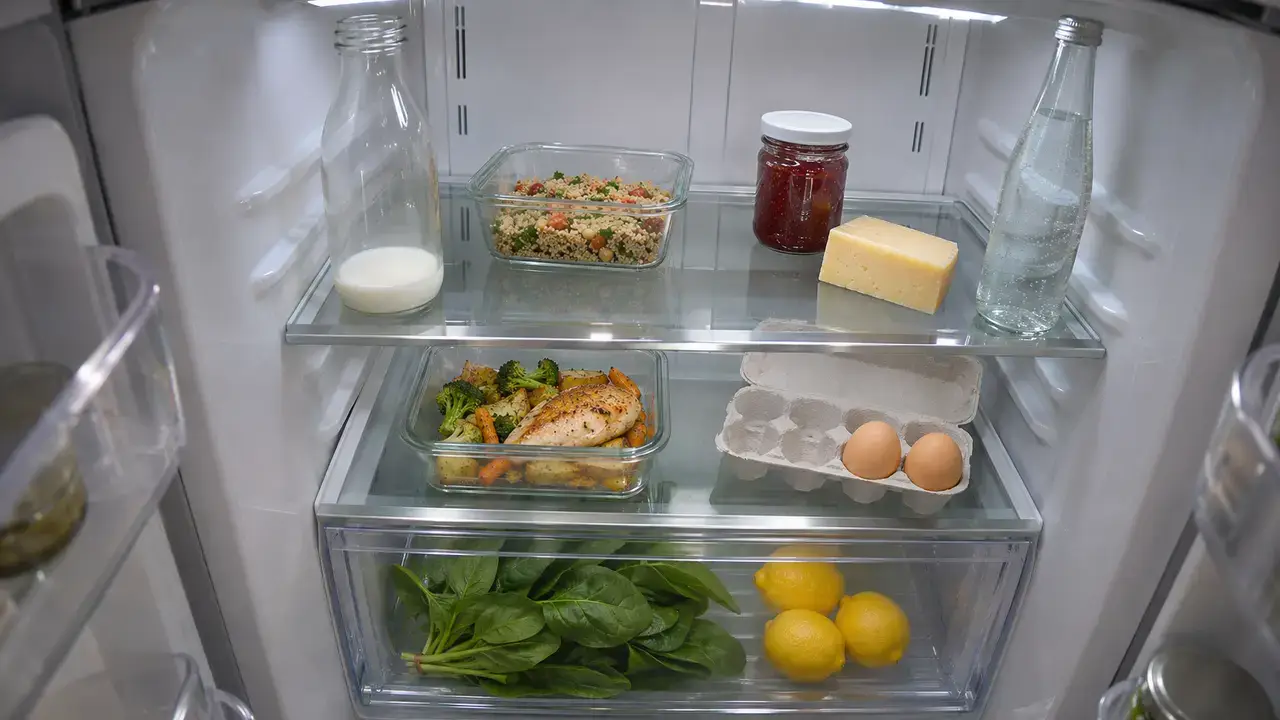
Milk is nearly out, and there are 2 eggs left. - When
- The fridge door closes
- Then
- The fridge camera takes a photo
- The LLM lists what’s inside and what’s running low
- Adds milk and eggs to my Notion shopping list
- Tells my phone what it added
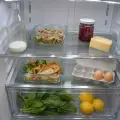 Shopping listnowAdded milk and eggs. The milk is nearly out and there are 2 eggs left.
- After
- I can ask “do we have eggs?” from the store.
- When
Laundry NudgeAI Assisted, using an LLMLaundry
- When
- The vibration sensor on the washer goes still
- Then
- The LLM writes a short note
- Sends it to my phone
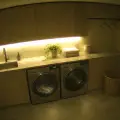 LaundrynowThe wash is done. Into the dryer before it starts to smell.
- Nudges my phone again in 30 minutes if the dryer hasn’t started, a little cheekier
- Laundry, againnowStill sitting in the washer. The towels are not getting any fresher.
- After
- Stops once the dryer starts.
- When
Movie ModeOne toggle
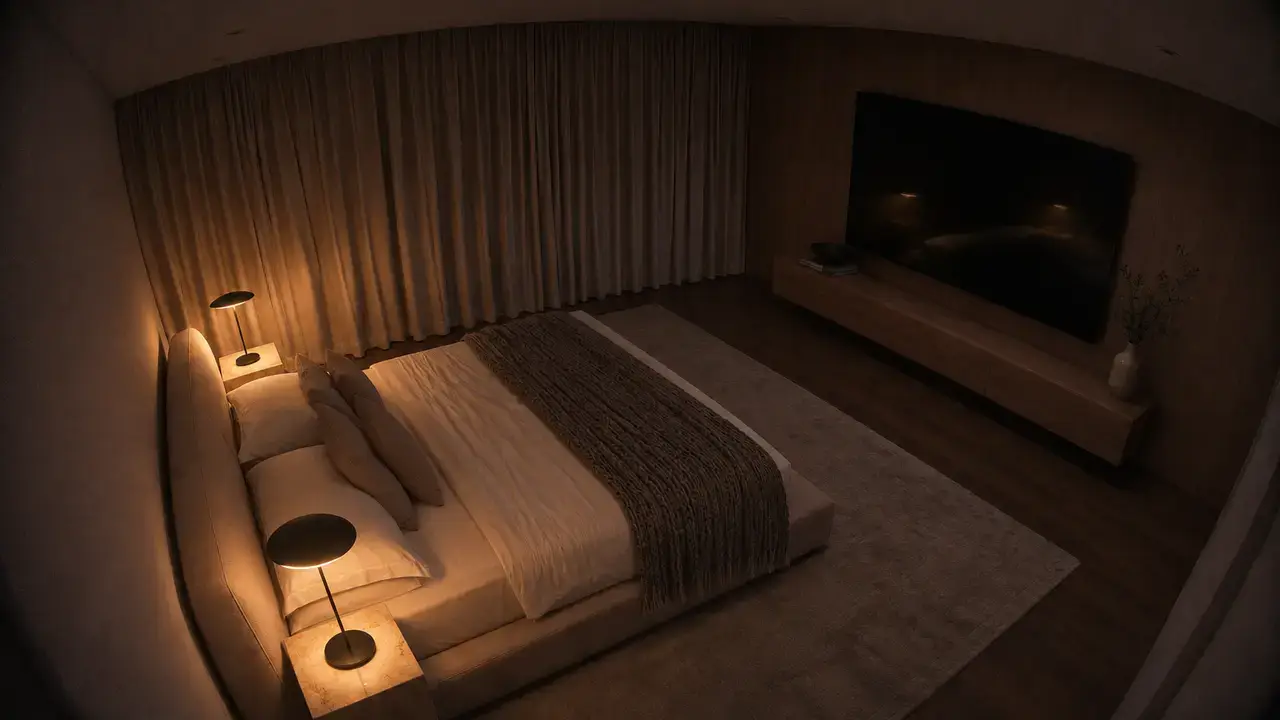
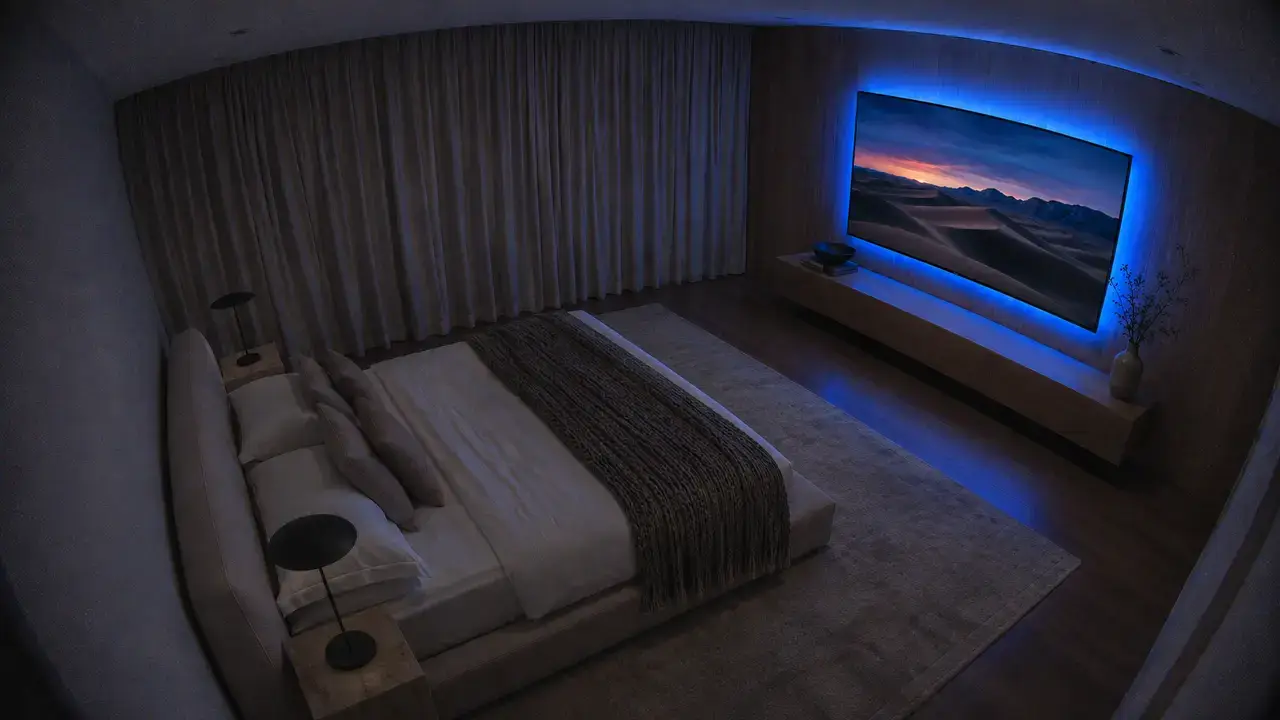
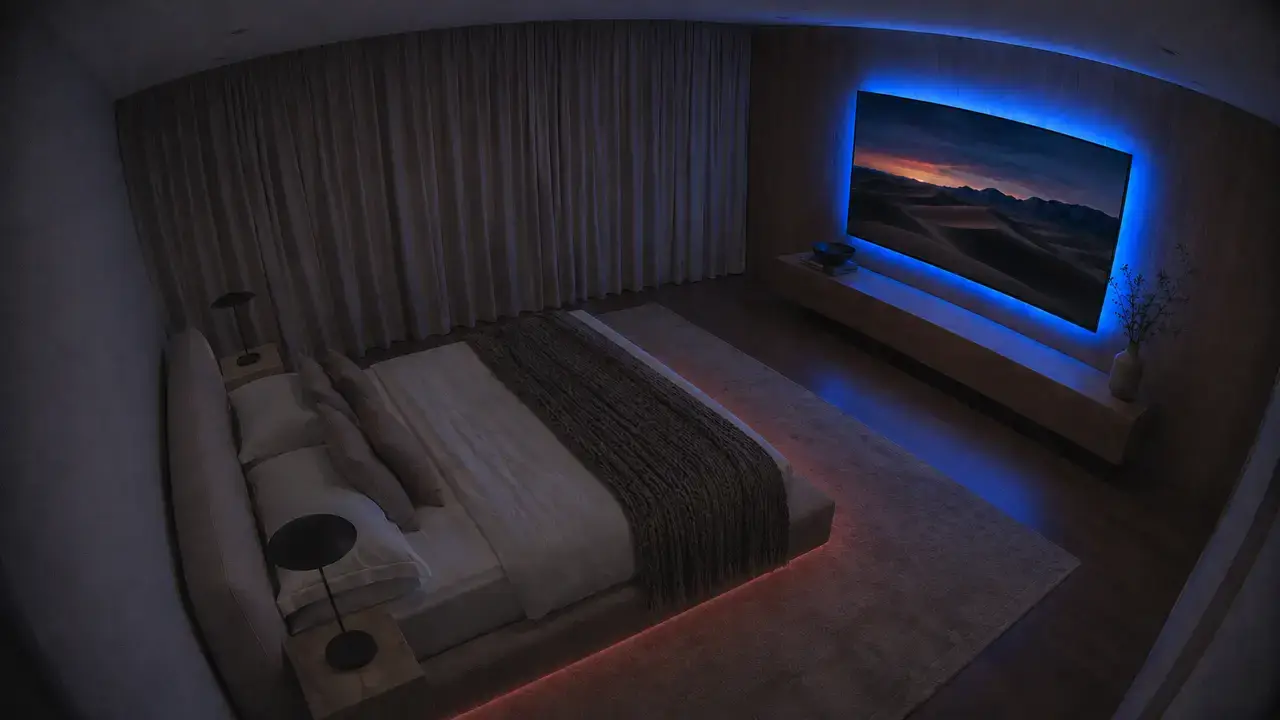
- When
- I turn on movie mode
- Then
- Save the current light states
- Turn on TV, set backlight, dim lights
- Pause: bed underglow at 25%
- Play: dim it again
- After
- Restore the saved lights if someone’s still in the room.
- When
Flo and MarvAI Assisted, using an LLM2 feeders
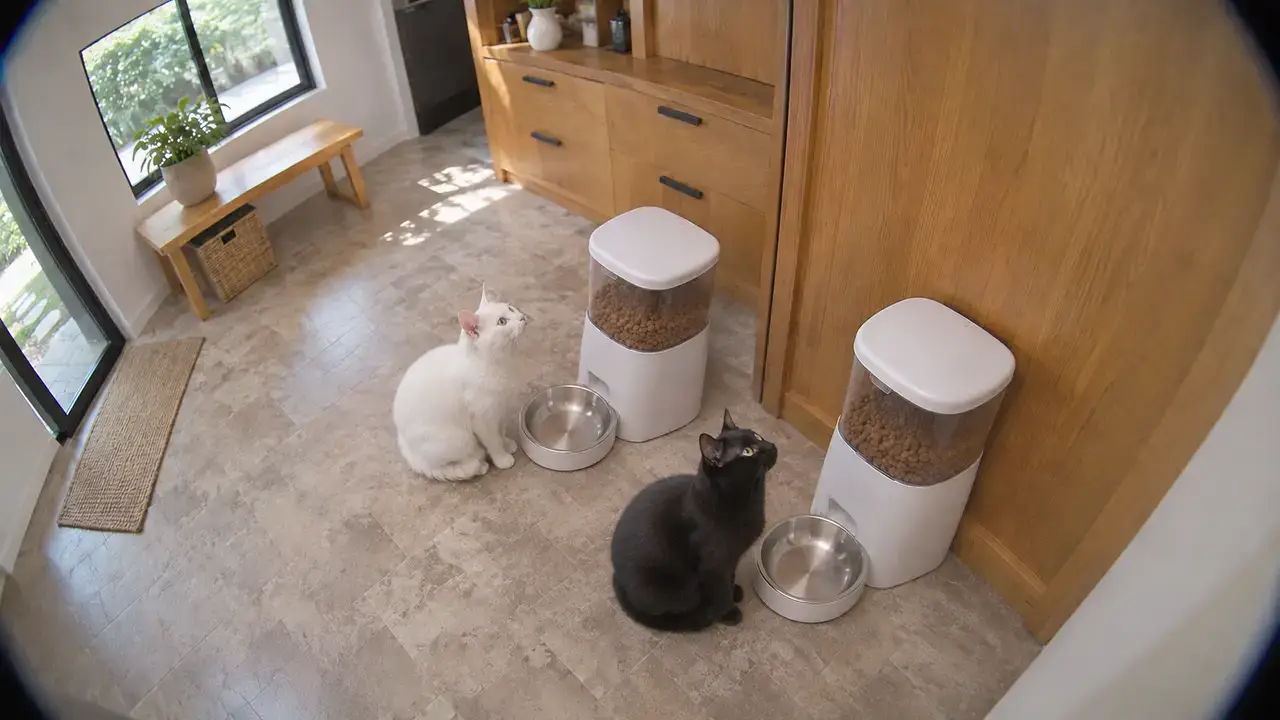
- When
- I press the dashboard’s dispense button
- If
- I confirm before dispensing
- Then
- Dispense food and log the meal
- The feeder camera takes a snapshot
- The LLM checks both cats came to eat
- Read jam, low food, empty, battery faults
- Notify me if a feeder goes offline
- After
- If one skips a meal, it tells my phone.
- When
Litter Box WatchAI Assisted, using an LLMFlo and Marv
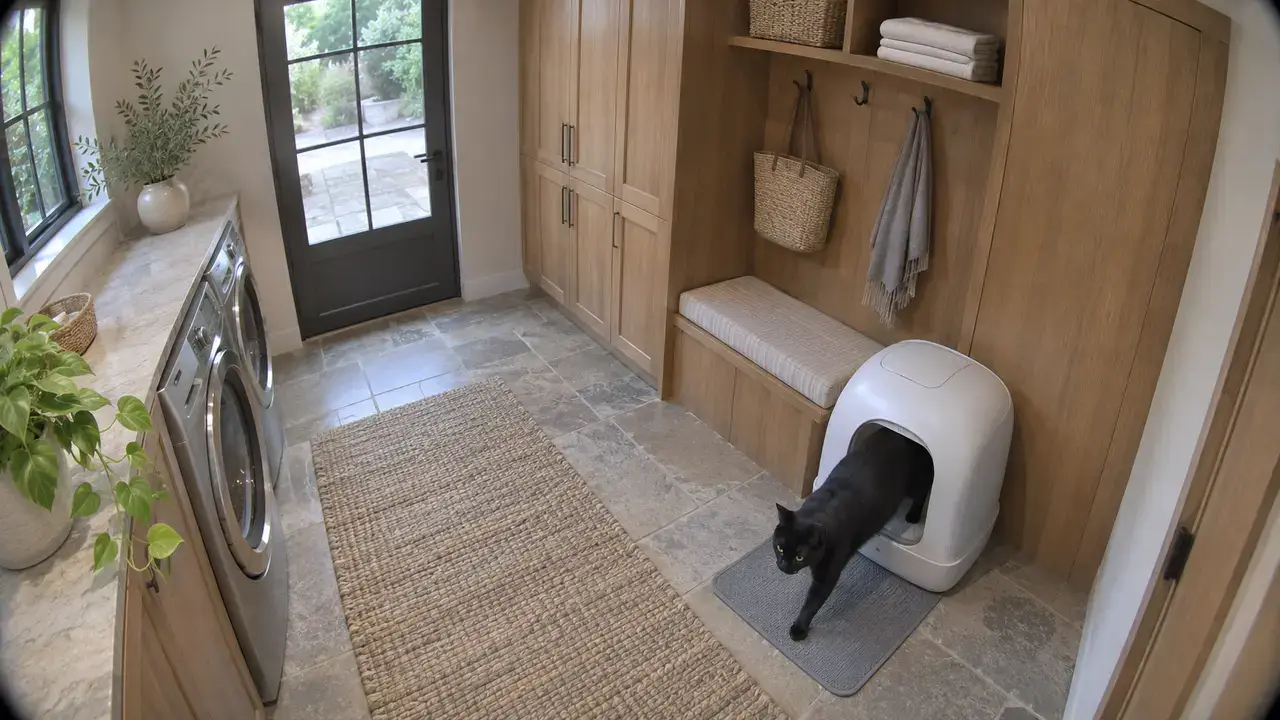
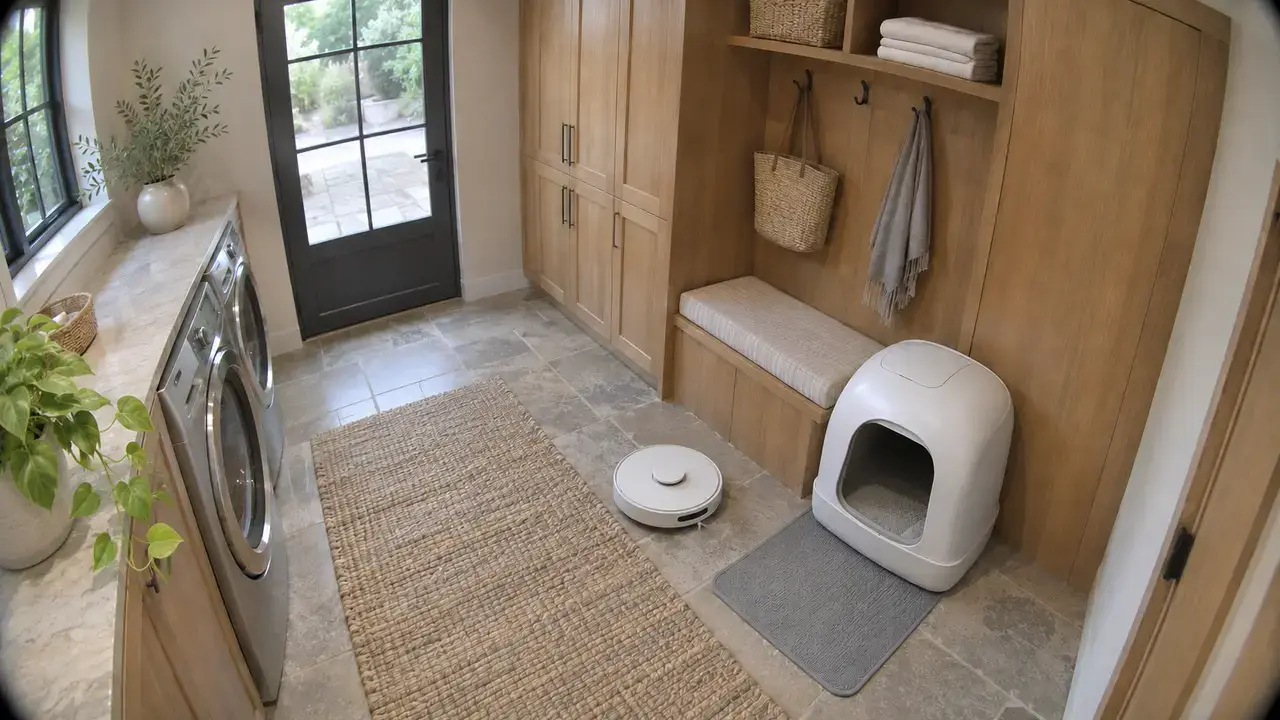
- When
- A cat uses the litter box
- Then
- The LLM works out which cat it was
- Logs the visit against that cat
- Once the cat leaves, sends the robot vacuum around the box
- Alerts my phone if visits jump well above normal
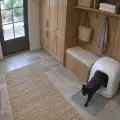 Litter boxnowFlo has been in 7 times today, about double normal. Worth keeping an eye on.
- After
- It’s a trend to raise with the vet, not a diagnosis.
- When
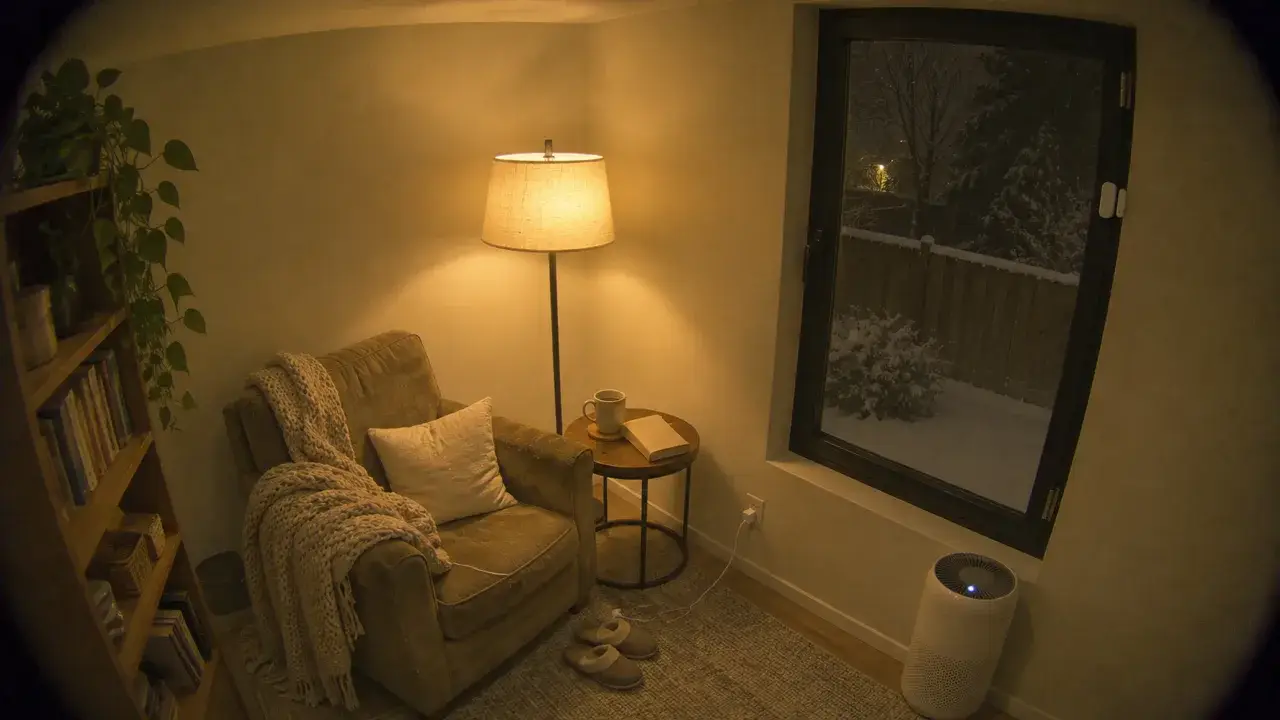
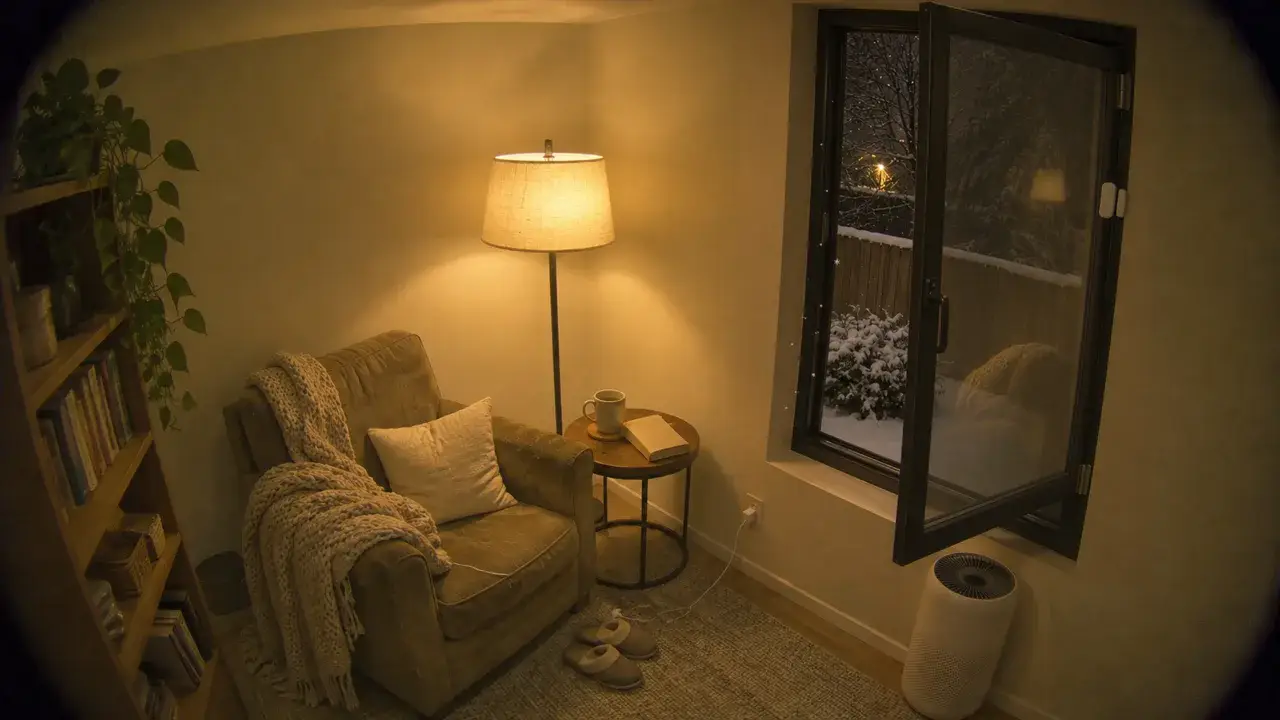
Fresh AirPurifiers
- When
- A window or door opens
- Then
- Turn off that room’s purifier
- After
- Back on once it closes.
- When
I Run All of This on 3 Networks
I run Zigbee, Thread and Wi-Fi, and there are pros and cons to each.
Zigbee
Zigbee is a low-power mesh, meaning devices can pass messages along for each other. It needs a coordinator, the radio that manages the network, which runs in my SMLIGHT antenna and connects to Home Assistant through ZHA.
Pros
- Sensors are cheap and reliable, like the ones from Third Reality.
- They work fully locally.
- Powered plugs relay messages for battery devices.
Cons
- Coordinator hangs have dropped every device until I restarted the radio.
- My old IKEA PARASOLL sensor kept dropping off for reasons I never found.
- It shares the 2.4 GHz band with Wi-Fi, so they can interfere. Boo, Wi-Fi. 🍅
Matter over Thread
Thread is a newer low-power mesh that I use for sensors and plugs, and my SMLIGHT antenna is its border router, connecting it to the rest of my network. Matter is the shared standard those devices speak over Thread or Wi-Fi, so one device can join several platforms at once.
Pros
- Thread uses little power, which suits battery sensors.
- I pair Matter devices straight from the Home Assistant iPhone app.
- Most of mine show up in both Apple Home and Home Assistant.
Cons
- My antenna is my only Thread border router.
- One IKEA GRILLPLATS plug has dropped off twice.
- There’s less gear to choose from than for Zigbee or Wi-Fi.
Wi-Fi
Wi-Fi connects my lights and appliances without an extra hub. I use it for Govee lights, cameras, cat feeders, air purifiers, my robot vacuum, presence sensors, streamers and TVs.
I keep these devices on their own VLAN, a separate network segment isolated from the main network my computers and phones use. I give each device a dedicated reserved IP address and use strict firewall rules to control what that network can reach.
Pros
- It needs no extra hub.
- It has the bandwidth for camera video and streaming.
- Some gadgets can run locally, like my Tuya feeders through LocalTuya.
Cons
- It uses more power, so it’s a poor fit for small battery sensors.
- Govee’s cloud scenes and effects have lagged by a few seconds for me.
- My Levoit purifiers stop working when VeSync is down.
I Buy Devices That Work Locally
Before buying anything, I check what works locally.
- Privacy
- I want my data to stay in the house, off someone else’s servers.
- Reliability
- I want things to work when the internet or a vendor goes down.
- Speed
- I want commands to respond right away, without the few seconds of cloud lag I’ve seen with cloud integrations.
- Ownership
- I’d rather own my setup than rent it, with a company deciding how long its service lasts or changing the terms.
As an Amazon Associate I earn from qualifying purchases.
Hubs 2
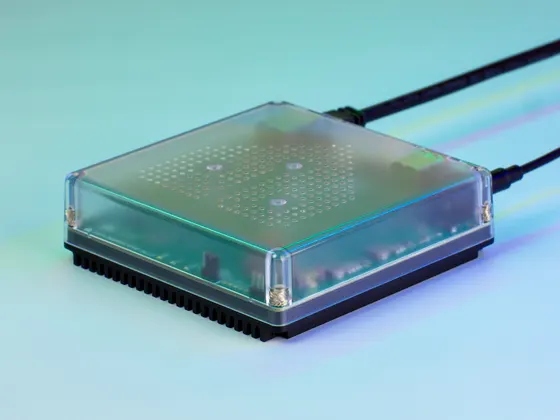 Photo: Nabu Casa
Ethernet
Home Assistant Green
This runs Home Assistant OS and add-ons.
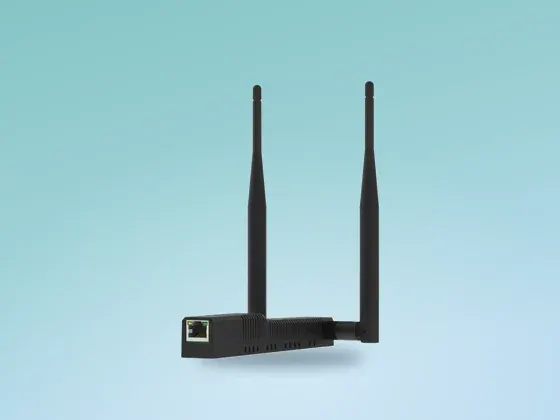 Photo: SMLIGHT
Ethernet
SMLIGHT SLZB-MR4U
The antenna connects over Ethernet and handles the Zigbee coordinator and Thread border router.
Sensors 6
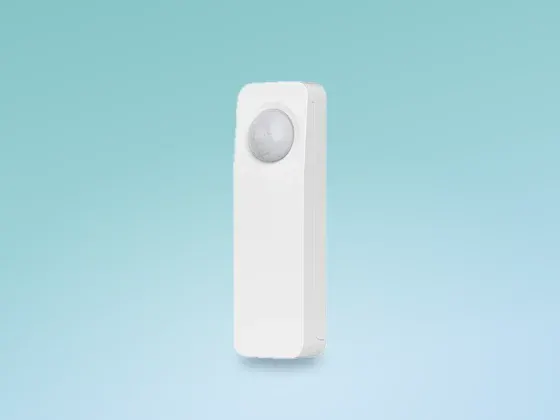 Photo: Third Reality
Zigbee×5
Third Reality Motion Sensor
3RMS16BZ
These cheap PIR sensors never fired for the cats alone in ten days of motion history.
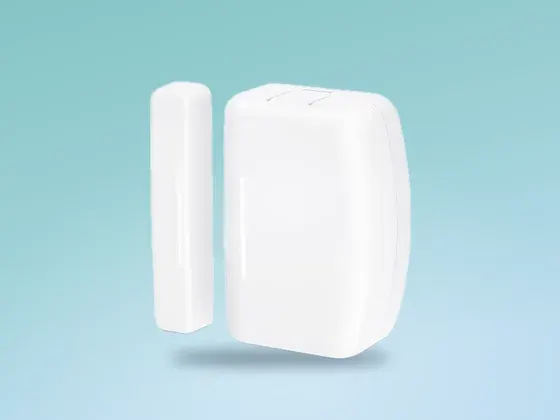 Photo: Third Reality
Zigbee×4
Third Reality Door Sensor
3RDS17BZ
Cheap door and window contacts that work locally.
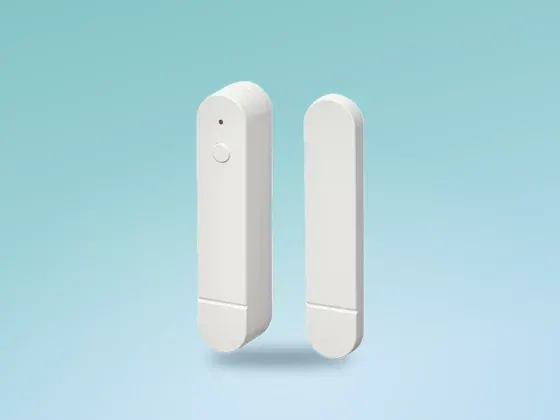 Photo: IKEA
ThreadMatter×3
IKEA MYGGBETT Door Sensor
Paired from my phone using Matter over Thread.
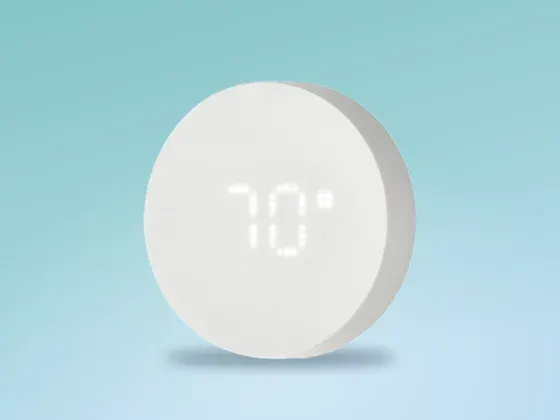 Photo: IKEA
ThreadMatter
IKEA TIMMERFLOTTE
Temp + Humidity
I use it for a high-humidity alert.
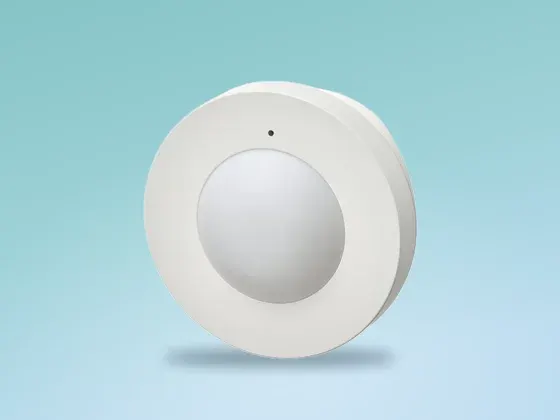 Photo: IKEA
ThreadMatter×3
IKEA MYGGSPRAY Motion Sensor
This uses Matter over Thread, and I paired it from my phone. It doesn’t pick things up as well in really dark rooms.
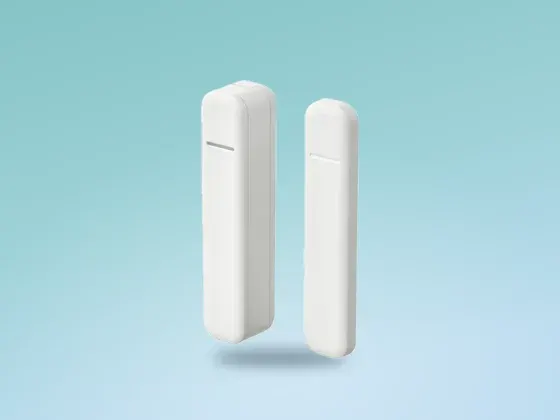 Photo: IKEA
Zigbee
IKEA PARASOLL Door Sensor
Mine kept dropping off the network, and I never worked out why. I replaced it with a Third Reality sensor.
Presence Sensors 3
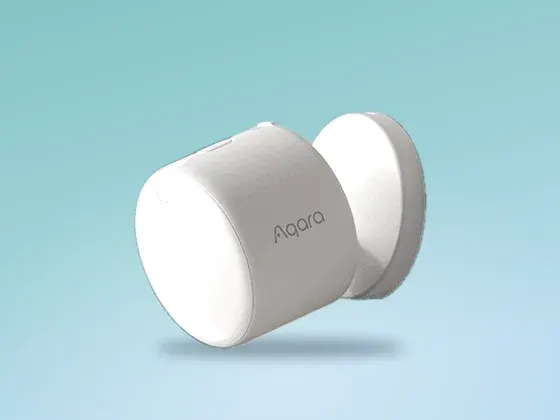 Photo: Aqara
ThreadMatter
Aqara FP300
Presence Multi-Sensor
Battery-powered mmWave that keeps the lights on while I sit still.
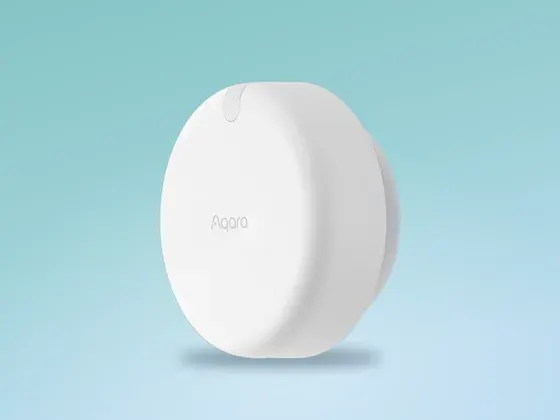 Photo: Aqara
Wi-Fivia HomeKit
Aqara FP2
Presence Sensor
Wired mmWave, paired locally through HomeKit Controller.
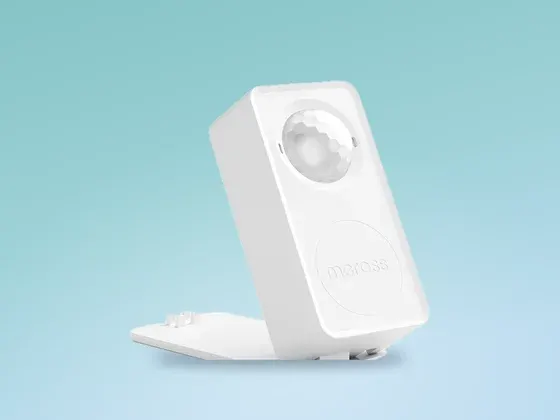 Photo: Meross
Wi-FiMatter×2
Meross Presence Sensor
Works reliably, but it picks up the cats as people.
Lights 5
 Photo: IKEA
Zigbee
IKEA ORMANAS Strip
My kitchen underglow, and honestly great. It’s also my only fully local light.
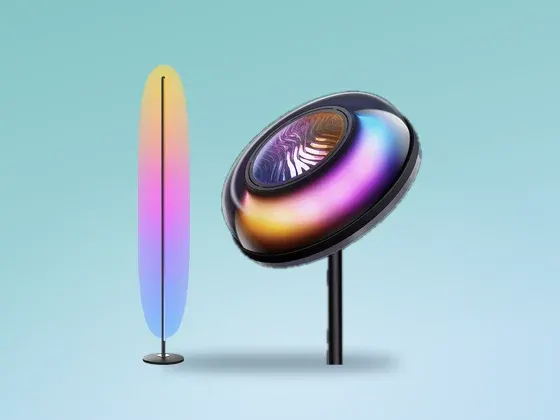 Photo: Govee
Wi-Fivia govee2mqtt×5
Govee Floor Lamps
H607C, H6076, H60B0, H16B0
Two RGBIC floor lamps, a corner lamp, an uplighter and a newer floor lamp.
Local + cloudNot fully localPower, brightness and colour run locally over Govee’s LAN API.Segment effects on the two RGBIC lamps go through Govee’s cloud.The corner lamp runs almost entirely locally.View on Amazon for Govee Floor Lamps
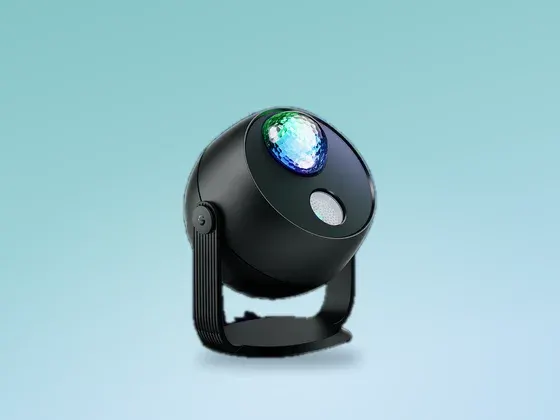 Photo: Govee
Wi-Fivia govee2mqtt
Govee Star Projector
H6093
The aurora projector. Power and colour work locally.
Local + cloudNot fully localPower, brightness and colour run locally over Govee’s LAN API.Its scenes and effects go through Govee’s cloud.View on Amazon for Govee Star Projector
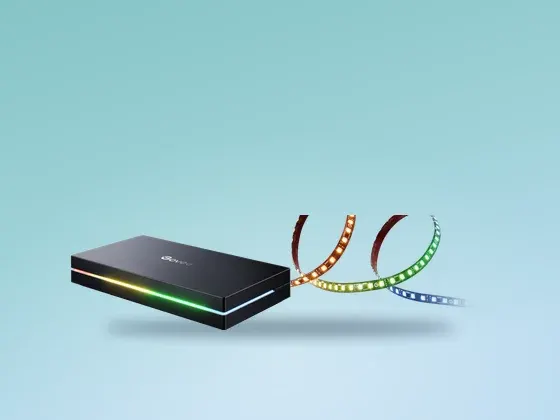 Photo: Govee
Wi-Fivia govee2mqtt
Govee AI Sync Box
H6604
The TV backlight kit. Movie mode switches it on and sets its look.
Local + cloudNot fully localPower and colour run locally over Govee’s LAN API.Segment and effect control from Home Assistant goes through Govee’s cloud.View on Amazon for Govee AI Sync Box
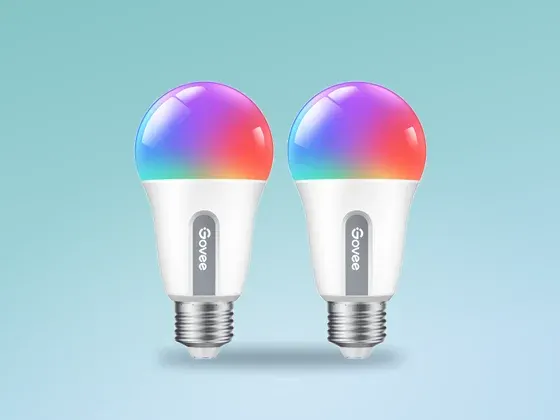 Photo: Govee
Wi-Fivia govee2mqtt×6
Govee Lights
Bulbs, LED Strip
Power and colour work through Govee’s LAN API. Scenes and effects need the cloud, and state updates lag.
Local + cloudNot fully localPower, brightness and colour run locally over Govee’s LAN API.Scenes, segments and effects still go through Govee’s cloud.Two of my bulbs run entirely through the cloud. LAN control probably isn’t switched on for them.The state Home Assistant shows lags a few seconds behind a command.Product page for Govee Lights
Smart Plugs 2
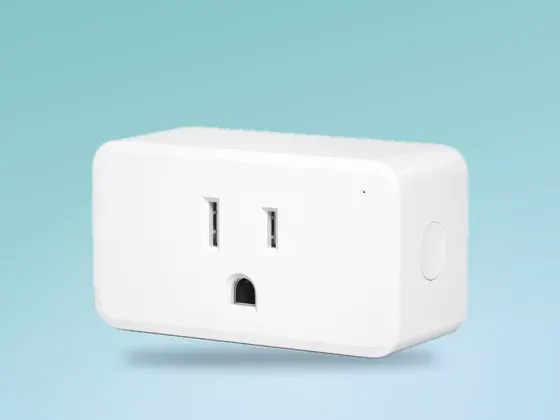 Photo: Third Reality
Zigbee×4
Third Reality Smart Plug
3RSP02028BZ
Tracks energy use too.
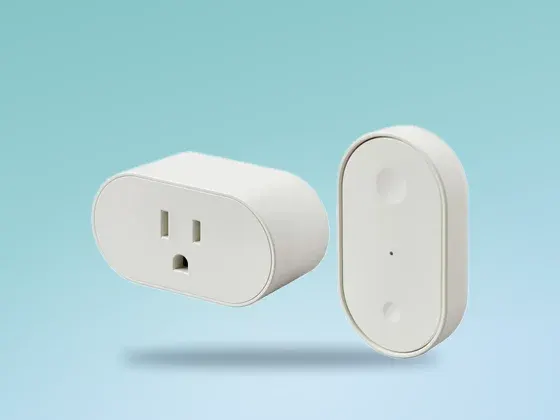 Photo: IKEA
ThreadMatter×2
IKEA GRILLPLATS Plug
Uses Matter over Thread and tracks power, though one has disconnected twice.
Cameras 2
 Photo: Reolink
Wi-Fi + LAN
Reolink Cameras
Fully local in Home Assistant, video included. I’d buy Reolink again, and I’d go wired PoE wherever I could run a cable.
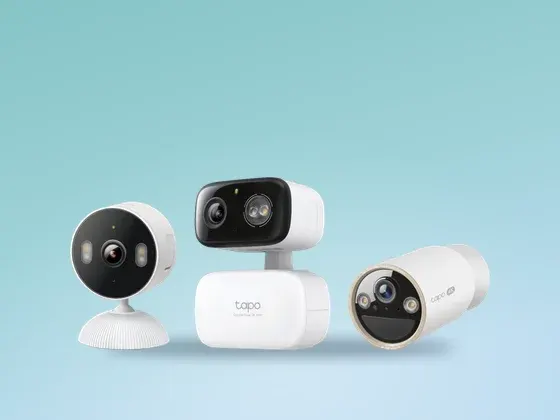 Photo: TP-Link
Wi-Fi + LAN
Tapo Cameras
Works locally through the Tapo Cameras Control integration. I’d still go wired wherever I could run a cable.
Media 1
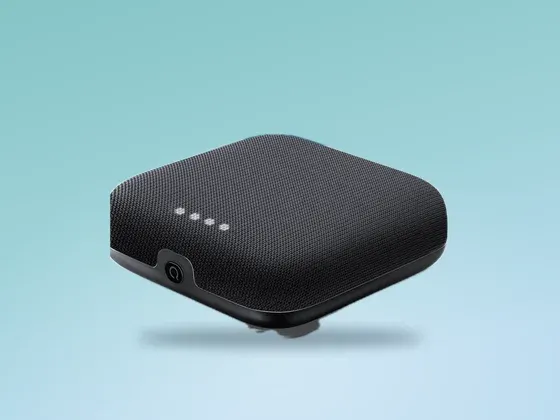 Photo: onn. / Walmart
Wi-Fi×4
Streamers and Speakers
onn 4K Pro, SHIELD, Roku TV, Nest Audio
I control these locally through Android TV Remote, Cast and HomeKit.
Local
Appliances 2
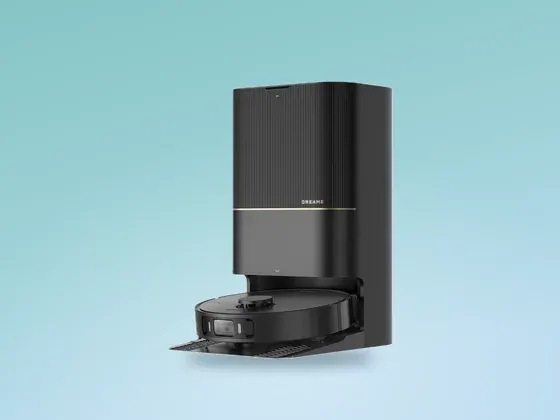 Photo: Dreame
Wi-Fi
Dreame X30 Ultra
Robot Vacuum
I need a Dreame cloud account to use it.
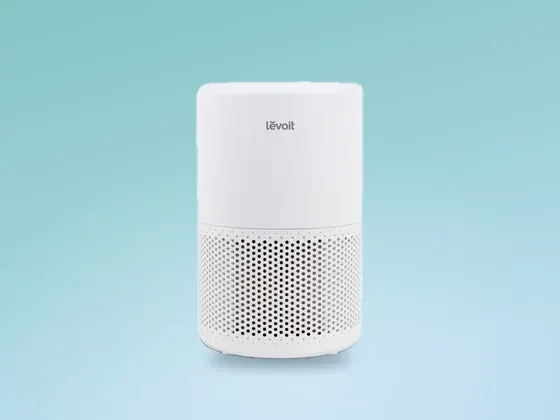 Photo: Levoit
Wi-Fivia VeSync×2
Levoit Air Purifiers
Vital 100S, Core 200S
Needs the cloud, so when VeSync is down, the automation stops working.
Pets 1
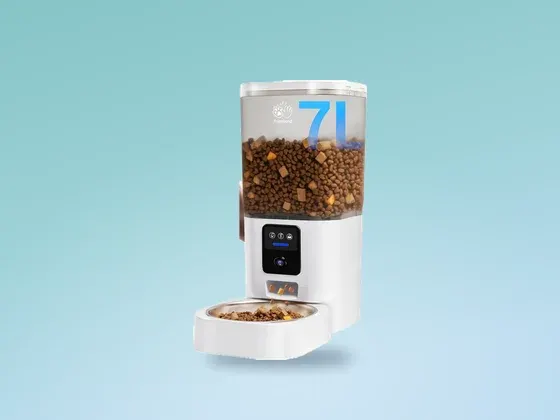 Photo: Frienhund
Wi-Fivia LocalTuya×2
Cat Feeders
Frienhund
They use Tuya, so I can run them locally with LocalTuya.
AI Changed the Way I Use Home Assistant
I used to make every change manually in the UI, or YAML, but lately I’ve been doing everything through my agent, specifically Hermes paired with Codex and Claude Code.
Before editing, I have it fetch the live config and save a dated backup. It then renders every template, validates the config and posts the change before testing with fake events or helper changes. Afterward, I read the automation trace and restore the test helpers.
How I make changes
Until the trace passes
01 Ask
Hermes Agent
Paired with Codex and Claude Code
02 Fetch
REST + websocket
Read the current config
03 Back up
backups/
Save a dated copy before editing
04 Edit
validate_config
Edit, render templates and check the config
05 Test
Fake events
Try it with a fake event
06 Trace
Automation trace
Check that each step ran
Until the trace passes
A Few Things Needed Fixing
When every Zigbee device disappeared, restarting Home Assistant did nothing, but restarting the coordinator fixed it. That’s happened more than once, so I’d add an alert for the coordinator itself.
The mmWave sensors pick up Flo and Marv too, so when I need to know it’s a person, I use PIR motion sensors. Those never fired for the cats alone in ten days of motion history, though I wouldn’t take that as a promise.
One automation ran successfully without delivering its notification because a newer Home Assistant notification action rejected the iOS critical-alert options it used. Now I check that the notification actually reaches the phone, and after replacing or renaming a device, I check the automation references too.
Coordinators can hang
Every Zigbee device disappeared when the radio hung, and restarting the coordinator fixed it. I’d add an alert for it.
mmWave sees cats
I use mmWave to keep the lights on and PIR motion when I need to detect a person.
Renames can break automations
Replacing or renaming a device can stop its automations without an error, so I check their references afterward.
Check the phone too
A successful trace once left me with no notification, so now I check that it reaches the phone.
Try a different app
My cat feeder looked locked to its proprietary app, so I used Claude to reverse engineer it. It ran on Tuya underneath, so I added it to Home Assistant. I’d try resetting and pairing in Smart Life before giving up.
Cloud-only features
My light scenes, purifiers and vacuum need the vendor’s servers, so I’d check each feature before buying.
Updates can change triggers
A Home Assistant release changed how one trigger fired, which a second Claude agent caught during review.
Keep backups elsewhere
If the storage fails, a backup saved on it goes too.
Where I’d Start
I’d start with a Home Assistant Green and an Ethernet coordinator for both Zigbee and Thread.
For sensors and plugs, I’d go with cheap Third Reality Zigbee sensors and IKEA’s Matter-over-Thread sensors and plugs. A mmWave presence sensor would go in each room where I sit still, though I’d keep in mind that it’ll pick up the cats too.
After about six months with this setup, I’d check which features work without the vendor’s cloud before buying anything. A “works with” claim on the box doesn’t tell you which features need it, and my Govee lights still need the cloud for scenes and effects.
The box
Home Assistant Green
Plug it into your router via Ethernet.
See it on Amazon: Home Assistant GreenThe radios
A Zigbee + Thread coordinator on Ethernet
The SMLIGHT SLZB-MR4U connects over Ethernet.
See it on Amazon: A Zigbee + Thread coordinator on EthernetThe sensors
Third Reality Zigbee and IKEA Matter over Thread
I’d start with cheap motion sensors, door contacts and plugs that work locally.
See it on Amazon: Third Reality Zigbee and IKEA Matter over ThreadPresence
mmWave sensors
They keep lights on while I sit still, but can pick up the cats too.
See it on Amazon: mmWave sensors
The Future
Z-Wave
I’m looking at Z-Wave as a fourth network: it’s local like Zigbee and Thread, but uses 908.42 MHz in North America, which is far away from the 2.4 GHz Wi-Fi, Zigbee and Thread share.
Z-Wave is common for locks and in-wall switches. My SLZB-MR4U doesn’t do Z-Wave, so I’d need a separate Z-Wave stick, added through Home Assistant’s Z-Wave JS integration. I’ll still check what works locally before buying anything.
I Build Automation for Businesses Too
If you’d like help automating something at work, book a call and tell me about it.