
AI agent orchestration tools allow you to run several coding agents at once, each working in their own separate copy of the codebase (using git worktrees), and let you know when your input is needed.
GitHub says that by September 2026, more than 40% of pull requests on its platform started with an agent’s first draft. Back in March, that share was 17%.
I tried a bunch of apps over the last few months, and as of now, I’ve landed on Herdr. I’ve been using it for a few weeks, and it’s way faster on my Mac compared to Orca, which I’d been daily driving for the six months before that. If there’s a feature or design I want Herdr to have, I can just ask my coding agent to add it. I missed Orca’s usage meter, so I had Claude build me a mod that shows my Claude and Codex plan usage in Herdr’s status bar.
That’s what kept me there: you get exactly what you want. I care more about the speed and being able to build what’s missing than having the longest feature list already installed.
I’ve used every tool on this list, and I’m not affiliated with any of them. I build software with Claude Code and Codex, so being able to run agents from different companies matters to me.
Agent Orchestration Tool Tier List
Updated: November 24, 2026- SWhat I run
- Herdr25 MB
Free52.9k stars
- Herdr25 MB
- AWorth installing
- Orca304 MB
Free138.7k stars - T3 Code236 MB
Free79.8k stars
- Orca304 MB
- BWorth it if
- Paseo190 MB
Free25.5k stars - cmux78 MB
Phone app $50/mo29k stars - Conductor224 MB
Mac onlyClosed source - Paradev253 MB
Phone app $20/mo16.7k stars
- Paseo190 MB
- CSkip unless
- Claude Squad2 MB
No phone app8.9k stars - Nimbalyst555 MB
Free2.1k stars - Emdash Classic236 MB
Fixes only6.3k stars
- Claude Squad2 MB
- FGone
- Vibe KanbanCompany closed
April 202628.8k stars
- Vibe KanbanCompany closed
Sources and notes
Checked November 24, 2026, against each tool’s own site, docs, GitHub releases and app store listings. Sizes are Apple Silicon macOS installers, rounded. Herdr also installs herdr-core (5.4 MB) on first run. Claude Squad is a command-line tool that needs tmux. GitHub stars were counted November 26, 2026. Herdr’s count is its main repo, herdrdev/herdr, and the desktop app’s own repo has 3,503. Conductor has no public repo. The tiers are my ranking. The grades behind them, and the rules for each grade, are further down.
1. Herdr
My daily driver
- Open source (Apache-2.0)
- 25.2 MB
- Rust
- Free
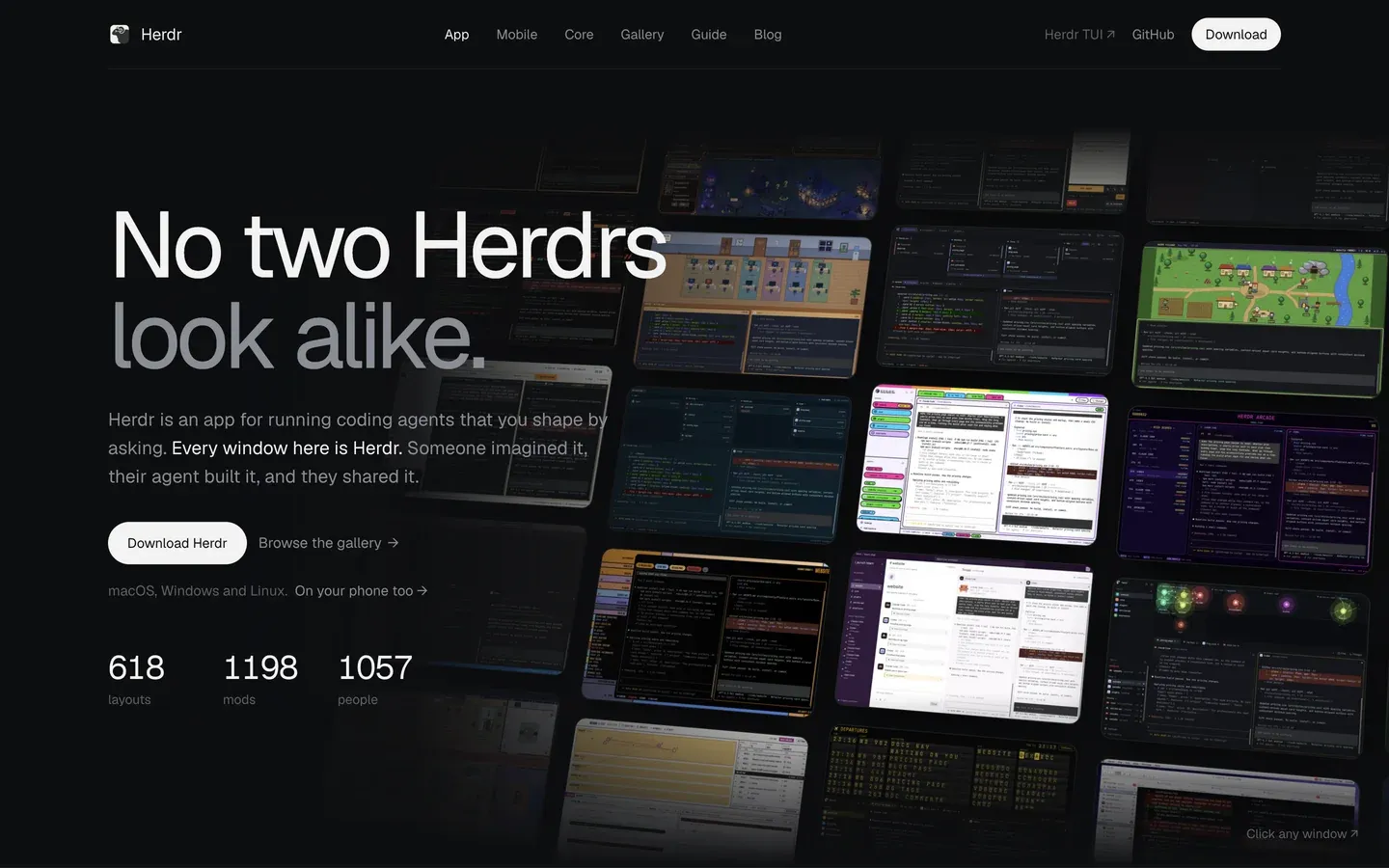
Herdr is my daily driver. It’s super customizable and runs great on my MacBook Pro M5.
Performance
Most of the other apps on this list use Electron, so you get a whole Chromium browser engine with the app. 😵💫 Herdr’s desktop app is native. It uses Rust and GPUI (the UI framework from the Zed editor), with Ghostty for the terminals.
That keeps the Mac download down to 25.2 MB, plus 5.4 MB for herdr-core, the lightweight server that keeps my terminals running when I close the window. On my Mac, Herdr.app takes up 59 MB on disk compared to 760 MB for Orca.app.
With both apps running my usual work, Herdr used 241 MB of memory and Orca used 2,599 MB. I had more terminals open in Orca and it’d been running since boot, so it wasn’t a controlled test. That works out to about 22 MB per terminal in Herdr and 90 MB in Orca.
Memory in useEach app’s own processes, MB. Green is the lighter app, red is about ten times heavier.
Memory per terminalEach app’s total divided by the terminals it had open, MB. Orange is about four times heavier.
How I measured this
Measured with macOS footprint at about 9:10 pm MT on November 24, 2026, with both apps running my normal work. It counts each app’s own processes, not the agents inside them. This isn’t a controlled test: Orca had been open since boot with more terminals. Per terminal, that’s roughly 22 MB for Herdr and 90 MB for Orca. Versions: Herdr 0.1.18, Orca 1.4.269.
Customization
I can add a panel or a menu to Herdr with mods, which are just small JavaScript files on my Mac. Every time I open Herdr, it writes a guide to building mods in its app folder. My coding agent reads that guide, so I can ask it to tweak a mod I already use or build me a new one.
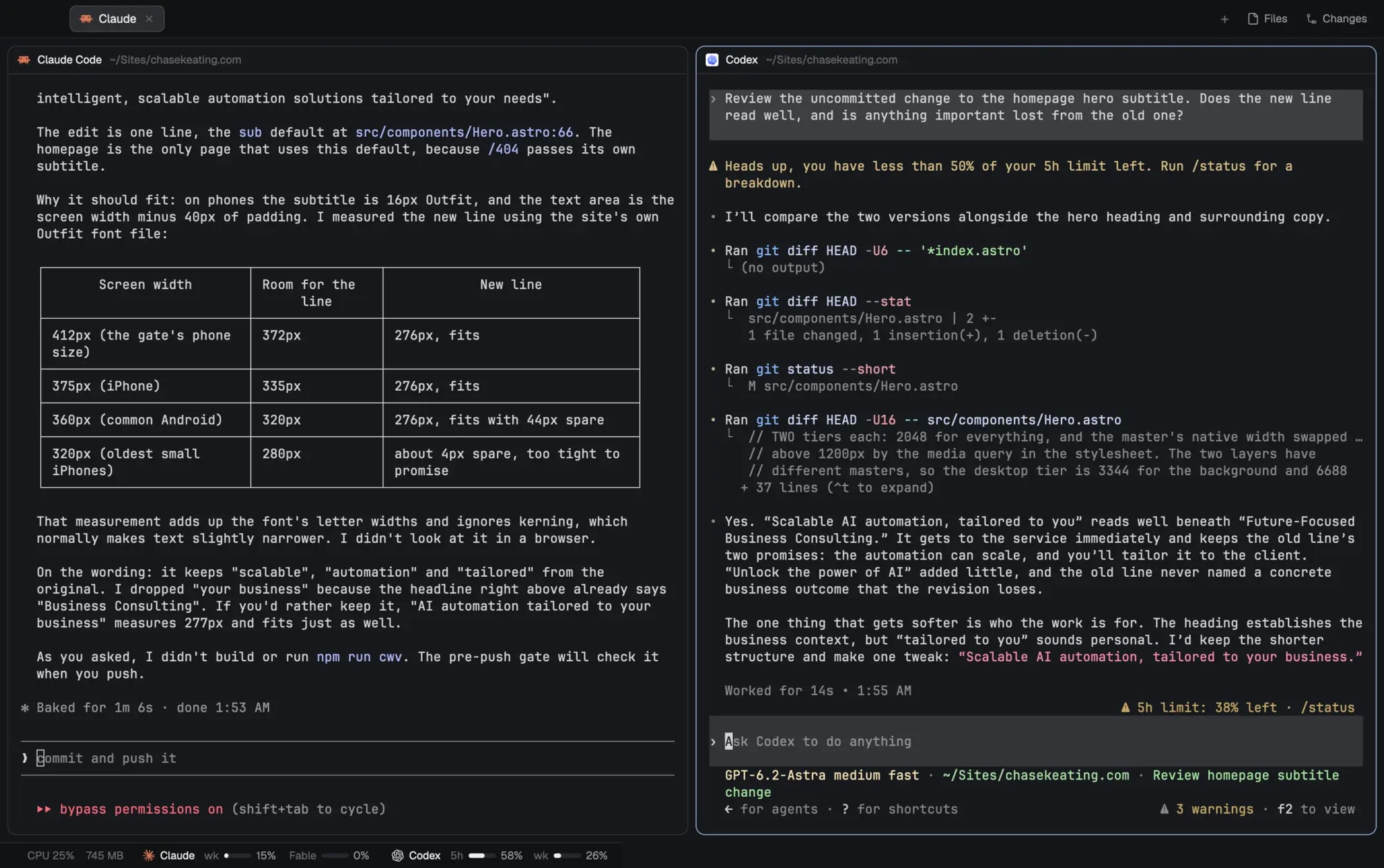
I had Claude write a status-bar mod showing my Claude and Codex plan usage, including the five-hour and weekly limits and reset times, like Orca’s meter. I also have a mod that lists the agents I’ve got running in Orca.

I missed Orca's meter when I switched to Herdr.

I prefer my Herdr bar because it shows CPU and memory too.
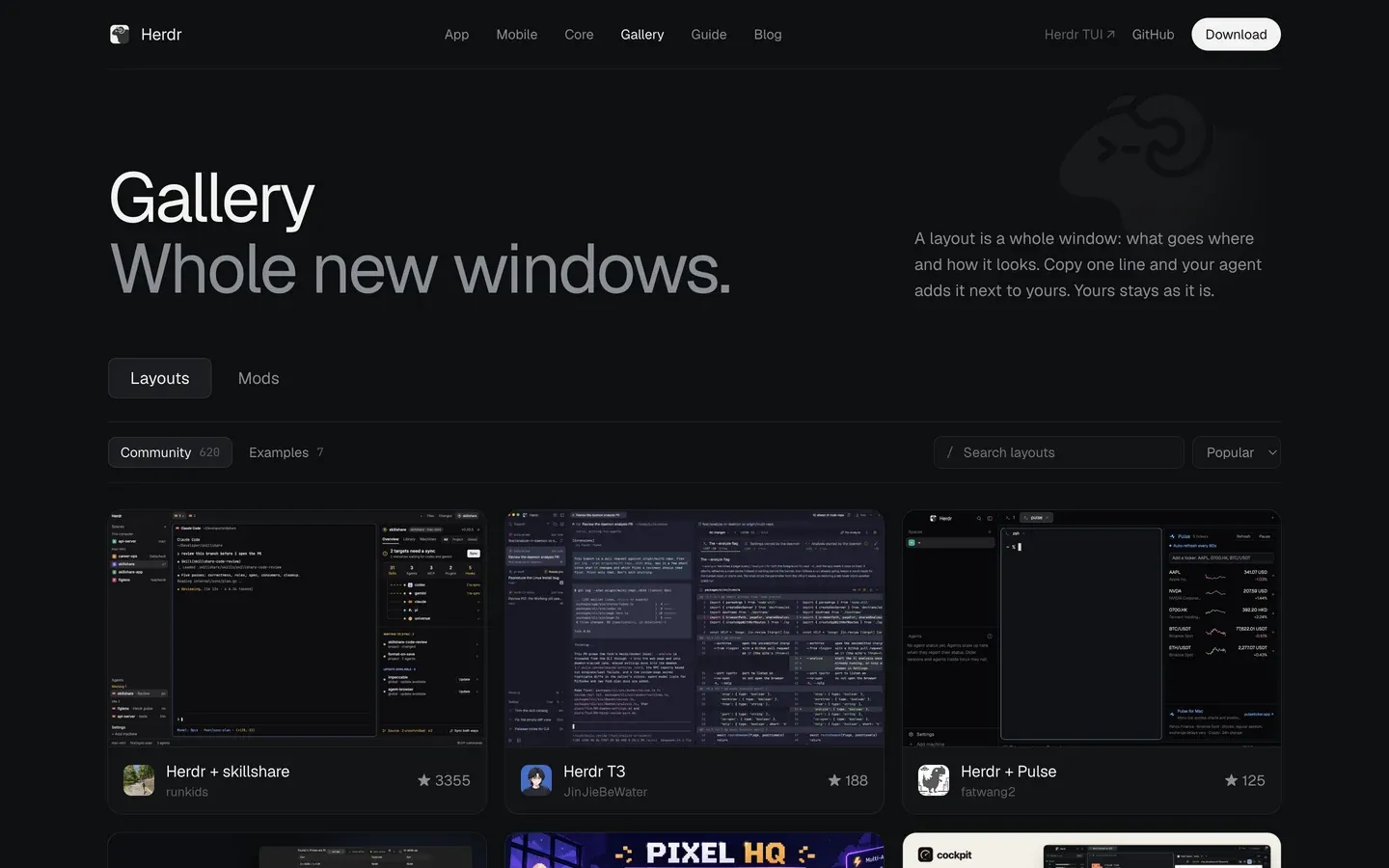
On November 26, Herdr’s gallery listed 1,204 community mods and 620 layouts. Your agents can use Herdr themselves with the hc command that comes with herdr-core. One agent can start helper agents, hand them work, wait until they’re done, and read what they wrote back.
Features and Price
Herdr has worktrees, a changes panel, and remote machines over SSH, and runs on Apple Silicon Macs, Windows, and Linux. The desktop app, core, and older terminal app are free and Apache-2.0, and Herdr’s Y Combinator post says the runtime stays free. Herdr, Inc. is a Y Combinator company with a $6M seed round.
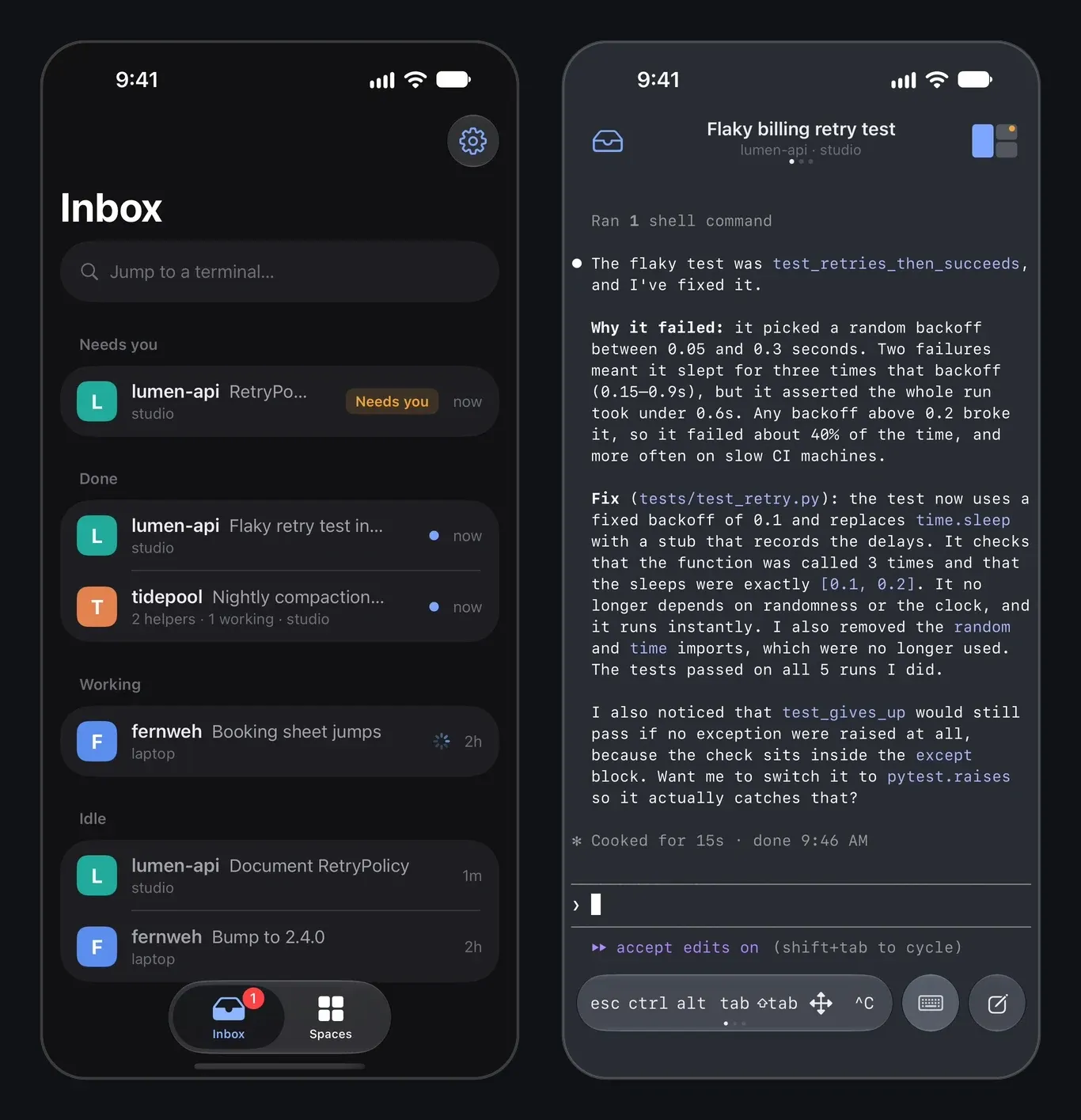
Phone App
The free iOS and Android app shows an agent inbox and opens real terminals over SSH or Tailscale without an account. It can’t review a diff or start an agent, though it can open a new terminal.
Downsides
Mods aren’t sandboxed, and there’s no permission prompt. I would only install a mod I’d let an agent run on my machine.
It’s young: the desktop app reached version 0.1.18 after 15 releases between October 23 and November 24, and it doesn’t share agents with the older terminal app. Telemetry is on by default, sending a daily usage report without terminal text, and can be switched off in Settings.
The phone limitations matter, but the mods and the speed are why I stayed.

2. Orca
Does the most and eats a lot of RAM
- Open source (MIT)
- 303.5 MB
- Electron
- Free
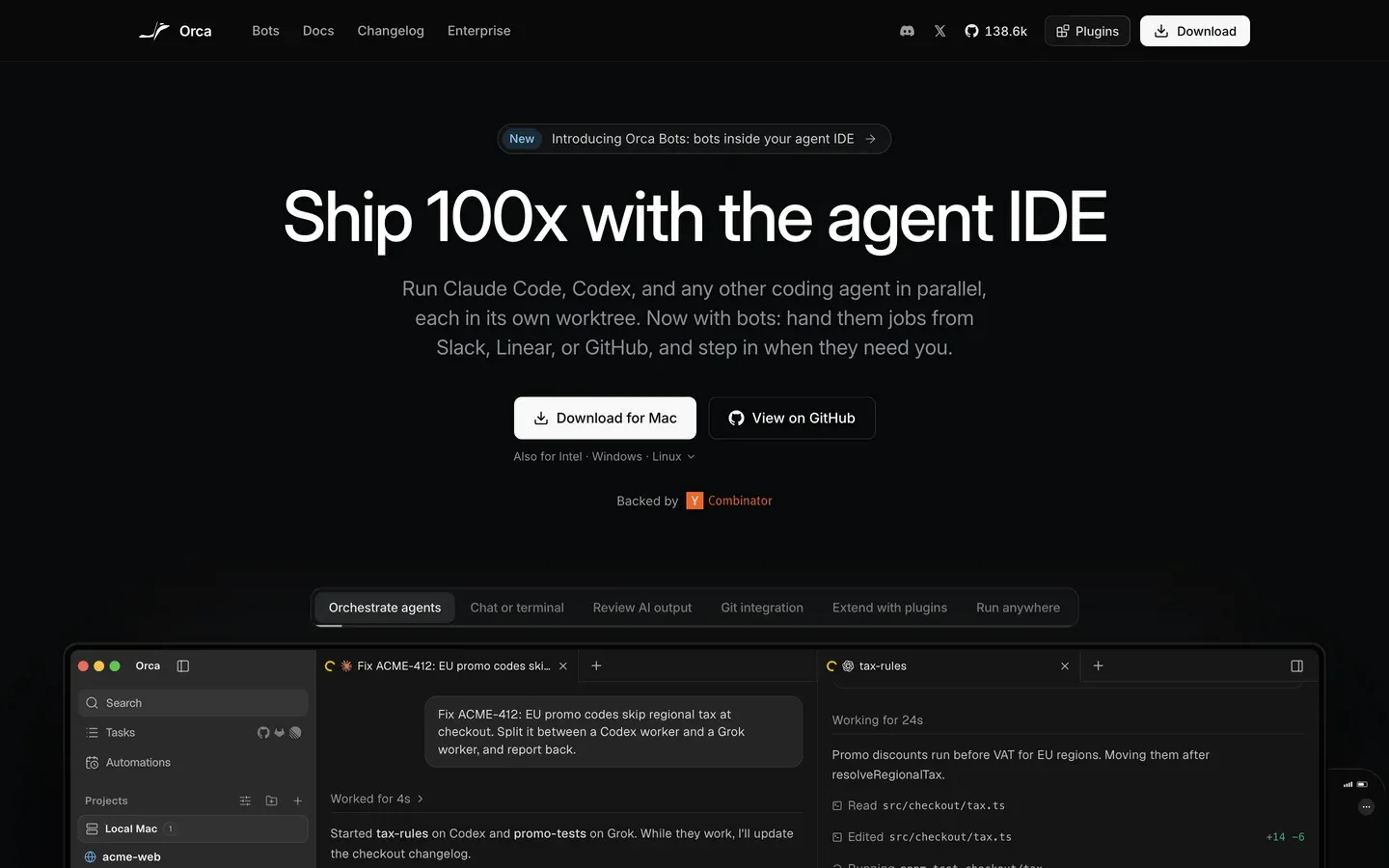
Orca is the most complete tool here. Every task gets its own git worktree, and the docs list 41 supported agents, although the homepage says 27.
Each worktree gets a real Chromium browser that agents can drive. It also has a diff viewer with commit, push, and GitHub reviews, SSH worktrees, a headless server, and more than 500 plugins.
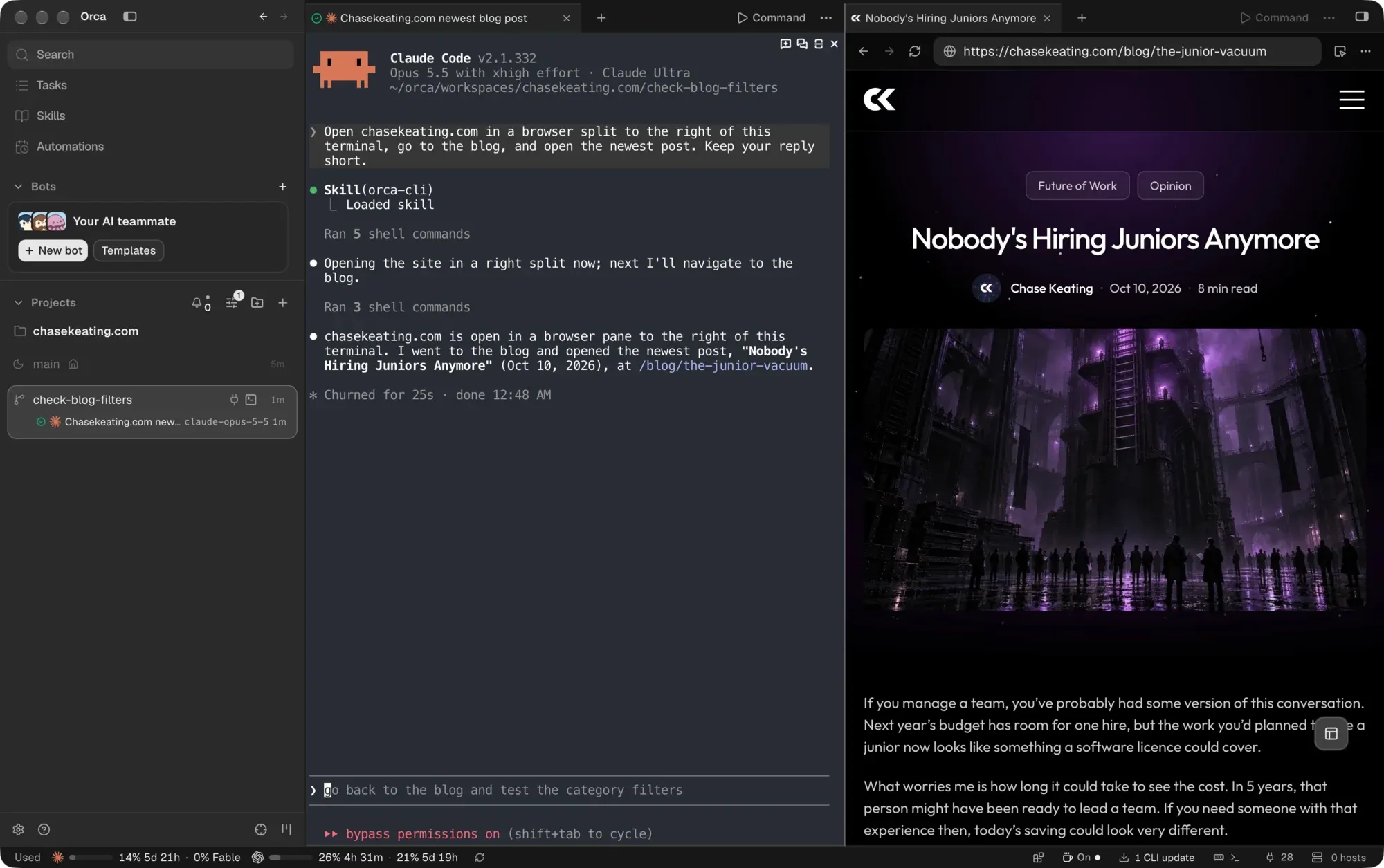
Its experimental orchestration commands let agents create tasks with dependencies, run workers that report back, and stop at decision gates. You switch that on in Settings, so the app can handle both the workers and the points where a person needs to decide.
The status-bar usage meter tracks five-hour, daily, and weekly limits across Claude Code, Codex, and other agents. That’s the feature I missed enough to have Claude rebuild in Herdr.
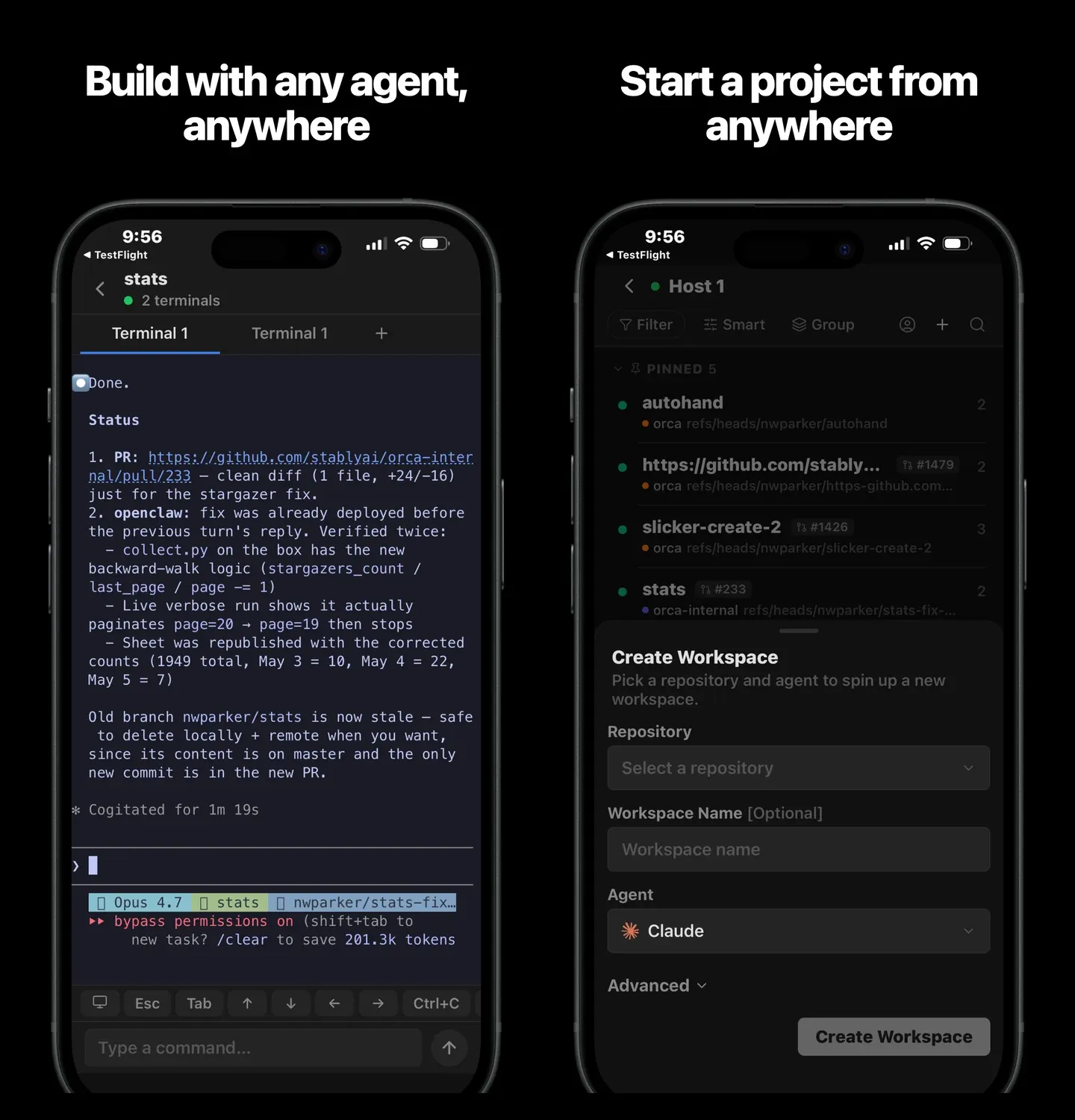
Phone App
Orca’s phone app has the most features and it’s the nicest to use, so I give it the best mobile grade. It’s on iOS and Android.
- Start agents and check their status
- Answer prompts and handle approval requests
- Open the raw terminal or a chat view
- Review diffs, stage changes and commit them
- Read and add PR comments
- Get push alerts when agents finish
The beta app pairs with your desktop by QR code over your local network or through Orca Relay, which requires a sign-in.
Price
Orca is MIT and free, with more than 138,000 GitHub stars and 27 stable releases from November 1 to November 24. Its Electron download is 303.5 MB, and the memory chart above shows the other cost I care about.
There is no paid tier today. The hosted relay, connectors, and cloud sandboxes have no published prices.
3. T3 Code
Almost the whole desktop app on a phone
- Open source (MIT)
- 235.9 MB
- Electron
- Free
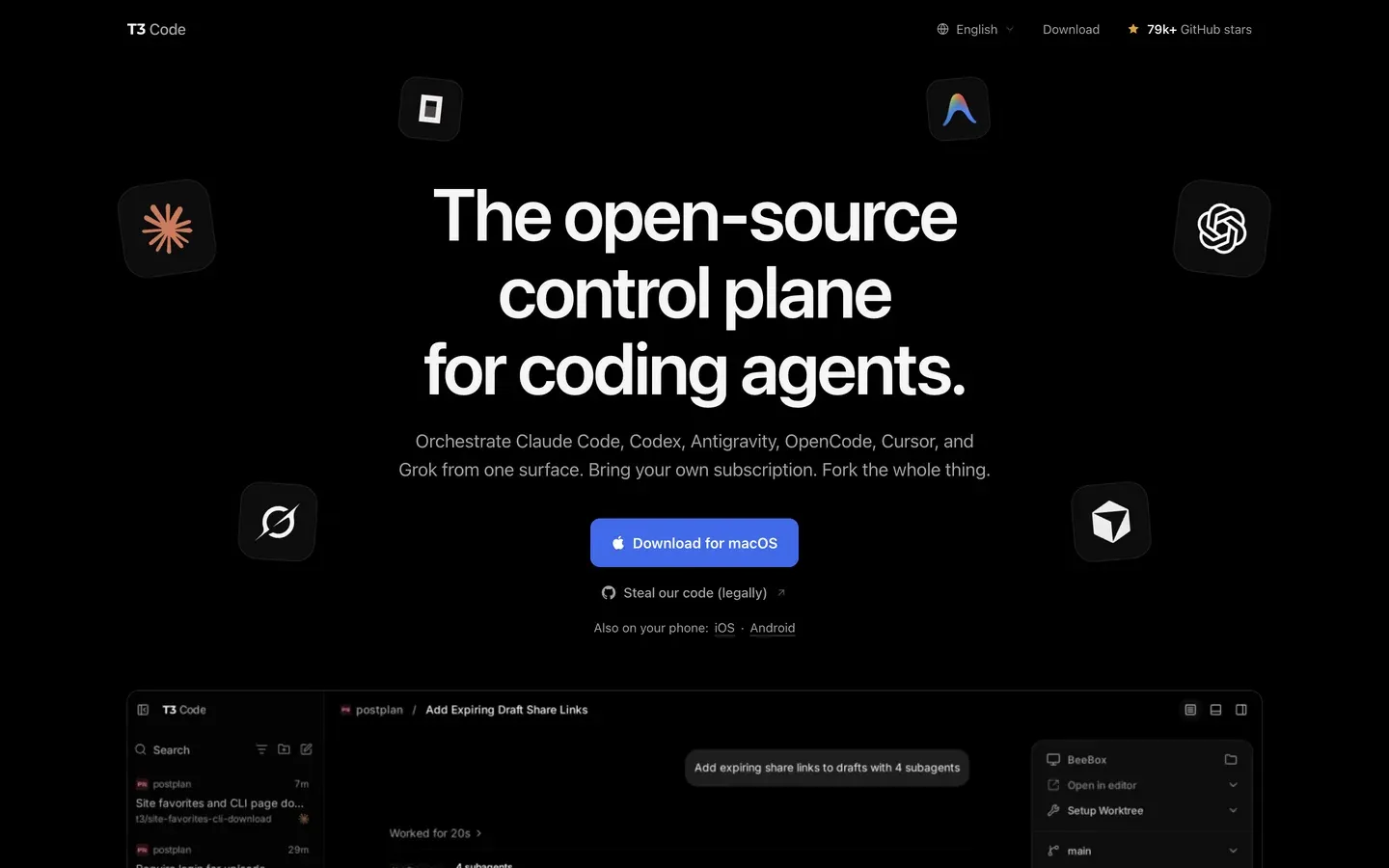
T3 Code connects to agents directly: it drives Claude through Anthropic’s Agent SDK and Codex through its app server. That gives it a different approach from apps built around watching agent terminals.
Each thread can use its own worktree, and diffs are available per turn. Pull request tools cover review, line comments, and merge across GitHub, GitLab, and six other git hosts, which helps keep it ahead of Paseo for me.
It supports ten named agents plus any ACP agent, but no local models. With 50K+ Android installs, the iOS and Android apps offer what the store listing calls pretty much the full desktop app, including starting runs, reviewing diffs, version control, and the terminal.
Push alerts need T3 Connect, an account, and a connection limit of three machines. Connect is free for now, more machines need a paid T3 Chat plan, and direct, Tailscale, or SSH connections need no account.
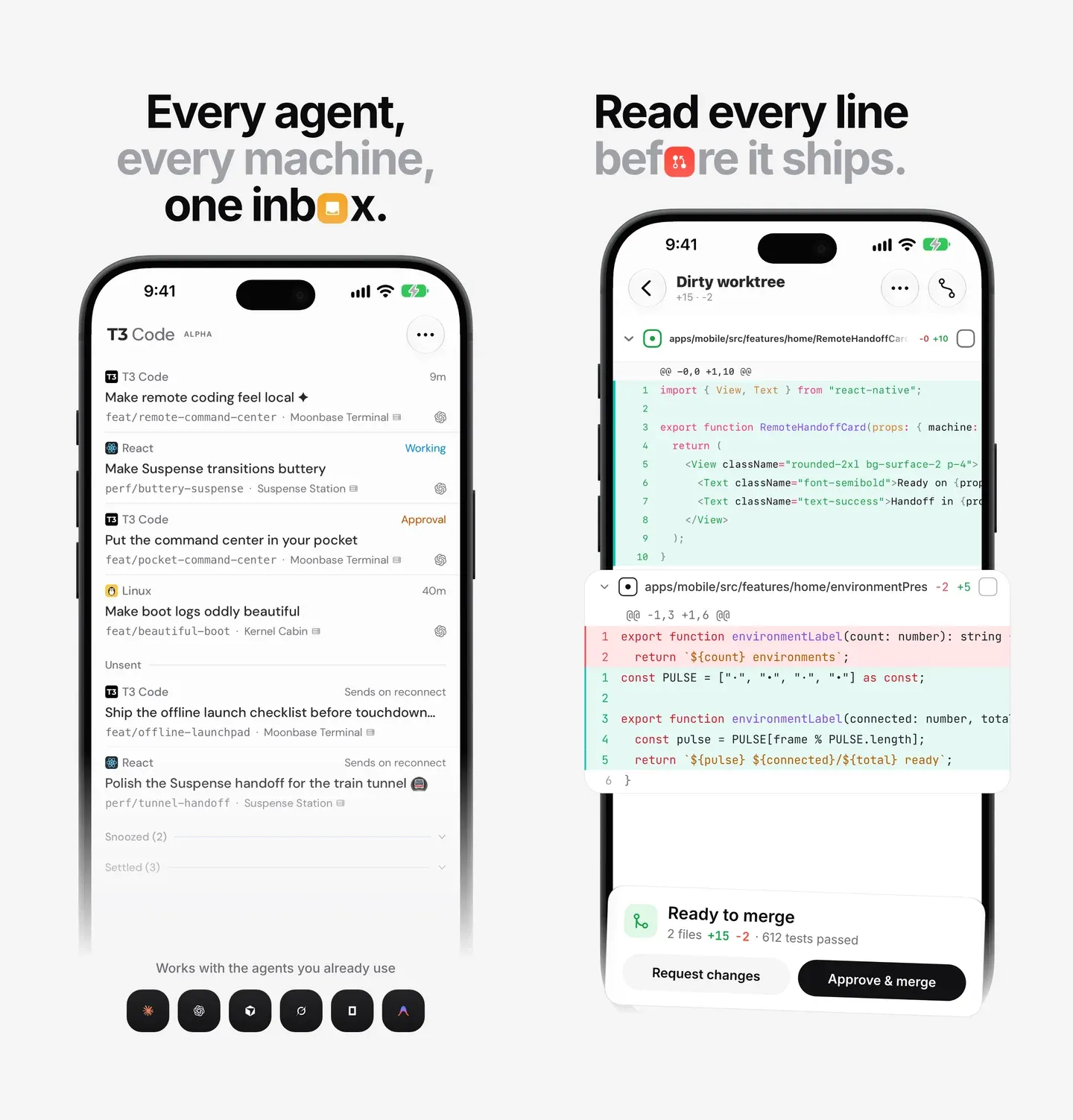
T3 Code itself is MIT and free, with a 235.9 MB Electron Mac download. Its source-control tools and phone access make it easy to recommend if you like what it ships.
The limit for me is that there’s no plugin system, by design. The contributing guide turns away outside features, plugins, and providers, so I wouldn’t choose it expecting to add missing features the way I have with Herdr.
4. Paseo
Steer agents from your phone, no login
- Open source (Apache-2.0)
- 189.8 MB
- Electron
- Free
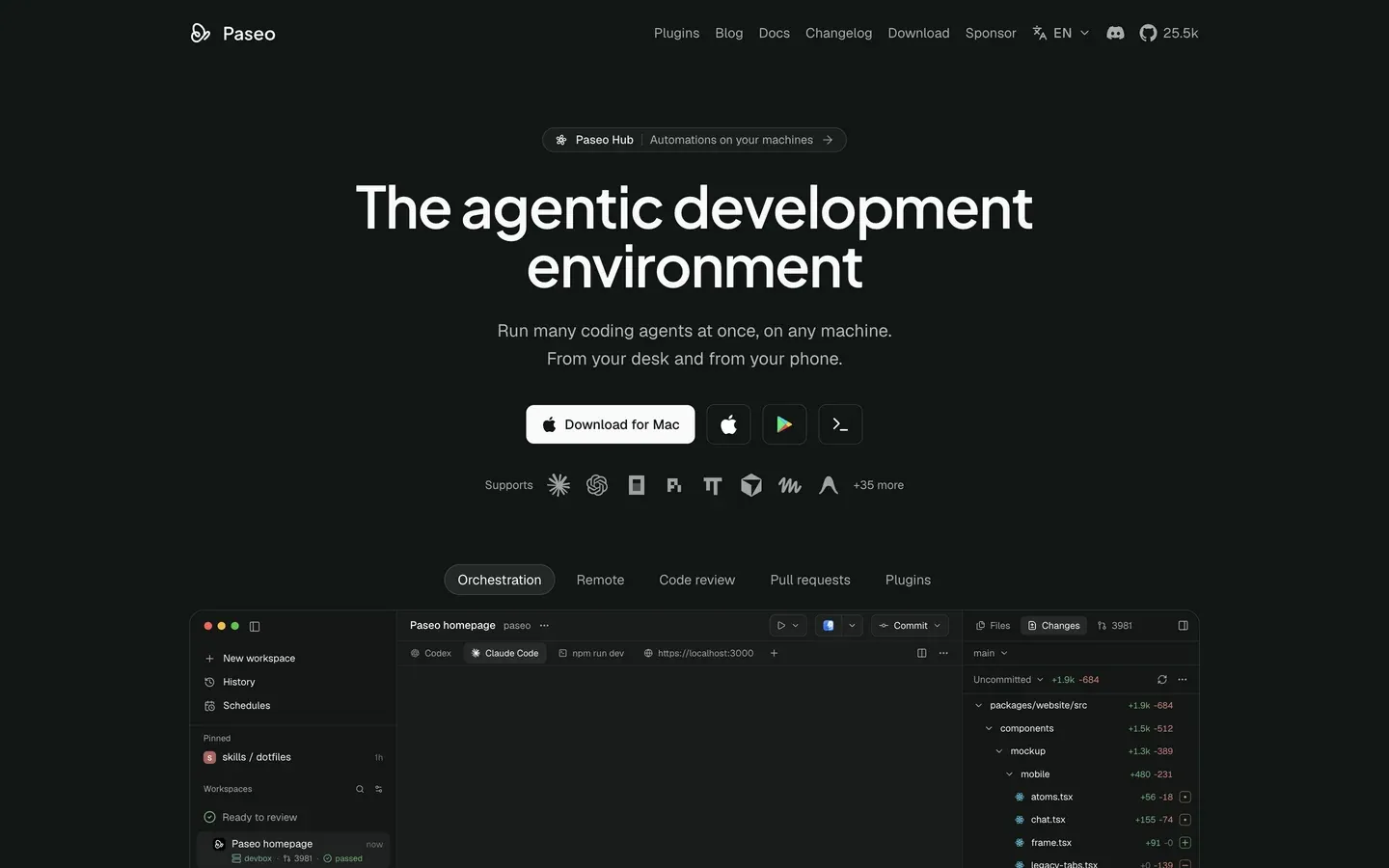
Paseo runs agents in a local daemon, with desktop, web, CLI, and phone apps connecting as clients. It has ten built-in agents and 38 more through ACP, optional worktrees, and agents that can launch other agents.
Paseo claims full feature parity for its iOS and Android apps. The relay is end-to-end encrypted and can be self-hosted, or you can connect over LAN or Tailscale.
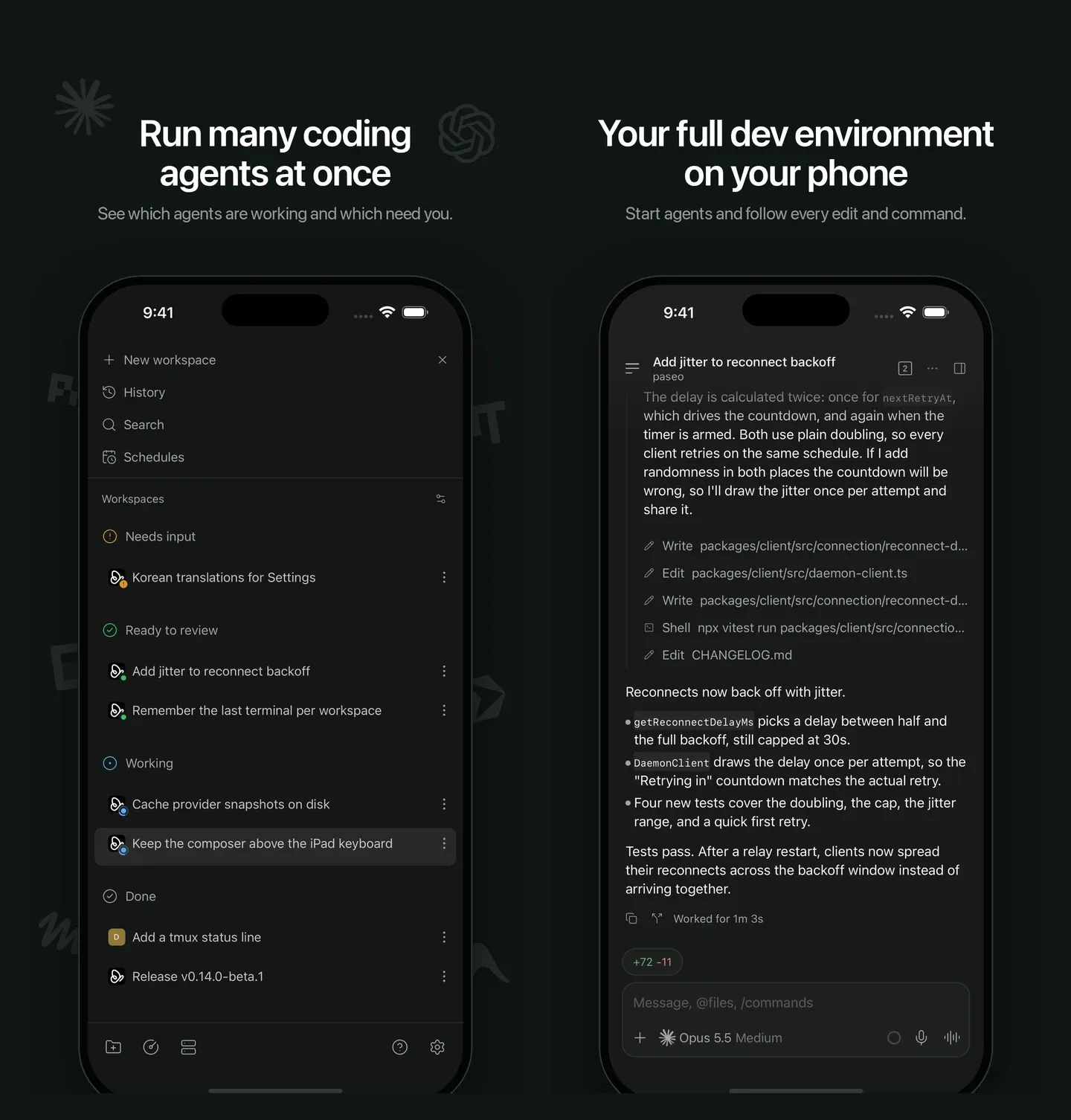
Paseo says it has no telemetry, tracking, or forced login. It’s free and Apache-2.0, with an optional hosted automation add-on at $15 a seat.
Older reviews calling it AGPL are stale: the license went from MIT to AGPL, then Apache-2.0 in version 0.7.0 on August 31. The Electron download is 189.8 MB, as shown in the chart.
The repo has more than 25,000 stars and daily commits, and both store listings are under one developer’s name. Its grades put it close to T3 Code, but I give T3 the edge for its source-control tools.
5. cmux
See which agent needs you
- Open source (GPL-3.0)
- 77.9 MB
- Swift
- Free, iOS on Pro $50/mo
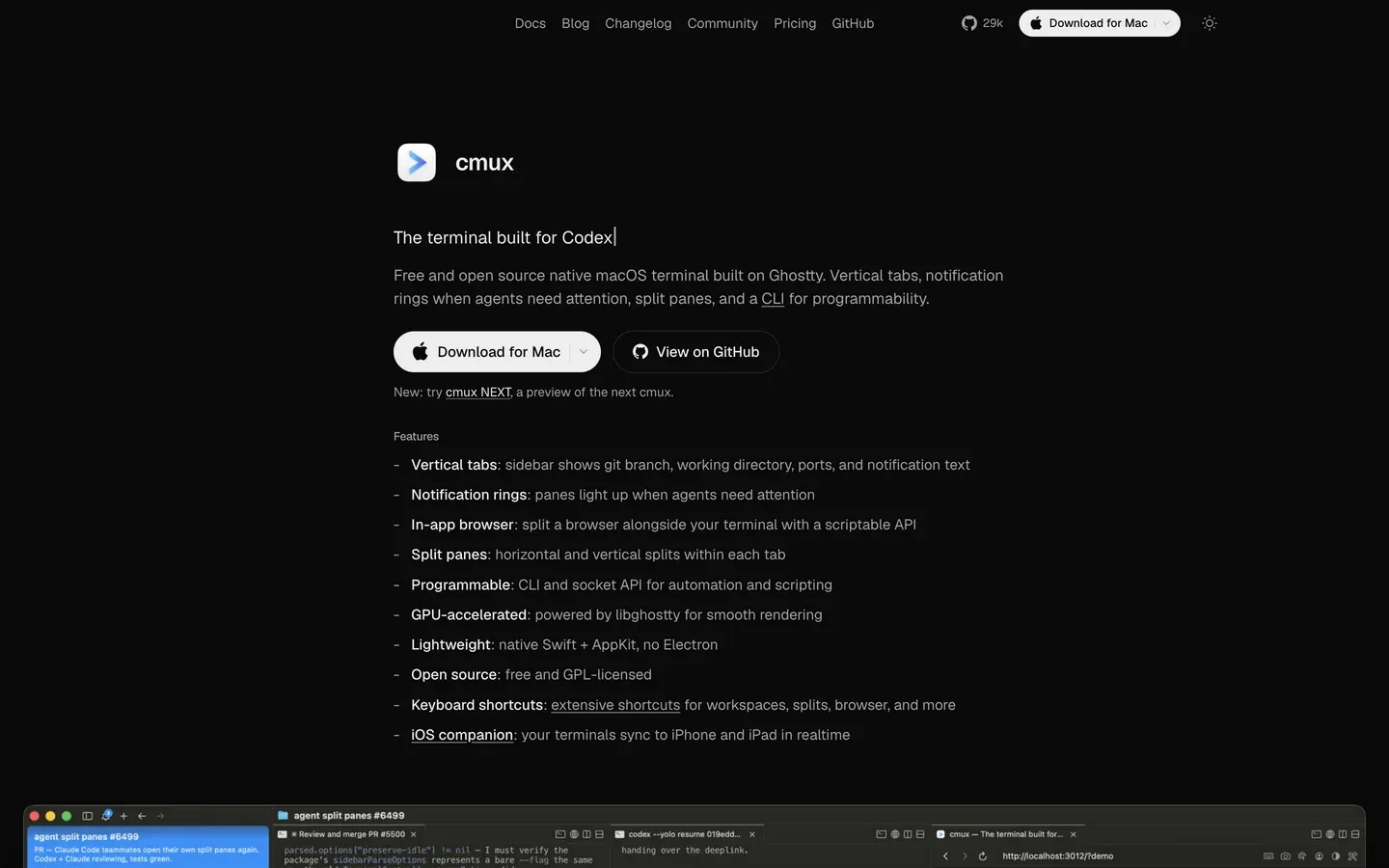
cmux is a native Mac terminal built with Swift, AppKit, and Ghostty’s rendering library. Its Apple Silicon download is 77.9 MB, while the site’s default button serves the 156.3 MB universal build.
It knows when agents need you, with notification rings, unread badges, and Running, Needs input, or Idle status in the sidebar. It also has a socket API, a CLI, a scriptable browser, and a diff viewer.
I put it here because that agent awareness is useful, but it doesn’t create a worktree per task or open pull requests. You still have to arrange that work yourself if you want each agent making changes in its own copy.
The terminal is free, while the iOS beta is TestFlight-only and requires cmux Pro at $50 a month. It’s Mac only, with a GPL-3.0 app and source-available BUSL-1.1 server, so I wouldn’t describe the whole thing as open source.
6. Conductor
That shutdown scare still bugs me
- Closed source
- 223.7 MB
- Electron
- Free
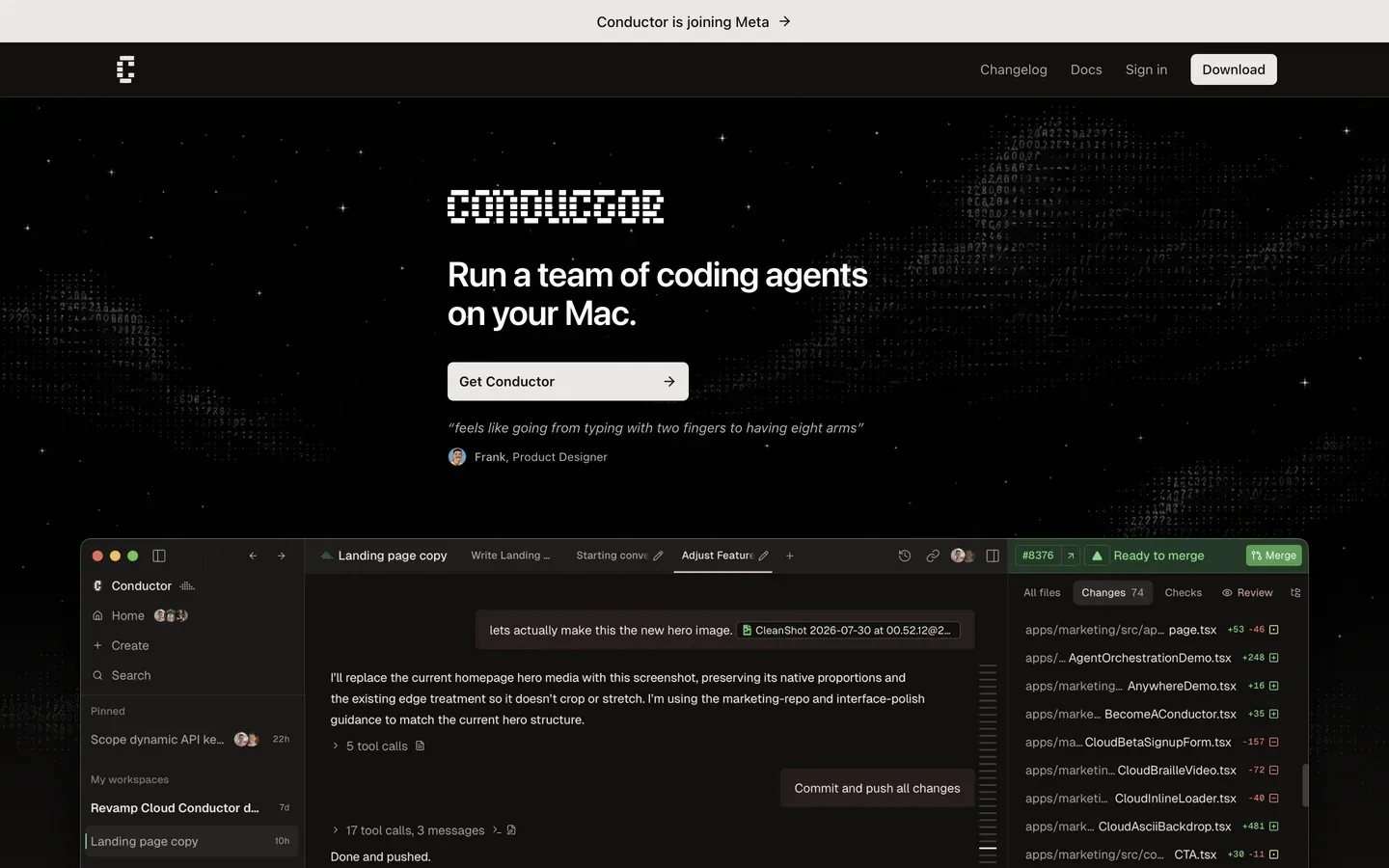
Conductor has polished diff review with line comments sent back to the agent, CI checks, PR creation, and merge. Since version 0.95.0, agents can also create workspaces and start chats with other agents.
It supports Claude Code, Codex, Cursor, and OpenCode, but it’s Mac only and closed source. My D for cost and risk comes from what happened to the company this month.
On November 4, Conductor announced it was joining Meta and winding down. On November 13, it reversed the shutdown, then moved to Electron on November 16.
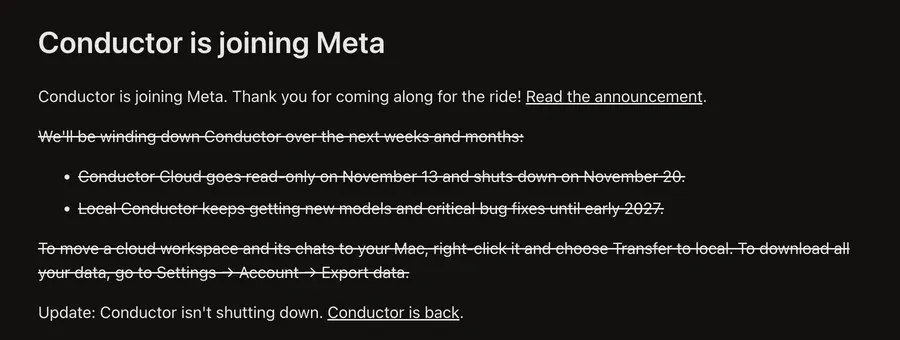
The footer still says Conductor from Meta. Its free iOS app can control local Mac workspaces experimentally, and the desktop docs say it’s free to use, though the pricing page now redirects home.
The review tools deserve credit, but I can’t tell what Meta wants from this app. That’s a trust problem when I’m choosing something to keep working in.
7. Paradev
$20 a month and no push alerts?
- Open source (MIT)
- 252.5 MB
- Electron
- Free for 1 user, Pro $20/mo
Paradev, formerly Superset, changed its name on October 26 alongside an $11.5M seed round. It supports 22 agents, with built-in diffs, PR checks and merge, a CLI, and an MCP server.
The iOS and Android apps can start agents, review diffs, and merge, but need Pro at $20 per user monthly, or $16 billed yearly. Push alerts are still described as coming, which makes the paid phone offering less appealing to me.
It’s for Mac, with Linux experimental and untested and Windows planned without a date. The Electron download is 252.5 MB.
The license moved from Apache-2.0 to Elastic License 2.0 in February, then MIT on November 4. It’s open source today, but the phone subscription is the main reason I’d look at the higher-ranked tools first.
8. Claude Squad
A tiny tmux wrapper with few updates
- Open source (AGPL-3.0)
- 1.8 MB
- Go and tmux
- No phone app
- Free
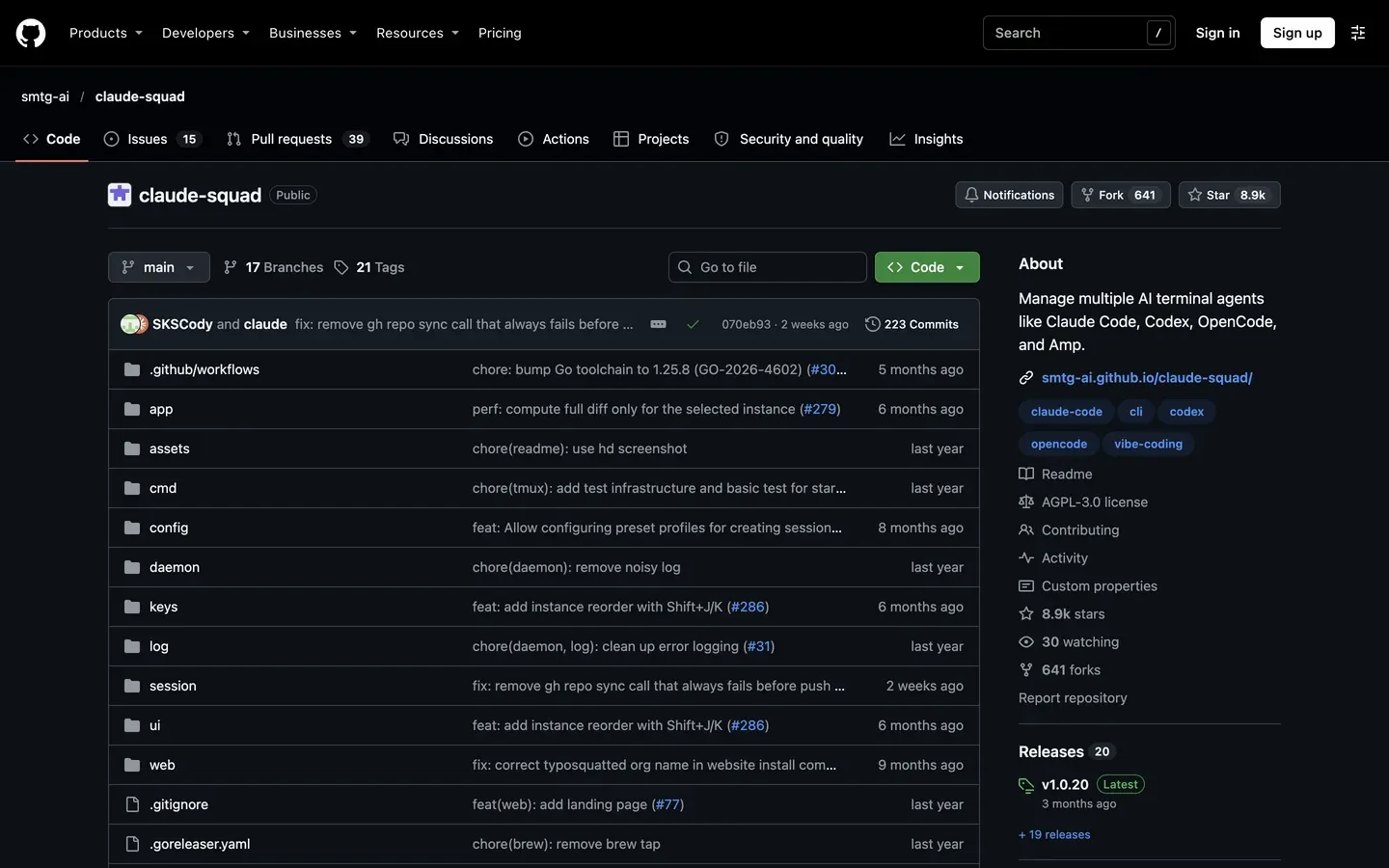
Claude Squad is a Go terminal app built on tmux, giving each agent a session and its own worktree. It runs any CLI agent, and the download is 1.8 MB, though you need tmux too.
Phone access means using SSH and attaching to tmux yourself. I can see the appeal if that’s already how you work and you want very little around your agents.
There’s been no release since version 1.0.20 on August 20, and one fix merged since, on November 13, while new pull requests wait. It’s AGPL-3.0 with a contributor agreement, and I’d weigh that slow pace before adopting it.
9. Nimbalyst
Half a gig just to run agents? Meh
- Open source (MIT)
- 555.3 MB
- Electron
- Free, Teams $20/user/mo
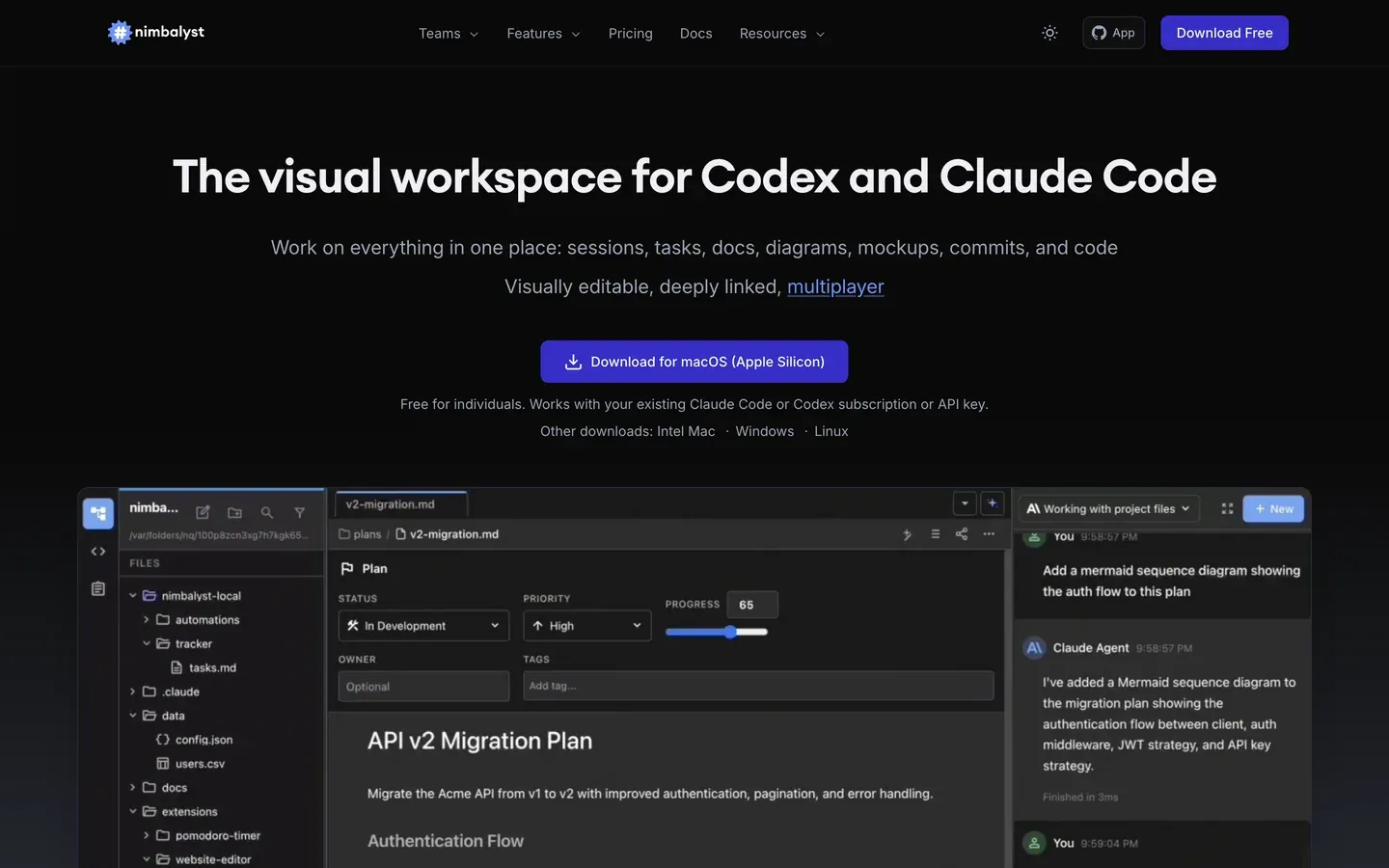
Nimbalyst, the successor to Crystal, has kanban for sessions, editors for markdown, diagrams and mockups, and a wiki plugin. It supports Claude Code and Codex, with OpenCode and Copilot in alpha.
Its Mac download is 555.3 MB, about 250 MB more than Orca in the download chart further down. That’s a lot if, like me, you mainly want to run agents.
The iOS app needs an account and uses Nimbalyst’s end-to-end encrypted sync server, with no Android release. Its docs keep code diff review on desktop, which limits its usefulness to me away from my Mac.
It’s MIT and free for individuals.
10. Emdash Classic
Just bug fixes from here
- Open source (Apache-2.0)
- 236.3 MB
- Electron
- No phone app
- Free
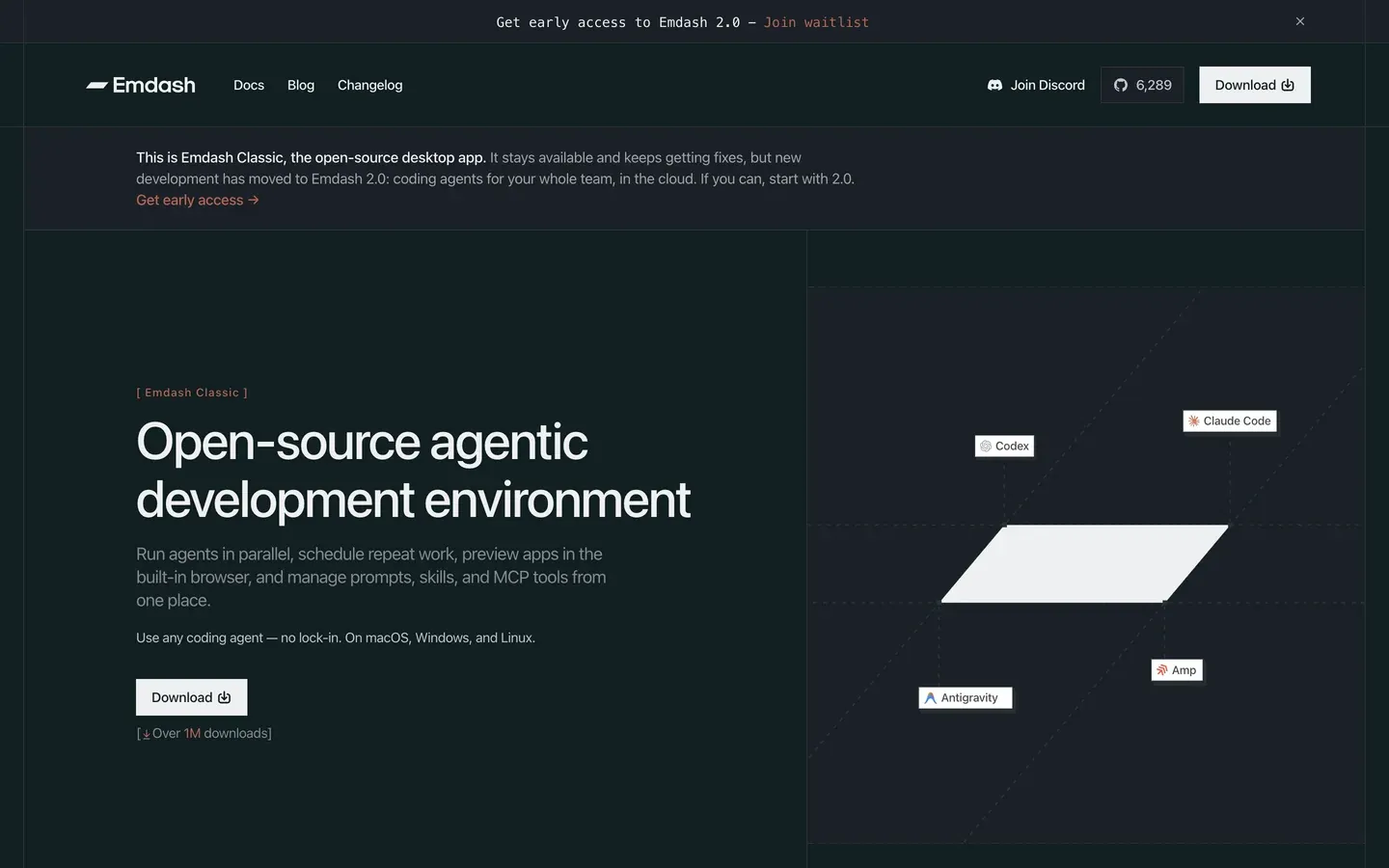
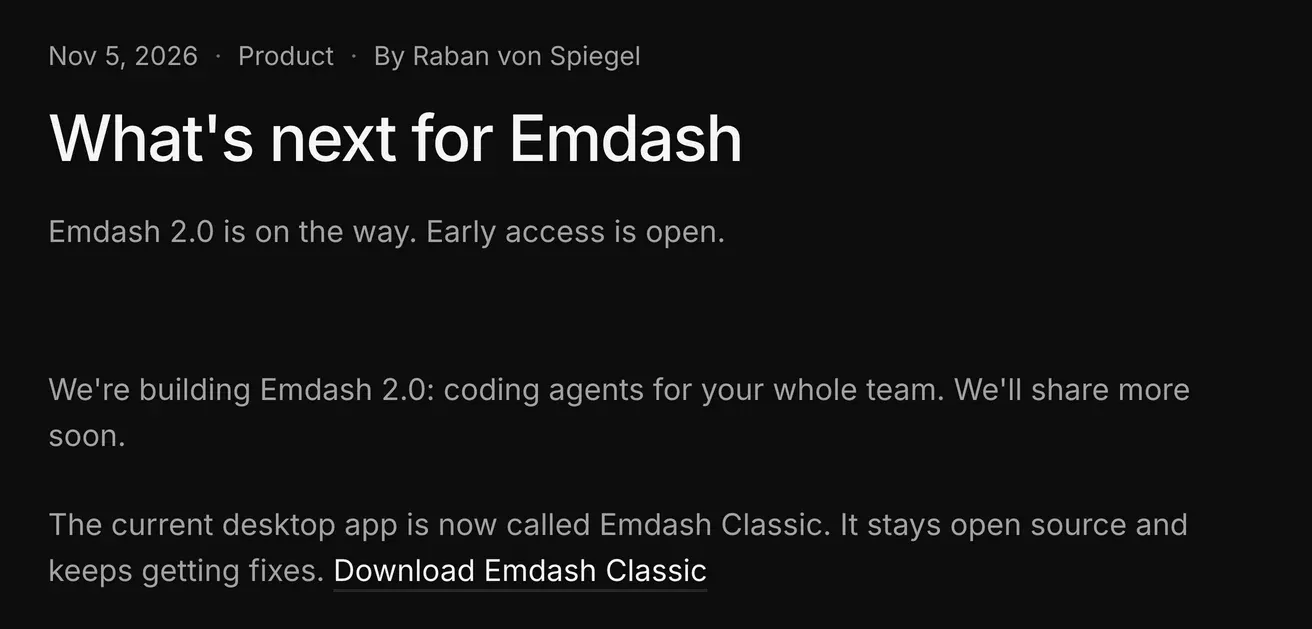
On November 5, Emdash renamed its desktop app Emdash Classic, keeping it open source and getting fixes. New work moved to Emdash 2.0, a cloud product for teams that’s waitlist-only, with no published license or price.
Classic still supports 35 agent CLIs, SSH remotes, diffs, PRs, and CI without an account. It’s Apache-2.0, has no phone app, and its Electron download is 236.3 MB.
I put it last among the ranked tools because choosing it now means choosing a product in maintenance mode. The existing features are useful, but the new work is going elsewhere.
Vibe Kanban
The community's keeping it alive
- Open source (Apache-2.0)
- Community-maintained
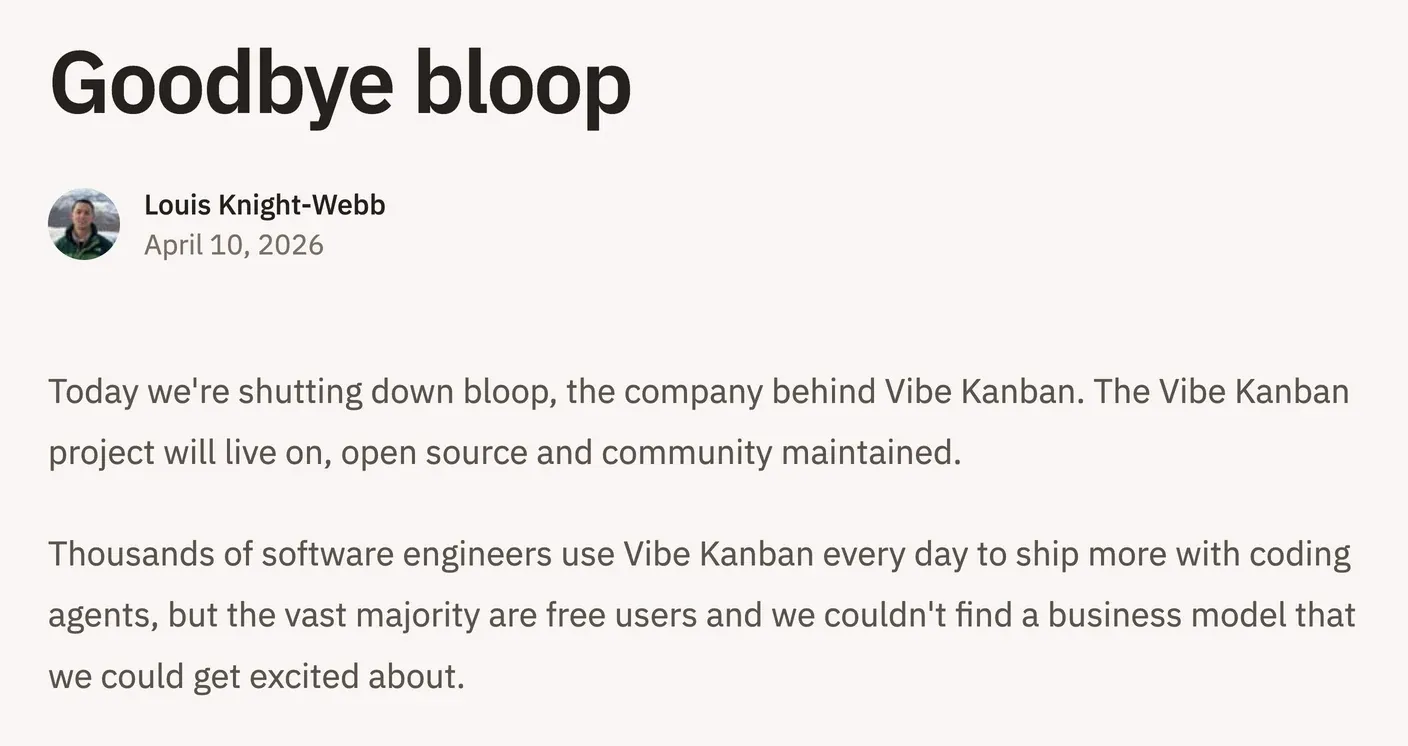
Vibe Kanban’s company, bloop, shut down on April 10, 2026, saying most users were free and it couldn’t find a business model it wanted to pursue. The project continues as community-maintained open source.
In June, its founder wrote: “Daily coding agent orchestrators from the labs, especially Codex Desktop, have gotten really good and are being updated extremely frequently.” That makes me ask whether a separate orchestrator earns its place at all.
How I Graded This List
I give each tool grades for bloat, features, mobile, and cost and risk. Bloat comes from the Apple Silicon Mac download, using these bands:
- A+: under 50 MB
- A−: 50 to 100 MB
- B−: 100 to 200 MB
- C: 200 to 260 MB
- D: 260 to 400 MB
- F: over 400 MB
Download size stands in for weight, not memory. Most of these apps use Electron, which bundles its own Chromium browser engine, while Herdr uses Rust, cmux uses Swift, and Claude Squad uses Go.
Conductor moved from Tauri to Electron on November 16, saying it makes the app faster and more stable. Lighter wasn’t the result: its download is now 223.7 MB, shown below.
Features covers worktrees, supported agents, status, diffs and pull requests, agents starting and waiting on helpers, remote machines, and extensions. Mobile covers status, replies, diff review, starting agents, alerts, and any account or payment required.
Cost and risk covers license, price, accounts, platforms, and company and project stability. The rank is my call, informed by these grades, with lightness and the ability to build missing features counting most.

| Tool | Tier | Bloat | Features | Mobile | Cost and risk |
|---|---|---|---|---|---|
| 1. Herdr | S | A+ | B+ | B− | A |
| 2. Orca | A | D | A+ | A | A− |
| 3. T3 Code | A | C | A− | A− | B+ |
| 4. Paseo | B | B− | B+ | A− | A |
| 5. cmux | B | A− | B | D | B |
| 6. Conductor | B | C | A− | B− | D |
| 7. Paradev | B | C | A− | C+ | B |
| 8. Claude Squad | C | A+ | C | F | C |
| 9. Nimbalyst | C | F | B | C | B |
| 10. Emdash Classic | C | C | B+ | F | D |
How each grade works
Bloat comes from the Apple Silicon macOS download: A+ under 50 MB, A− 50 to 100 MB, B− 100 to 200 MB, C 200 to 260 MB, D 260 to 400 MB, F over 400 MB. Features covers a worktree per task, agents supported, status, diff review and pull requests, agents starting other agents, remote machines, and whether you can extend it. Mobile covers what you can do from the phone and whether it needs an account or a paid plan. Cost and risk covers license, price, account, platforms, and how stable the company and project look. Checked November 24, 2026.

You Might Not Need an Orchestrator at All
If you only use one company’s agent, I’d try its own app first. Separate orchestrators earn their place when you mix agents, as I do with Claude Code and Codex.
In Claude Code, claude agents shows background sessions and which are running, need you, or are done. It’s a research preview, and background sessions move into their own worktree before editing, with --worktree or -w available to start one yourself.
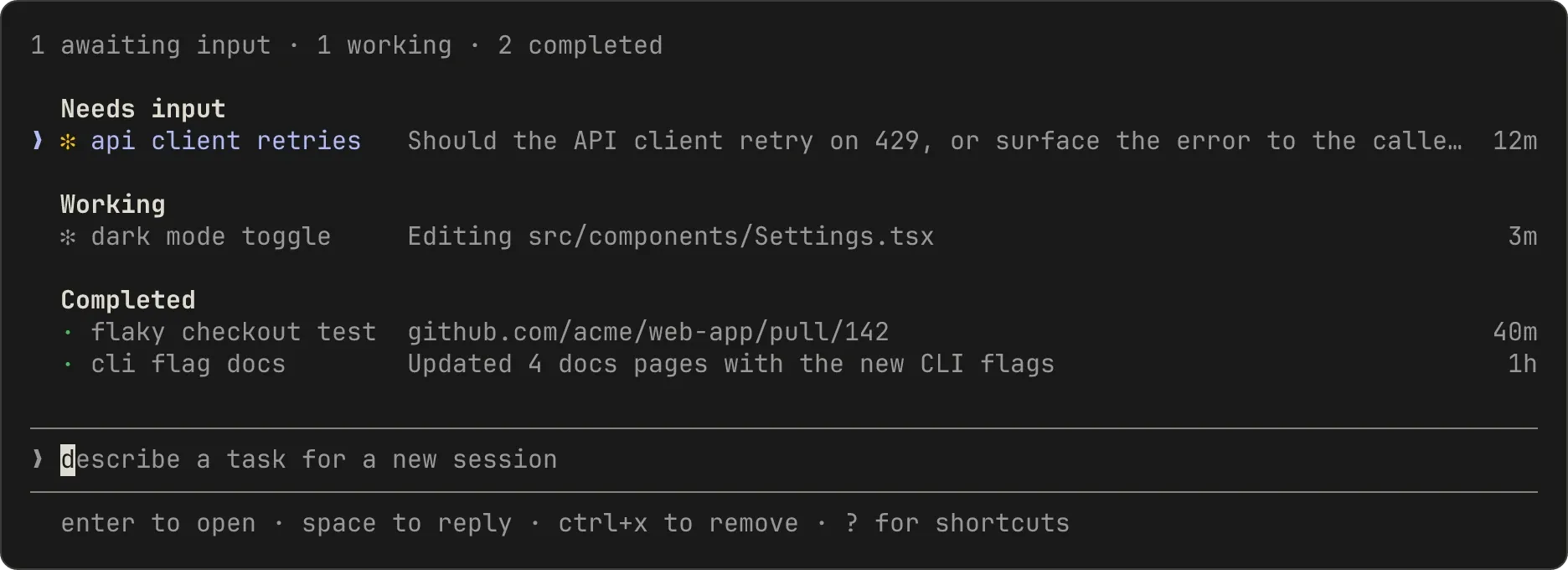
Remote Control lets you steer a session from the Claude phone app, with the transcript stored on Anthropic’s servers while connected. It runs Claude only, and ten agents in parallel use quota roughly ten times as fast as one.
The standalone Codex app merged into the ChatGPT desktop app on July 9, 2026. Worktrees are opt-in per chat, and the ChatGPT phone app can start tasks, approve commands, and inspect diffs on a paired Mac or PC.
For coding agents, it runs Codex only. Its 531.1 MB Mac download also carries Chat, Work, a browser, and Computer Use, so it comes with much more than the agent tools.
Cursor’s Agents Window shipped with Cursor 3 on April 2 and is where its built-in worktrees work. Its phone app needs iOS 26, with Android planned, and Remote Control moves the agent loop into Cursor’s cloud.
SpaceX acquired Cursor on August 14. On new plans, Claude and GPT models cost API list prices, and mobile needs the $30 Premium plan or a legacy paid plan, so I’d include those costs when comparing it with a separate orchestrator.
What I Measured, and What I Took on Trust
On November 24, 2026, I checked every download size against each vendor’s official installer or release. I also measured Herdr and Orca on disk and used macOS footprint to measure their memory while they were doing my normal work.
Mac download sizeApple Silicon installer, MB. Coloured by bloat grade, green for A down to red for F.
Sources and notes
Apple Silicon macOS installers from each vendor’s official download or GitHub release, checked November 24, 2026. Herdr adds herdr-core (5.4 MB) on first run. Claude Squad is a command-line tool that also needs tmux. Download size stands in for weight: it doesn’t measure memory.
The memory chart counts the apps’ own processes, not the agents inside them. Orca had been open since boot with more terminals, so those results describe my setup rather than a controlled comparison under equal load.
I’ve used every tool here, but I only measured memory for Herdr and Orca. Download size stands in for weight across the rest of the list.
Features, prices, licenses, and phone capabilities come from vendor docs, repositories, and store listings. Claims such as full feature parity are theirs, not a result of my testing every mobile function.
| Tool | Mac download | Built on | Runs on | Phone apps | License | Price |
|---|---|---|---|---|---|---|
| Herdr | 25.2 MB (+5.4 MB herdr-core) | Rust, GPUI, Ghostty | Mac (Apple Silicon)WindowsLinux | iOSAndroid | Apache-2.0 | Free |
| Orca | 303.5 MB | Electron | MacWindowsLinux | iOSAndroid (beta) | MIT | Free |
| T3 Code | 235.9 MB | Electron | MacWindowsLinux | iOSAndroid | MIT | Free |
| Paseo | 189.8 MB | Electron | MacWindowsLinux | iOSAndroid | Apache-2.0 | Free |
| cmux | 77.9 MB | Swift, libghostty | Mac | iOS beta (TestFlight) | GPL-3.0 app, BUSL server | Free, iOS needs Pro $50/mo |
| Conductor | 223.7 MB | Electron | Mac | iOS | Proprietary | Free |
| Paradev | 252.5 MB | Electron | MacLinux (experimental) | iOSAndroid (Pro) | MIT | Free for 1 user, Pro $20/user/mo |
| Claude Squad | 1.8 MB (needs tmux) | Go, tmux | MacLinux | None | AGPL-3.0 | Free |
| Nimbalyst | 555.3 MB | Electron | MacWindowsLinux | iOS | MIT | Free, Teams $20/user/mo |
| Emdash Classic | 236.3 MB | Electron | MacWindowsLinux | None | Apache-2.0 | Free |
Sources and notes
Checked November 24, 2026. Download sizes come from each vendor’s official installer or GitHub release: Herdr, Orca 1.4.274, T3 Code 0.1.11, Paseo 0.17.4, cmux 0.65.2.2 (the arm64 build, the site’s default universal build is 156.3 MB), Conductor 0.100.0, Paradev 2.0.11, Claude Squad 1.0.20, Nimbalyst 0.83.0 and Emdash 1.2.13. Runtimes, platforms, licenses and prices are from each project’s own docs and repo. Phone apps are the vendors’ own store listings.
These measurements are all on Mac, and Windows and Linux numbers will differ. Herdr’s desktop app doesn’t support Intel Macs, and the grades follow the rules above while the ranking reflects what I value.
This List Will Be Out of Date by Spring
ClosedVibe Kanban’s company closed. The project carries on as community open source.
MergedCodex joined ChatGPT. The standalone app became part of the ChatGPT desktop app.
AcquiredSpaceX bought Cursor.
RenamedSuperset became Paradev.
LicenseParadev changed its license again, this time to MIT.
Wind-downConductor announced it was joining Meta and winding down.
CloudEmdash moved new work to the cloud, and the desktop app became Emdash Classic.
ReversedConductor reversed its shutdown.
Where these dates come from
Each date comes from the company’s own post, changelog or commit history, and each entry links to it. Paradev’s license change is the November 4 commit to its LICENSE file.
That’s enough change to make me cautious about treating any feature comparison as a lasting recommendation.
Open source, no required account, and being able to leave tomorrow count in my grades because I don’t control where these companies go. I want the app to suit the way I work now, with a way out if its owner changes direction.
I run Herdr today, and I’ll re-check these choices when I next need to change tools.
Keep reading
Related posts
Three more worth reading, if this one landed

The AI Model Tier List, October 2026
The best model on this list got cheaper when it got better, and last month's number one fell to C. Nineteen AI models ranked on what they are actually worth, with the blended price and an independent score on every row so you can argue with the placement.
AI Watermarks Are Here. The Danger Is They're Not That Good.
Since August 2, 2026, Claude marks everything it writes. Most of the worry is about being caught. The real problem is that the mark cannot prove what people are about to use it to prove.

Nobody's Hiring Juniors Anymore
Employment of 22-to-25-year-olds in the jobs most exposed to AI sits 19 per cent below where it should be, and almost none of them were fired. Companies stopped hiring the people who would have become their seniors.